

Last updated on September 3, 2026
What Is a Recharge Type and How Do I Find Mine?
A Recharge Type is your personal style of resting, in plain language, not how you're supposed to rest, but how you actually recover. Vacation Tracker uses it to tailor the leave suggestions in Your Next Best Moves. Finding yours takes about 30 seconds: a short quiz from your My Energy level page, with the result saved to your dashboard so you can revisit it any time.
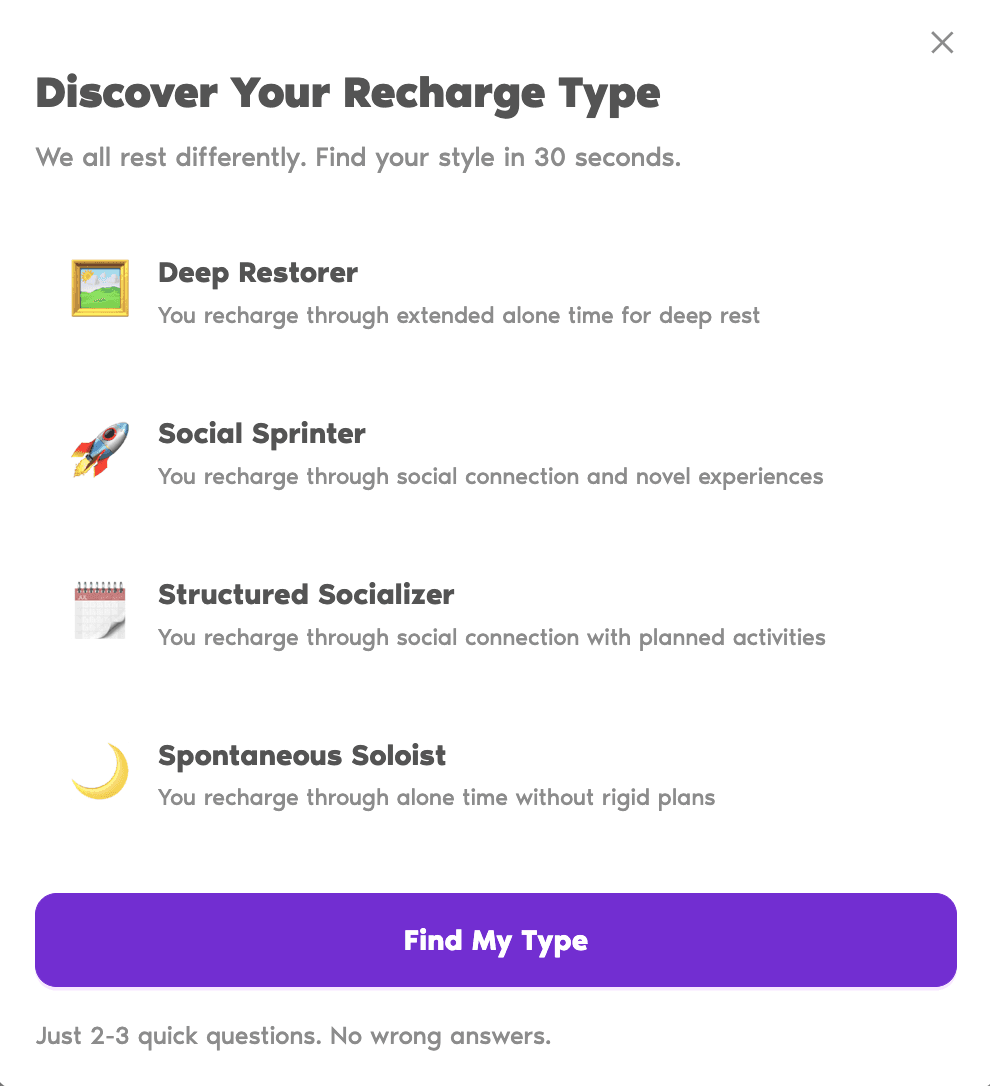
The Four Types
Steps to Take the Quiz
- Open My Energy level from the profile menu in the bottom-left of the dashboard.
- Scroll to Your Next Best Moves.
- Click the Discover your Recharge Type link in the short sentence above the suggestions.
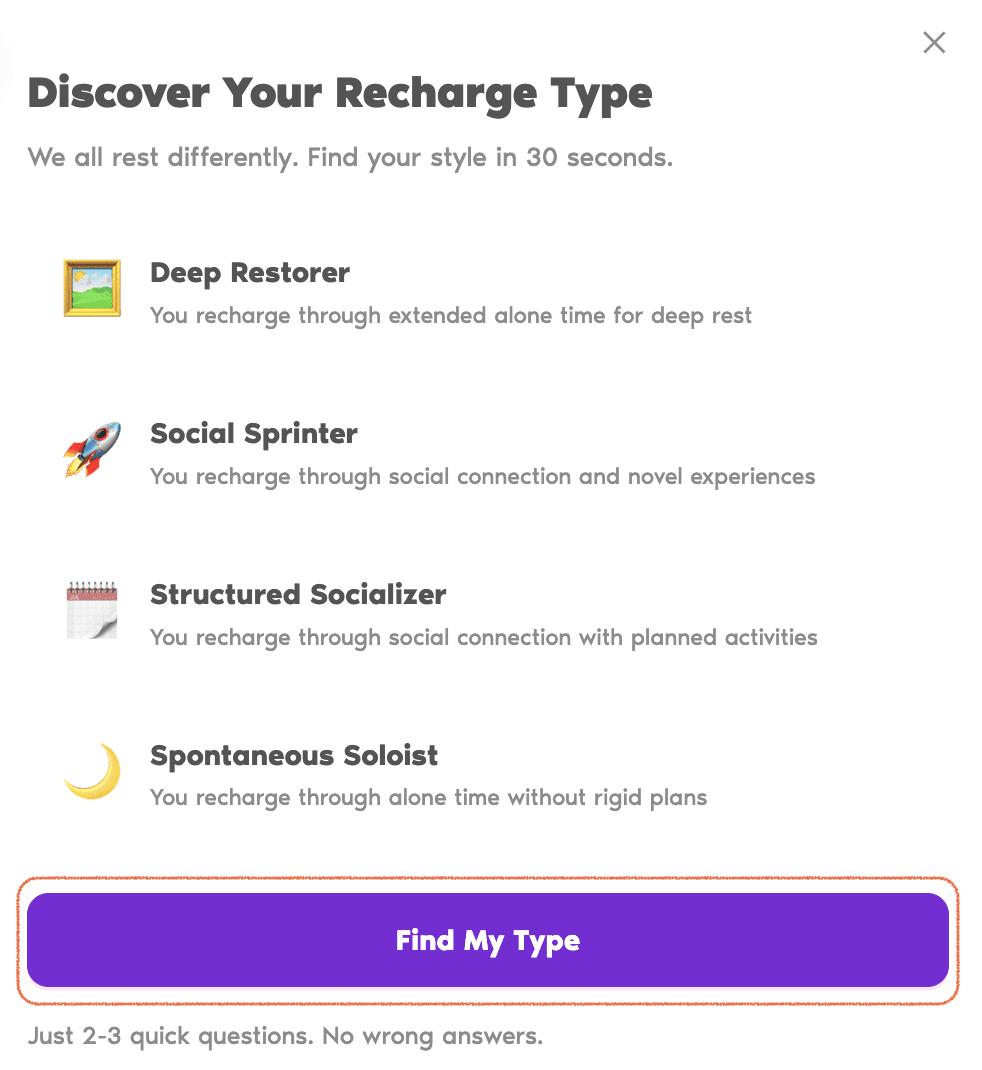
- On the modal that opens, read the short descriptions of the four types, then click Find My Type.
- Answer the two or three quick questions by picking the option closest to you, and click Next between them.
- When you reach the last question, submit your answers. Your Recharge Type and a short tip card appear on your dashboard right away.
How Your Type Is Used
Once your Recharge Type is on file, the Your Next Best Moves section uses it to lean toward the kinds of breaks you actually enjoy: longer windows for a Deep Restorer, shorter bursts for a Social Sprinter, and so on. Your type sits on your My Energy level page so you can come back to it whenever you'd like a small reminder.
Common Questions
Each account has one Recharge Type at a time. There's no limit on how often you can retake the quiz, and your most recent result (plus updated leave suggestions) replaces the previous one.
No, your Energy Score and the leave suggestions in Your Next Best Moves work without it; the quiz just adds your Recharge Type into the mix once you take it. If none of the four types feels exactly right when you do, pick the one that fits most often. The quiz is short on purpose, so the types are broad. You can retake it any time or share feedback through the Adjust Your Energy panel.
Your Recharge Type appears on the My Energy level page right after you submit the last answer, a small card with the type name, a one-line description, and a tip, sitting below the Score breakdown and Your Next Best Moves sections. It's personal to you; your Approver or Admin won't see it. Only your most recent result is shown, so write it down before retaking if you'd like a record of past results.