



Last updated on October 23, 2026
User Training 3: Check Your Leave Balance and History (Microsoft Teams)
Check how much leave you have left and look back at every request you've made.
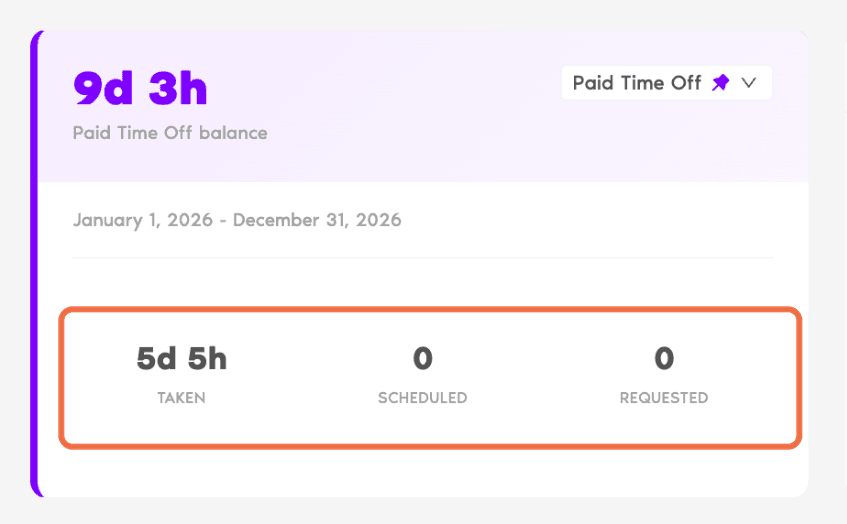
On Your Dashboard
On My Profile
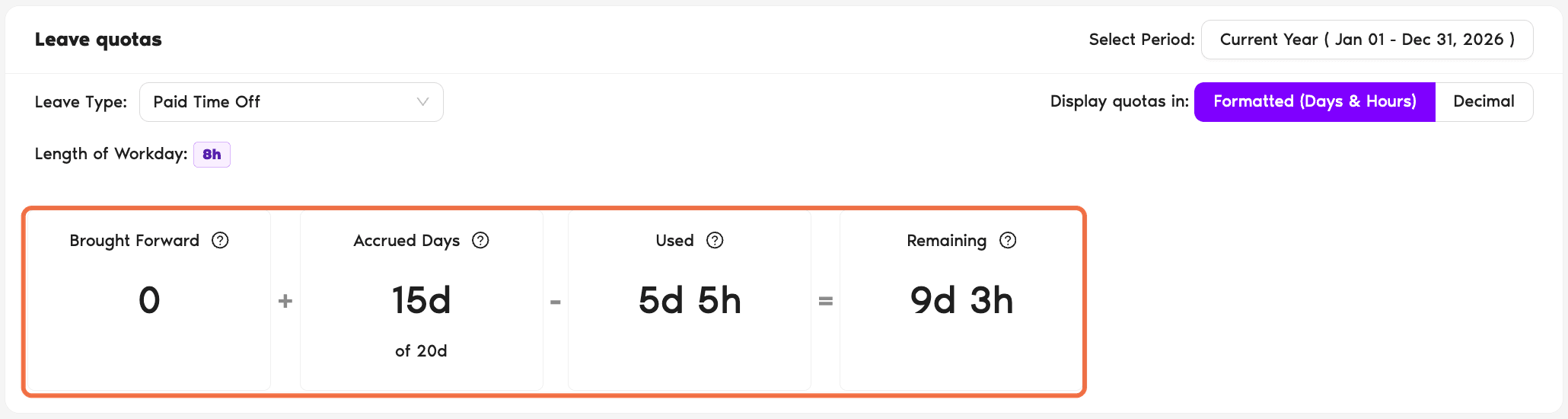
Go to My Profile.
In Microsoft Teams
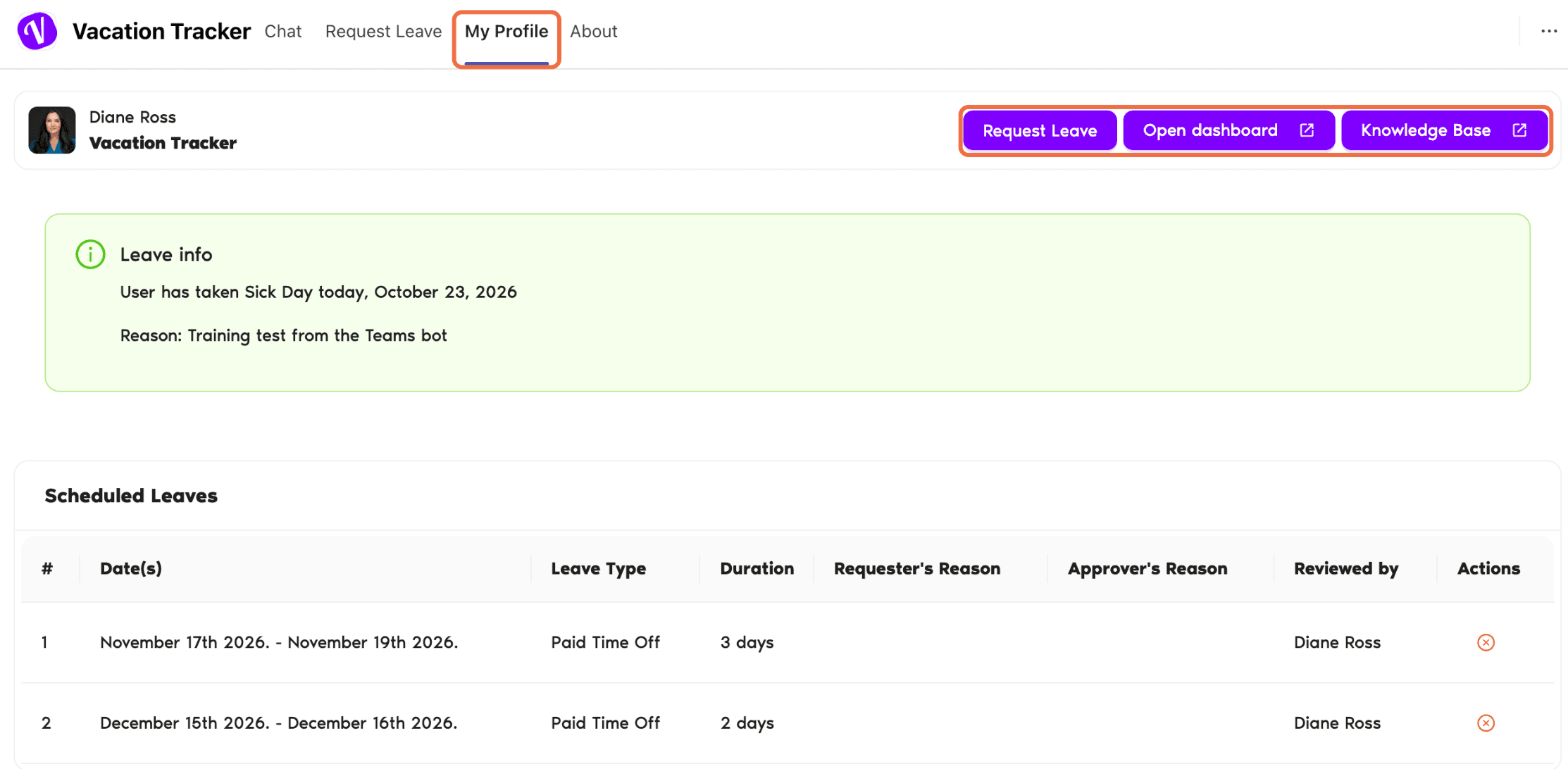
Open the My Profile tab of the Vacation Tracker app. It shows your pending and scheduled leave, Leave quotas, upcoming holidays and history (Show more for older requests). The buttons at the top open Request Leave, the dashboard and the Knowledge Base.
Check It Worked
You can see your remaining balance and find any request you've made.
Common Questions
Days you didn't use last year that carried over to this year. Your company decides whether this happens and when those days expire.
Pending requests are counted as Requested so you don't book the same days twice. If the request is denied, the days come back.
 Book a Call