



Last updated on October 23, 2026
User Training 6: See Who's Off and Upcoming Holidays (Slack)
Check who's away and which holidays are coming up before you plan your own time off.
On Your Dashboard
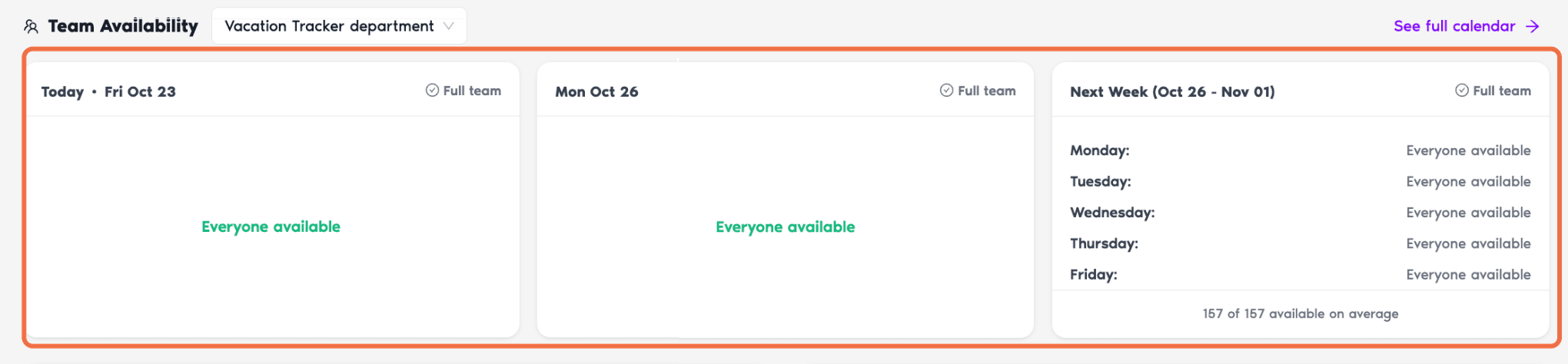
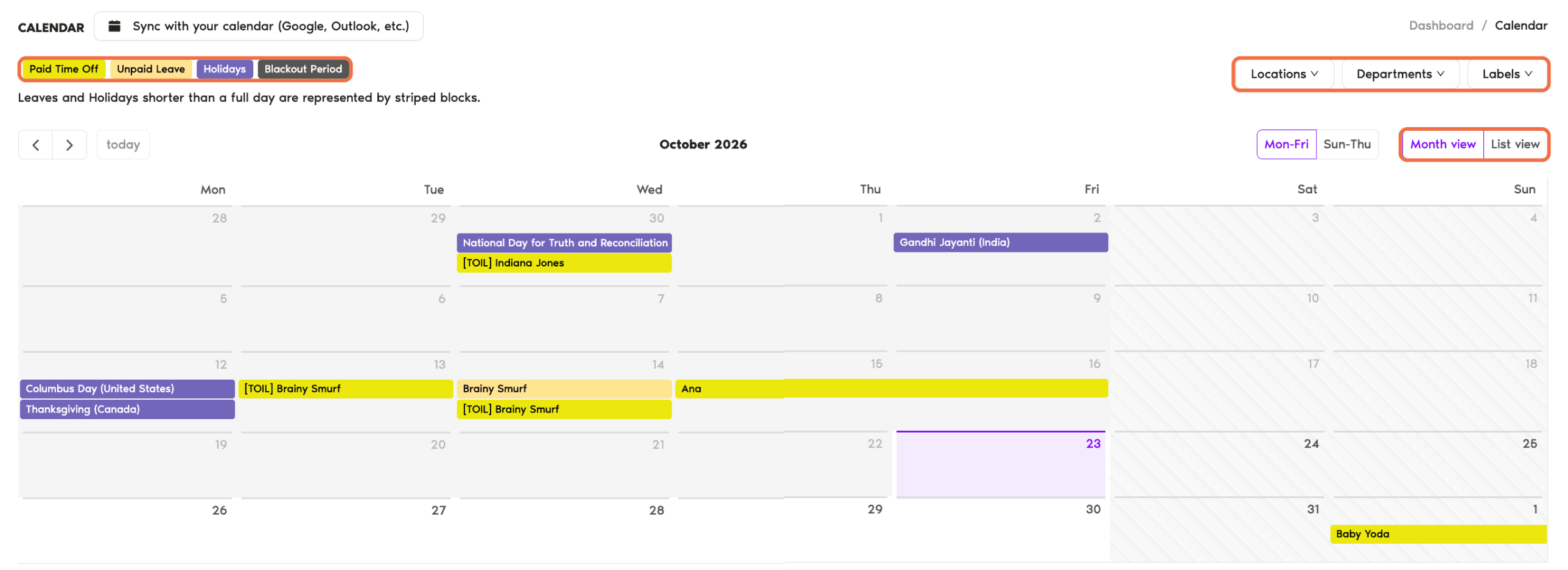
Calendar and Wallchart
Holidays
Click Holidays in the left-hand menu. Switch between this year, next year and Past holidays.
In Slack
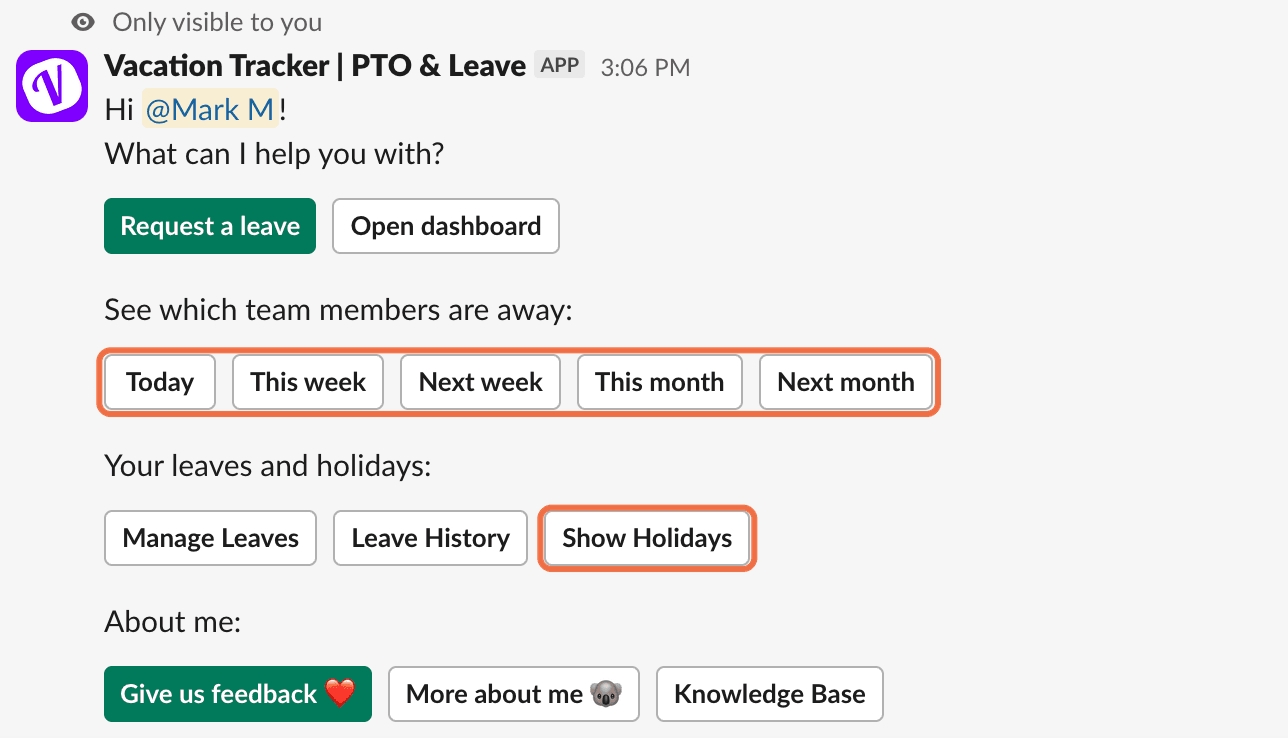
Type /vacation and click See more options. Under See which team members are away, choose Today, This week, Next week, This month or Next month. Click Show Holidays for the upcoming holidays.
Check It Worked
You know who's off on the dates you want and whether a holiday falls in that time.
Common Questions
Your Administrator decides how much of other people's leave you can see.
No. Public holidays for your Location aren't counted as leave days.
 Book a Call