Your team's time off, sorted in an afternoon
Go from signing up to your team booking their own leave, in the same time it takes to clear your inbox.
Free 14-day trial · No credit card · Setup in minutes
Trusted by 3,500+ companies worldwide






Why teams switch
Switching is the easy part
Easy to roll out, easy to use, and built to fit the tools you already run.
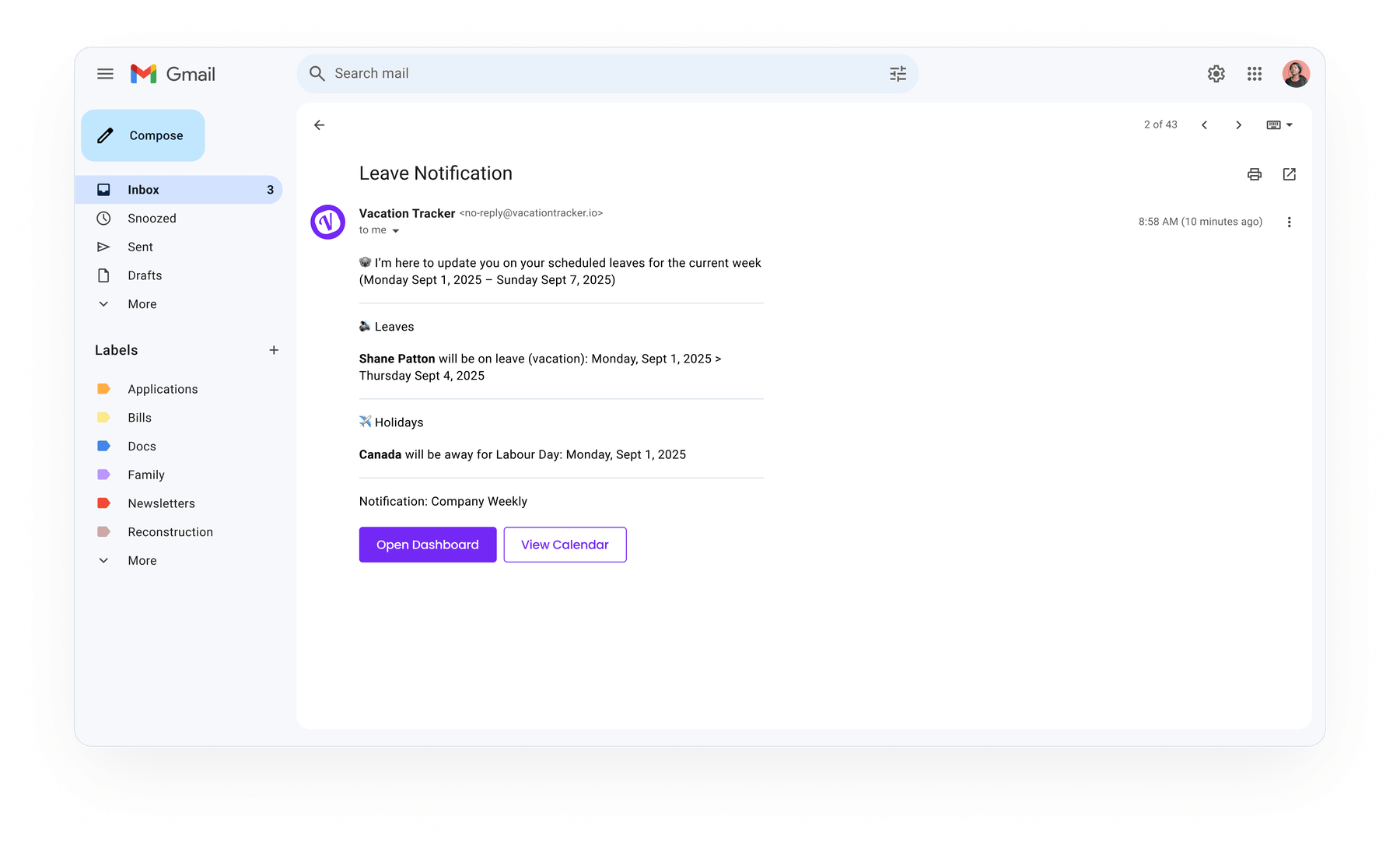
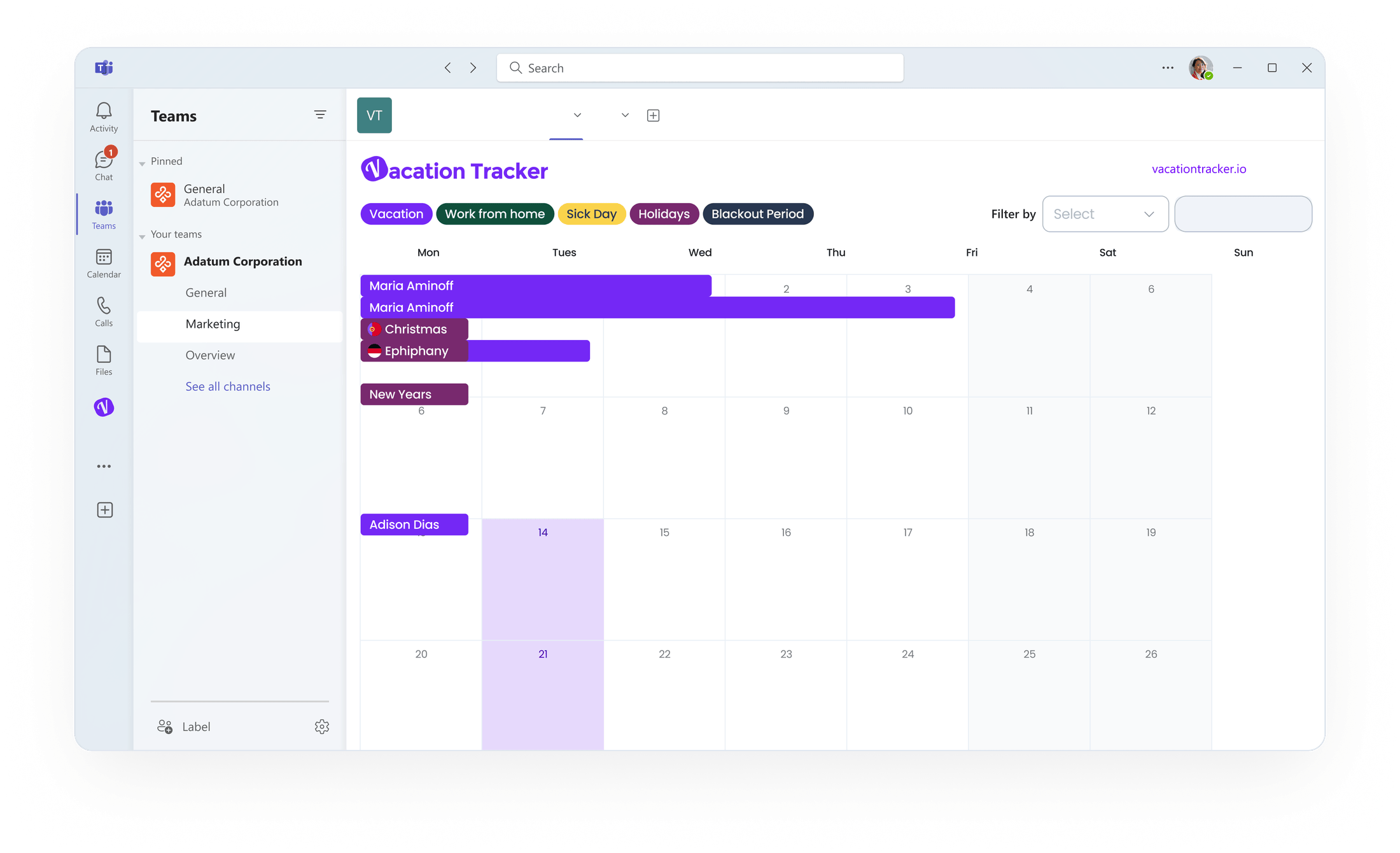
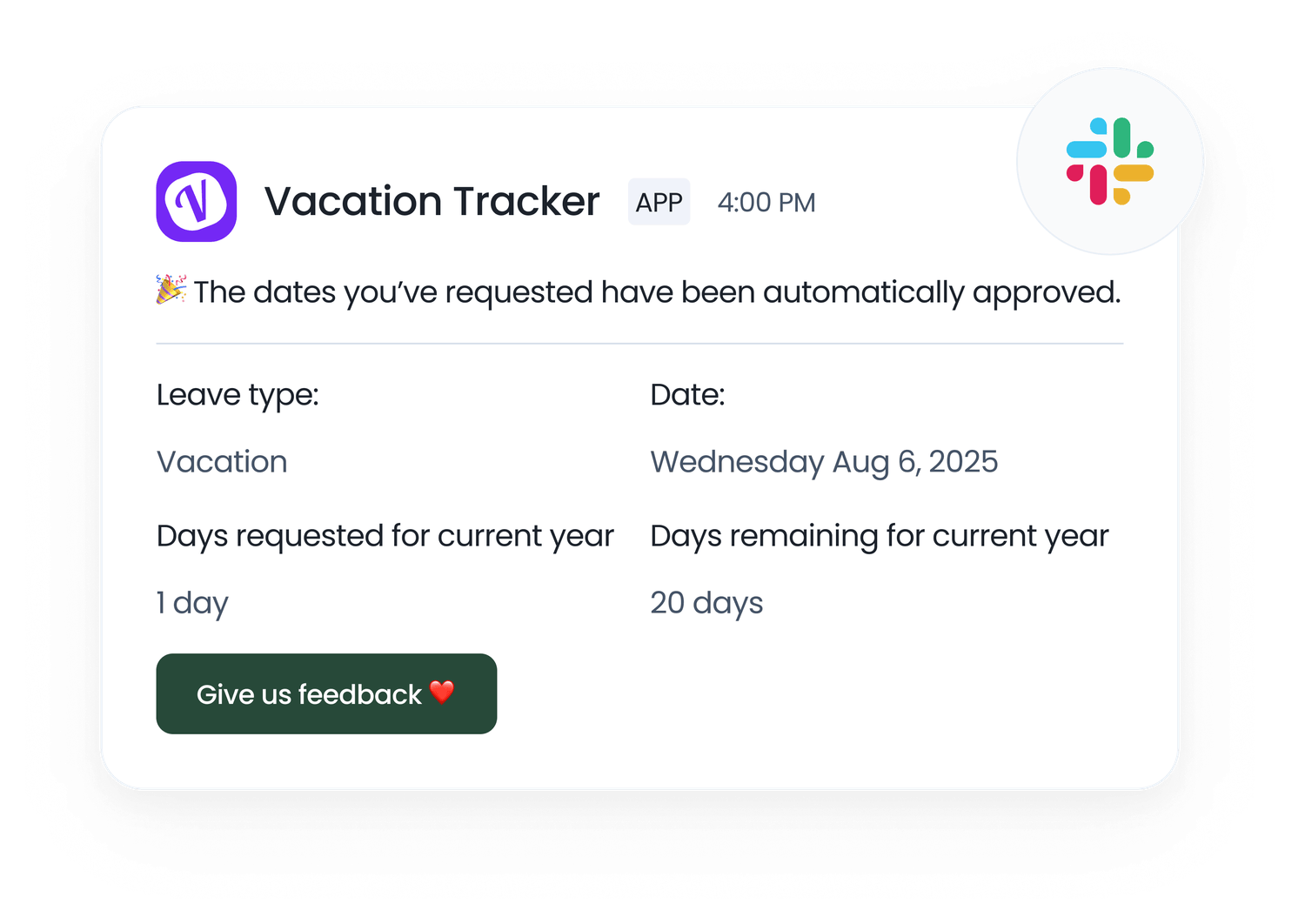
Connected apps
Synced
 Slack
Slack Teams
Teams Google
 Outlook
 Zapier
 MCP
MCP
Who's off · all offices
Live
San Francisco12 away
Berlin8 away
Toronto5 away
Leave policy
Germany
Annual leave20 days
Public holidays9 holidays
Carryover rulesApplied
#time-off
J
Jack requested 2 days
Approved
How it works
Up and running before your next coffee
No migration. No IT ticket. Three steps and your team books its own time off.
1
Connect your tool
Sign up
Connect with MicrosoftSign up with GoogleConnect with Slackor
johnsmith@company.io
Sign up with Microsoft, Google, or Slack. No new login for your team.
2
Set up your leave policy
Setup leave
Paid Time Off
Spain
Approval required
Yearly leave quota25 Days
Shortest durationFull day
Reason required
Set days, accruals, carryover, and holidays for each region. Just once.
3
Let your team self-serve
Request leave
Leave type
Paid Time Off
Start & end date
Jun 25 → Jun 26
12d
Accrued
2d
Used
8d
Remaining
Anyone books time off in seconds and watches their balance update live.
"
It really simplifies the tracking process. It's intuitive and easy to use. We did not have to dedicate training time for the team to quickly understand how to use it.

Sanford C.
Director of Operations · Annapolis Property Services
Verified on G2
Apr 15, 2026
Still reading? It's easier to just try it.
Join 3,500+ teams who tried it and never went back.
Free 14-day trial · No credit card · Setup in minutes