One assistant for everything time off.
Vee is an AI assistant built into Vacation Tracker. It knows your balance, your policies and your team's calendar, so you can request leave, check who's off or plan your next break in one message.
How many PTO days do I have left?
You have 14 days of PTO left this year. 2 are used and 4 more are scheduled.
- Available14
- Scheduled4
- Taken2
Trusted by 3,500+ teams, including Gitpod, Dell, NBCUniversal, Bose, Stanford University and Pepsi.






How it works
From scattered checks to one question.
No more jumping between your balance, the team calendar and the policy doc. Vee pulls it all together, so the answer and the request are one message away.
Without Vee
With Vee
Which week can I take off without leaving my team short?
The week of Nov 16. Your team is fully covered.
- Nobody else on your team is off
- 5 days, with 14 left in your balance
- No holidays or blackout dates in the way
Capabilities
Just ask and Vee handles the rest.
-
Policies
Tell Vee the rules you need for a location, leave type or tenure, and it walks you through the setup.
Learn more about leave policies -
Visibility
Check who's away across a sprint or project window and schedule work around your team's actual bandwidth.
Learn more about scheduling -
Reporting
Get leave usage by team, period or leave type, with Vee pointing you to the right report.
Learn more about reports and alerts -
Energy
See where your energy stands and get break dates that fit your team and your balance.
Learn more about team energy
How do I set a different policy for our London office?
Policies are set per location and leave type, so London can have its own rules:
- Go to Leave Setup → Locations
- Pick London, then Edit Leave Policies
- Edit the policy you want to change
- Adjust entitlement, rollover or accruals, then Update
I'm planning a sprint from January 11 to 22. Who's away?
Here's who's away during your Jan 11 to 22 sprint:
| Sam Rivera | Jan 11 and 12, Jan 19 and 20 |
| Nadia Ortiz | Jan 13 and 14 |
| Leo Martin | Jan 14 and 15, Jan 19 |
Jan 14 and Jan 19 have two people out.
Need everyone in? Jan 25 to Feb 5 has nobody away.
How do I see total PTO used by my team this quarter?
Use the Leave Request Report:
- Go to Reports and open the Leave Request Report
- Set the period to this quarter and filter to your team
- Pick PTO as the leave type, status Approved
- Download it as CSV or Excel
Want it every quarter? Scheduled Reports can email it to you.
I'm feeling drained. When's the best time for a break?
I hear you. A break soon would help. Here's the best pick:
- Only 1 PTO day used
- No team conflicts
- Predicted to leave you energized
Available everywhere
The same AI, wherever your team works.
Not a fan of our dashboard? Our Slack and Microsoft Teams bots run on the same AI, and MCP connects Vacation Tracker to the AI tools you already use.

AI-powered Slack bot
Check balances, policies and who's off without ever leaving Slack.
Explore the Slack integration
AI-powered Teams bot
Plan time off and see who's out, right from your Teams chats.
Explore the Teams integration


Your own AI tools
Connect ChatGPT, Claude or Copilot with MCP to check, book and approve time off from there.
Explore MCP integrationsSee it in action
Watch how Vee works.
Open the purple Vee tab in your dashboard, then type a question or pick one of the suggestions.
Browse our knowledge base guides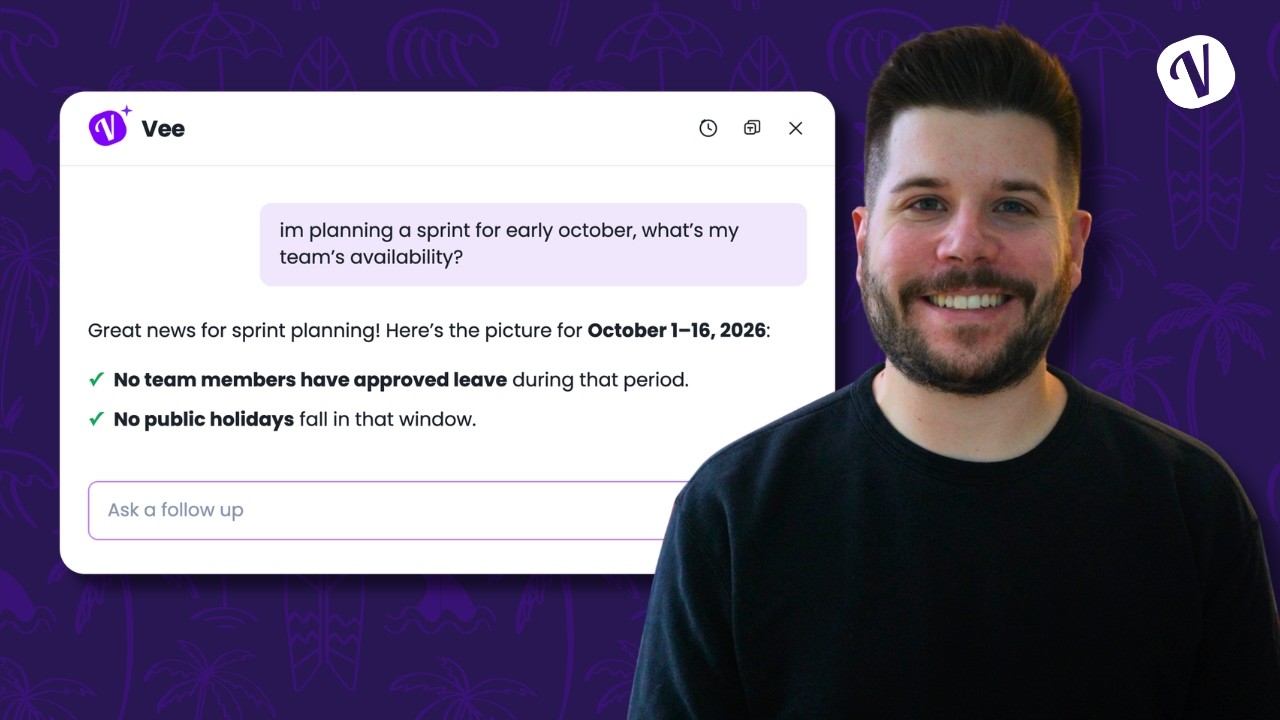
Frequently asked questions
What is Vee?
Vee is an AI-powered assistant built into Vacation Tracker. It works from your company's policies and your own leave data. Open it from the purple Vee icon and start asking in plain language.
What can Vee see?
Your balance and requests, your company's policies and holidays, and approved leave across your team. It can't see anyone else's balance or anything outside Vacation Tracker.
Can Vee book leave for me?
Vee prepares the request and shows you a summary. You open the request form, check the details and submit it yourself. Vee never submits anything for you.
Can Vee approve or deny requests?
No. Approvers keep handling requests in the dashboard, Slack or Microsoft Teams, the same way they do today.
Is Vee included in my plan?
Yes, Vee is included in every paid plan. For more details, see our pricing page.
Ask Vee your first question.
Start a free 14-day trial and try Vee in your own dashboard, or book a demo and we'll walk you through it.