PTO that lives in chat, not another portal
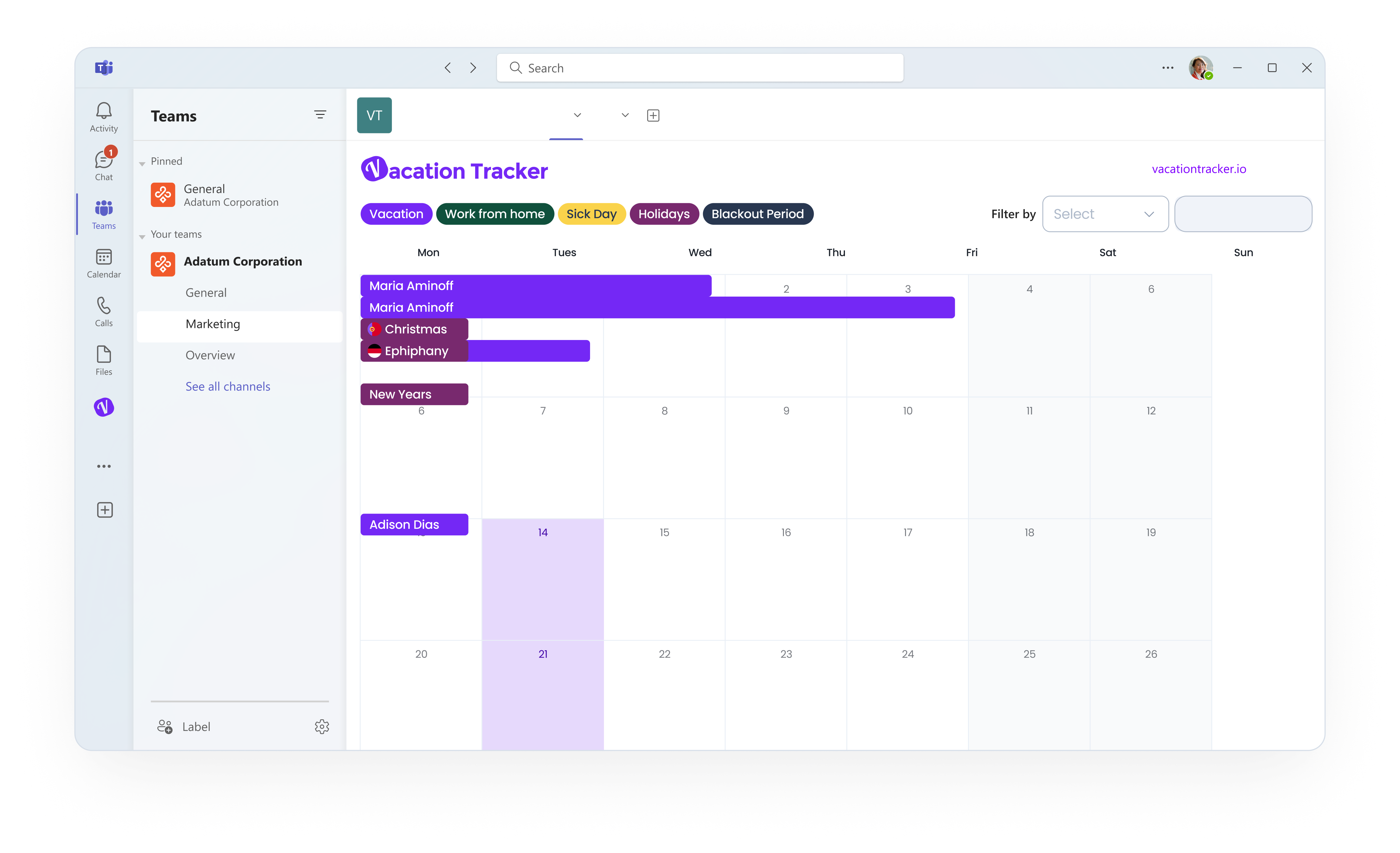
From booking and approvals to balances and who's off, leave gets handled directly in the apps your team is already familiar with. No extra logins.
Free 14-day trial · No credit card · Setup in minutes
Trusted by 3,500+ companies worldwide






Why teams switch
Made for growing, multi-location teams
Too big for a spreadsheet, too small for a full HRIS. Vacation Tracker is the layer that just handles leave.
Who's off · all offices
Live
San Francisco12 away
Berlin8 away
Toronto5 away
Leave policy
Germany
Annual leave20 days
Public holidays9 holidays
Carryover rulesApplied
 #time-off
J
Jack requested 2 days
Approved
Time off by month
18%
How it works
Up and running before your next coffee
Three steps, nothing to migrate, and your team books its own time off.
1
Connect your tool
Sign up
 Connect with Microsoft
 Sign up with GoogleConnect with Slack
or
johnsmith@company.io
Sign up with Microsoft, Google, or Slack. No new login for your team.
2
Set up your leave policy
Setup leave
Paid Time Off
Spain
Approval required
Yearly leave quota25 Days
Shortest durationFull day
Reason required
Set days, accruals, carryover, and holidays for each region. Just once.
3
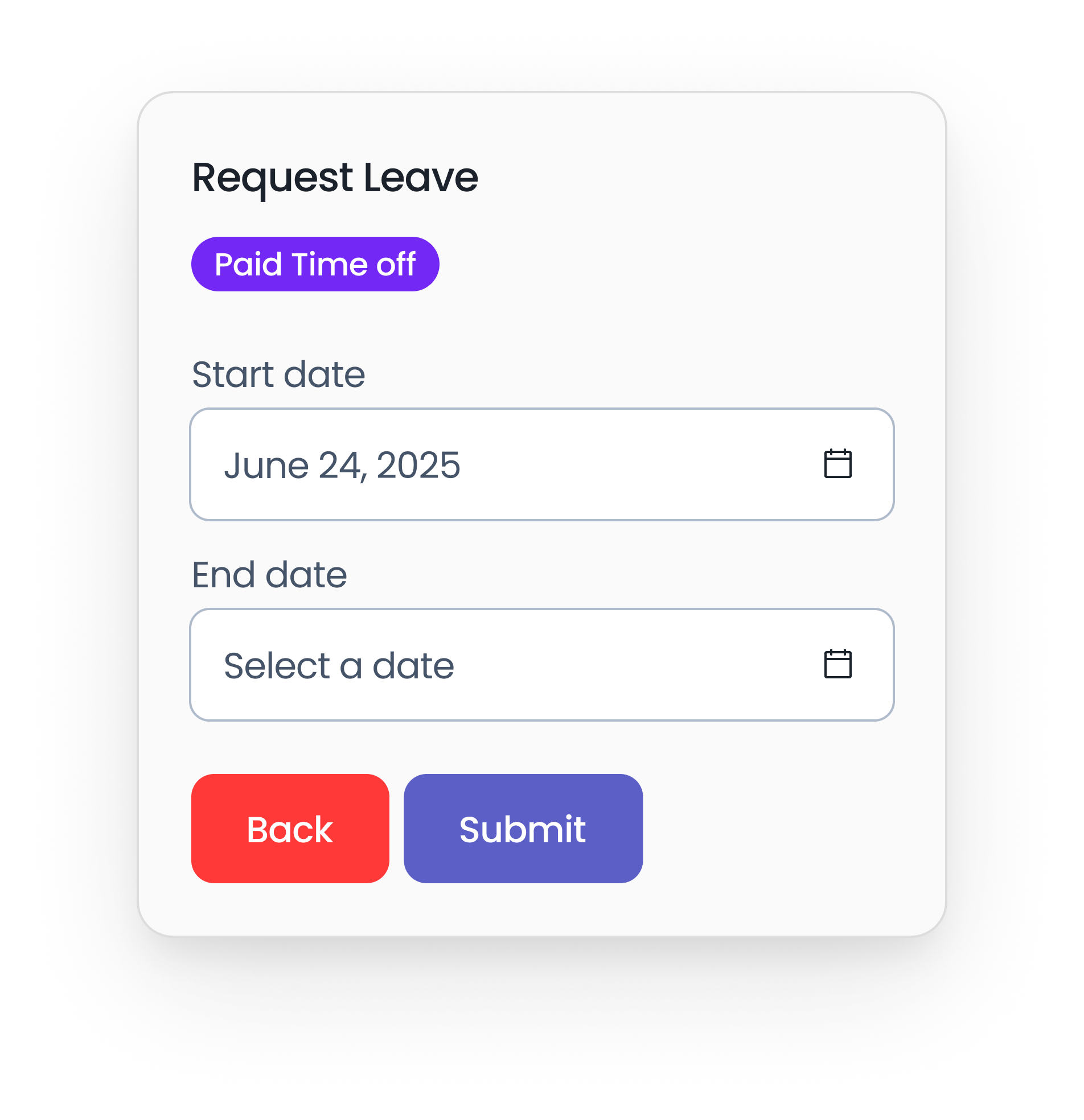
Let your team self-serve
Request leave
Leave type
Paid Time Off
Start & end date
Jun 25 → Jun 26
12d
Accrued
2d
Used
8d
Remaining
Anyone books time off in seconds and watches their balance update live.
"
From an admin side, not much to do after setup. The user can basically help themselves. From an end user point of view, all information is at your disposal and can be found easily.

Rameez I.
IT Ops Manager · FigTree Financial
Verified on G2
Jan 29, 2026
Give your team the time-off tracker they'll actually use
Join 3,500+ teams who moved leave out of spreadsheets and portals for good.
Free 14-day trial · No credit card · Setup in minutes