
Last updated on October 17, 2026
If your team spends most of their time in Slack but you’re still tracking leave in spreadsheets, you’re wasting valuable time and making room for mistakes.
The right Slack-integrated leave tools let you do everything right where your team already works: request time off, approve requests, and check balances with just a few clicks.
If you’re ready to make things simpler, here’s our take on 7 tools that make managing leave inside Slack a whole lot easier.
Watch the full walkthrough to see how they work and find the one that fits your team best.
Why Your Team Needs a Slack Leave Management Tool
If you're using Slack but tracking leave in spreadsheets, you're creating extra work. A lot of HR professionals still rely on spreadsheets for leave management, which leads to 2.5x more tracking errors compared to dedicated software.
With a proper Slack integration, you won't manually calculate accruals for every employee. You won't hunt through email threads for leave requests. You won't track holidays and leave laws across different countries by hand.
What Makes a Good Leave Management Tool for Slack
Here's what they need to have in common:
- Ease of use. If you need a manual to approve someone's vacation request, your team won't use it.
- Visibility. You need to see who's off and who's available so you can delegate tasks and set realistic deadlines. Daily or weekly notifications keep everyone informed.
- Custom policies. Whether you have one office or ten, the system needs to handle your specific rules. Accruals, time off in lieu (TOIL), carryover, probation periods, seniority entitlements - these aren't optional features.
- Automation. If you're still manually checking who's off each day, you've defeated the purpose of the software.
- Integrations. This article focuses on Slack, but calendar sync (Google Calendar, Outlook) makes everything smoother.
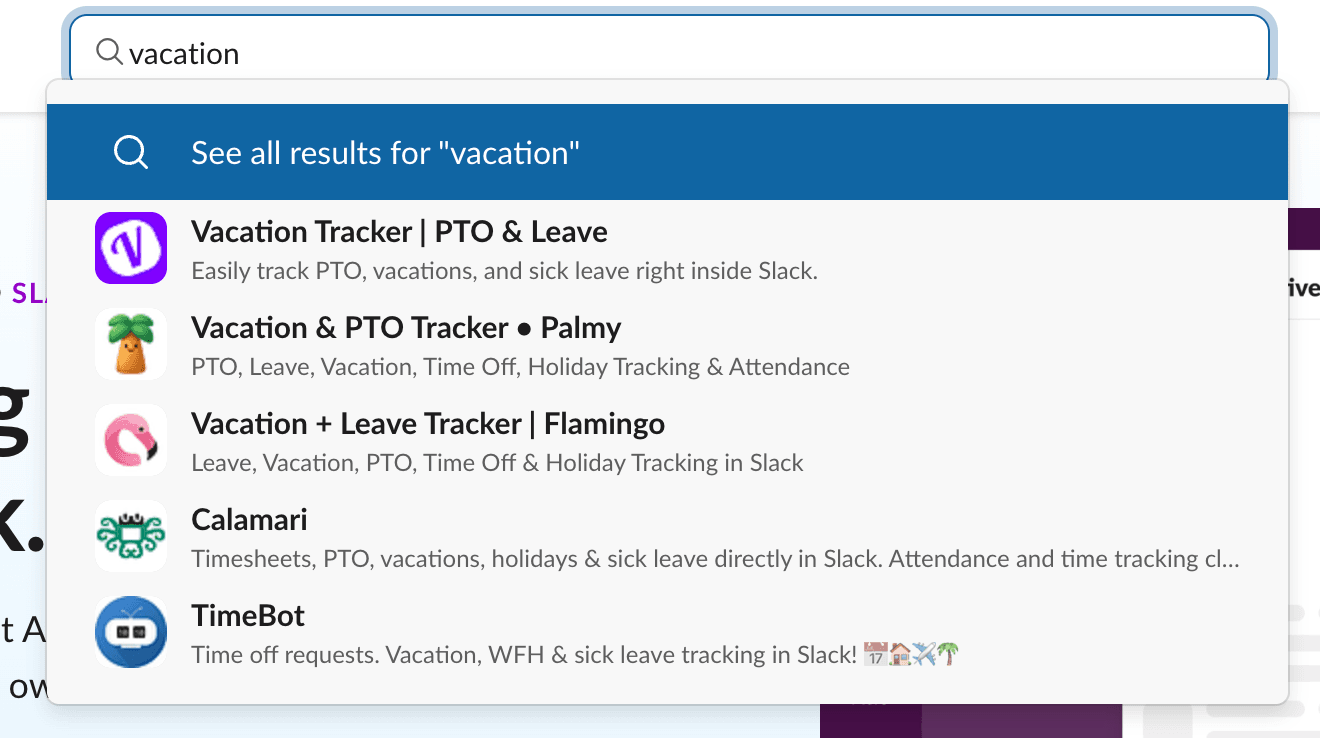
Vacation Tracker: The Most Complete Slack-Native Solution
Vacation Tracker is ranked #1 leave management software specifically for its native Slack integration. Once you set up your account on the dashboard, you can do everything inside Slack.
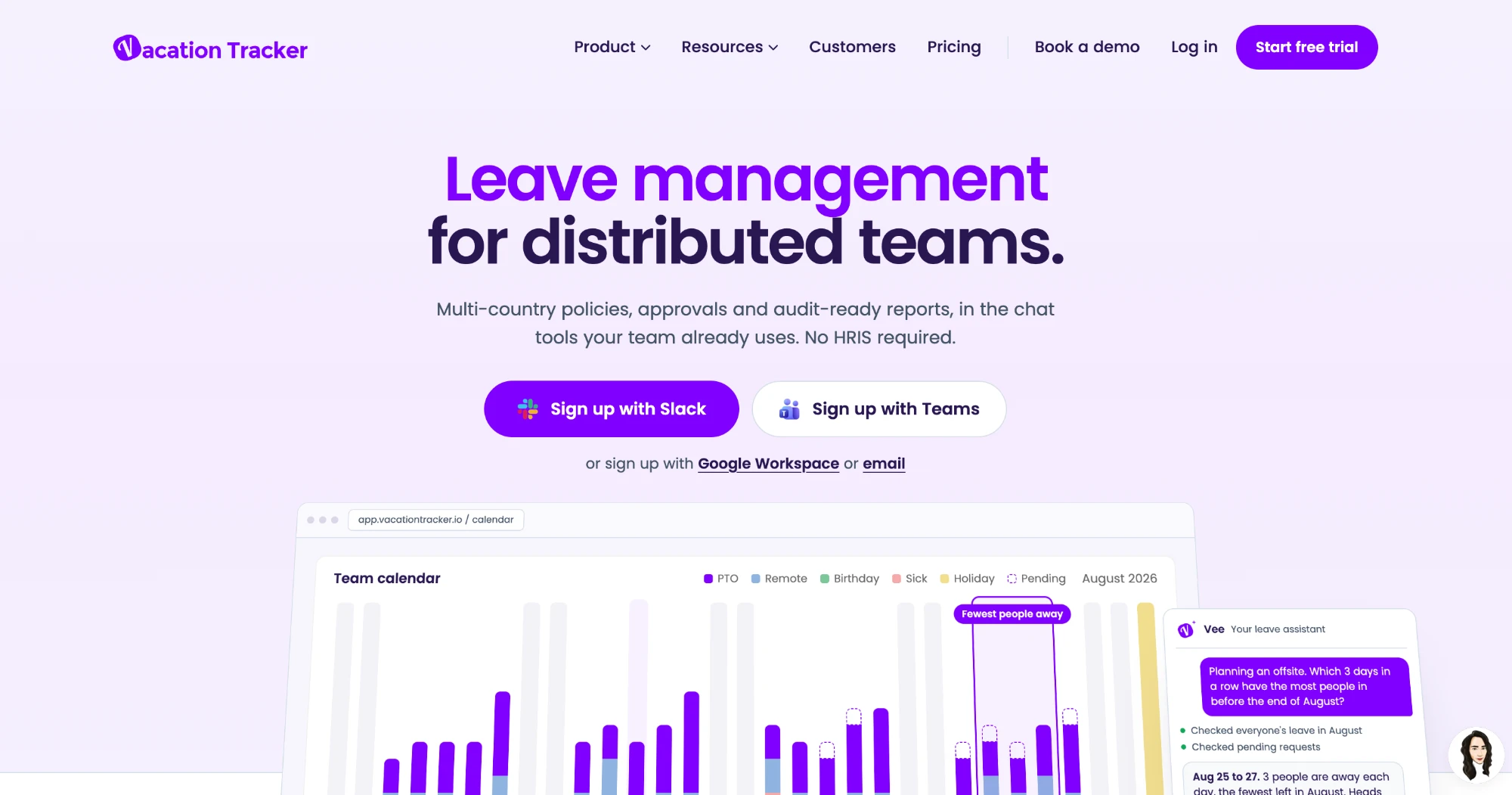
What You Can Do Without Leaving Slack
The Slack integration isn't just for submitting requests. You can:
- Request leave with one slash command
- Check your balance for this year and next year
- Request TOIL (if your company offers it)
- See which team members are away
- View your leave history
- Check upcoming holidays
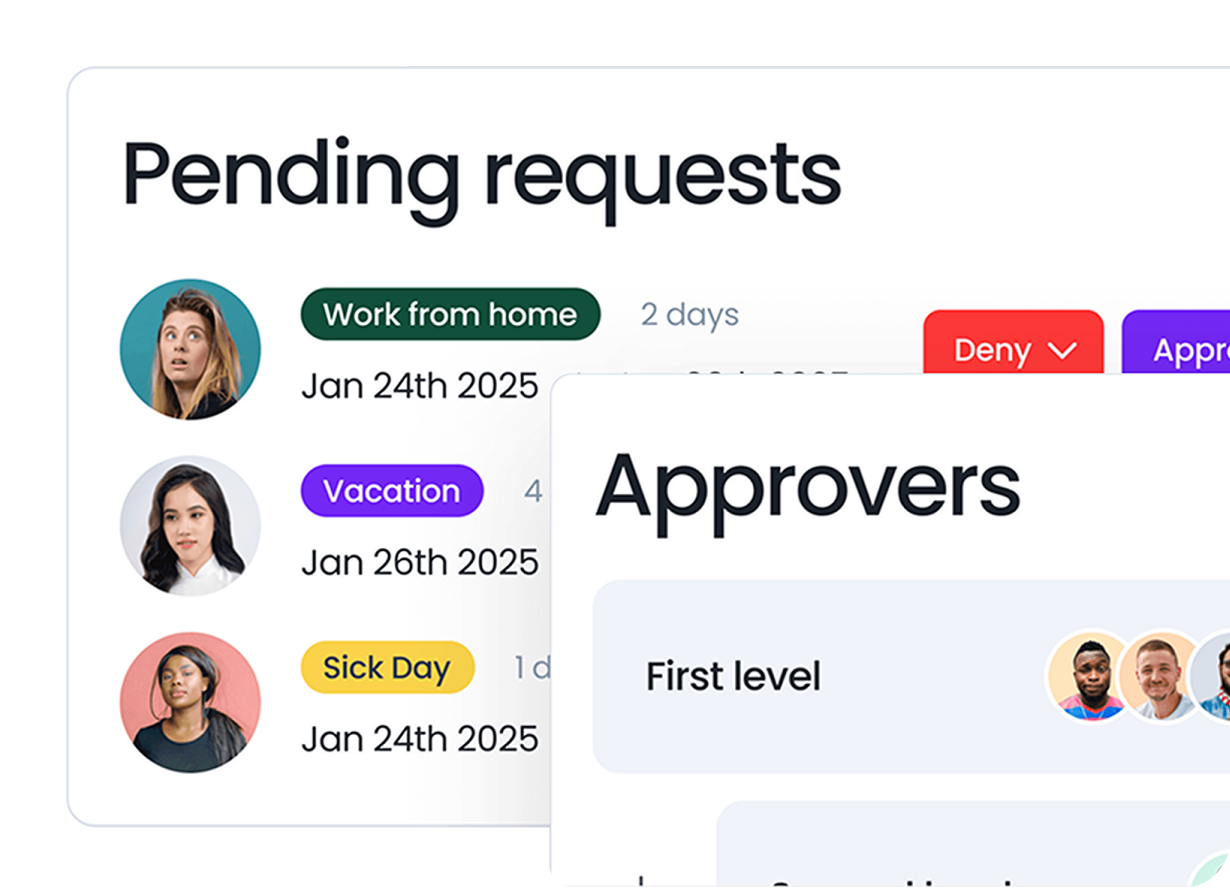
- Approve or deny requests as a manager
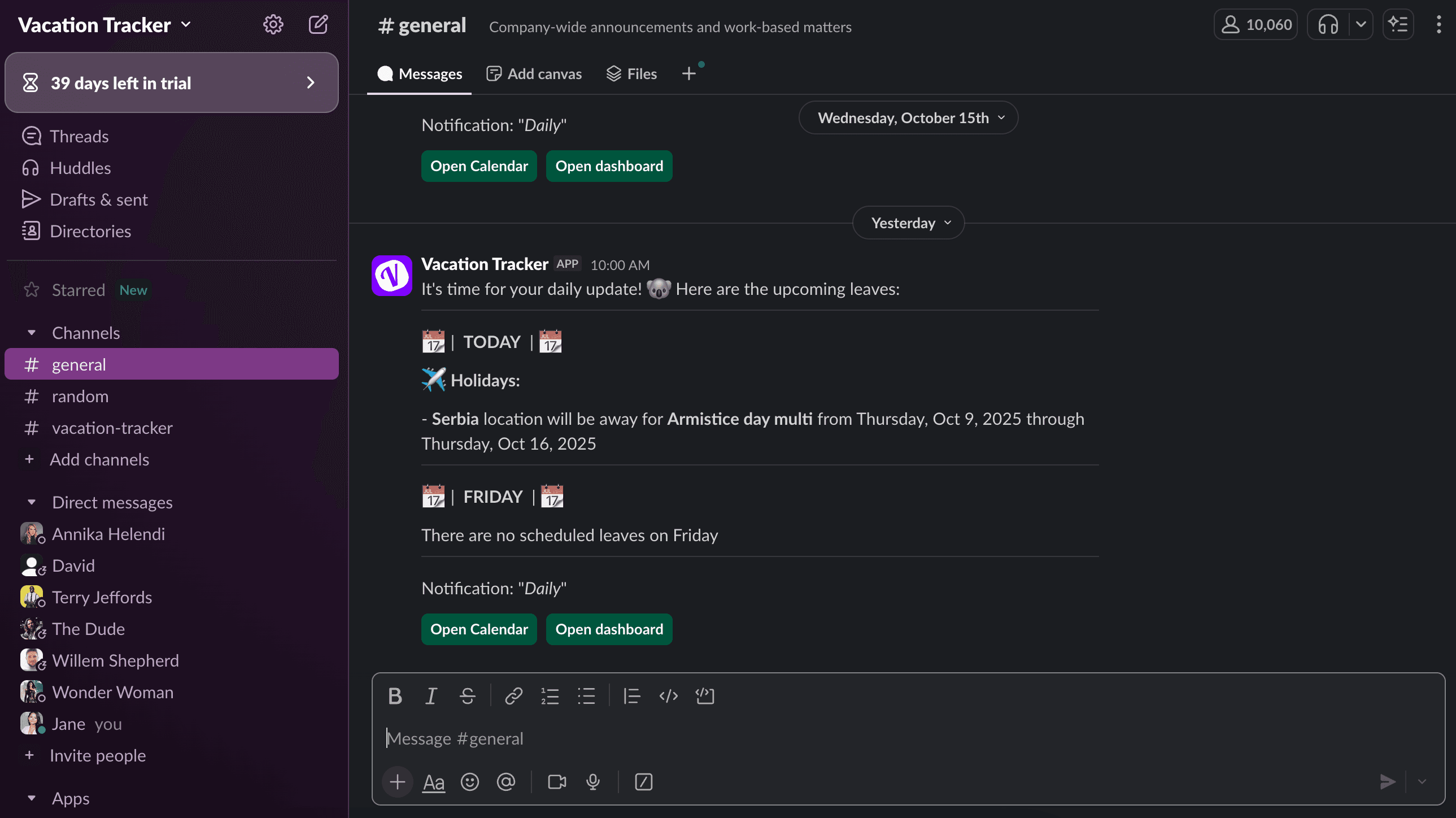
Visibility features: You'll get daily or weekly notifications in Slack channels showing who's off for holidays, personal leave, or any other leave type you've configured.
Pricing
Vacation Tracker keeps pricing transparent:
- Core: $2 per user per month for leave tracking, approvals and calendars in Slack.
- Complete: $4 per user per month adds accruals, TOIL, multi-level approvals, unlimited locations and advanced reporting.
Both plans have a minimum of 25 users per month. Try Vacation Tracker free for 14 days, no credit card required.
You can review the exact pricing and features to pick what fits your needs.
Tracking Can Be
Learn how to manage time off without
confusion, delays, or admin headaches.
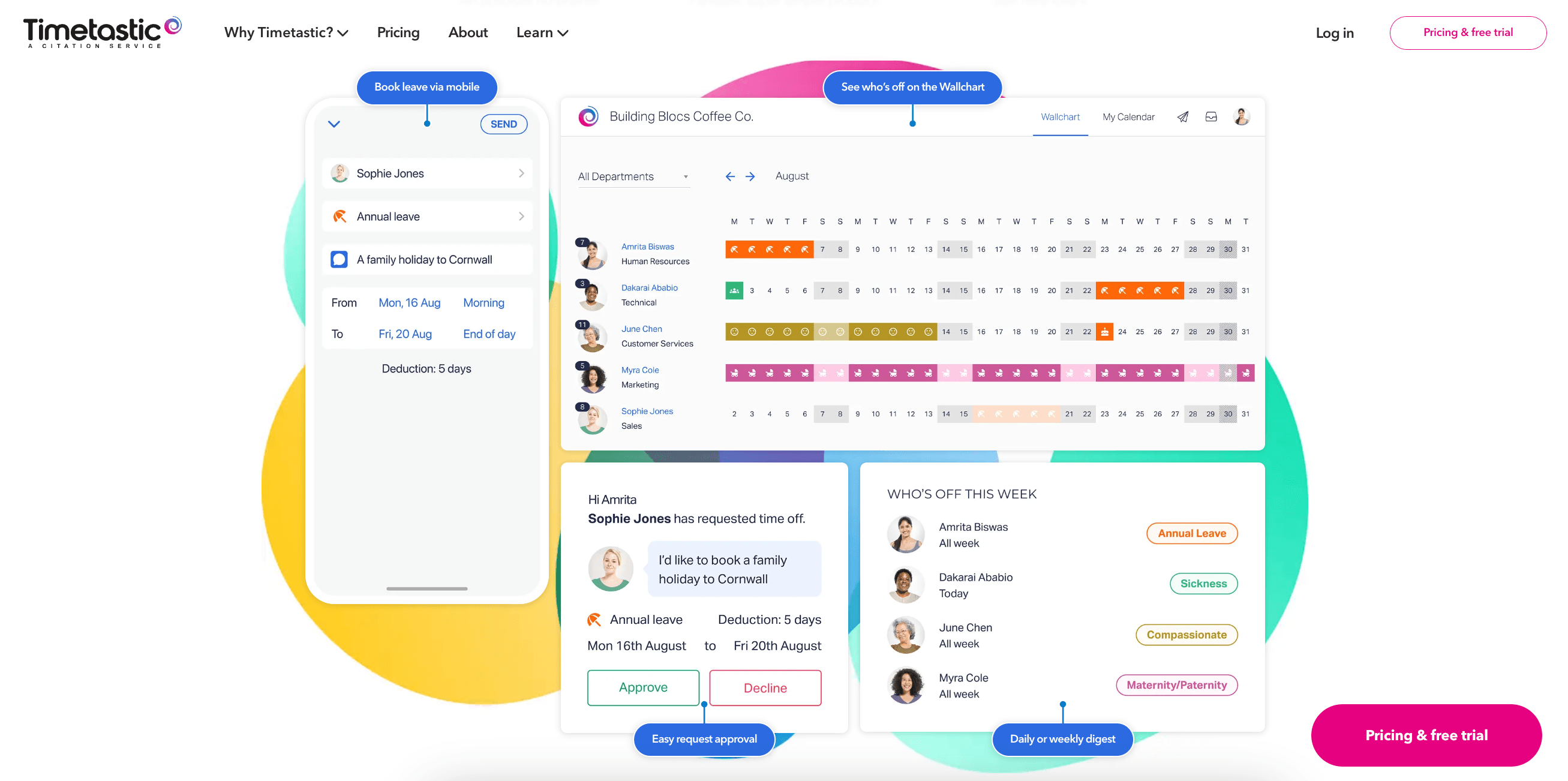
Timetastic: Built for UK Teams
Timetastic is specifically designed for UK employment regulations. If you're based in the UK, this tool handles statutory leave calculations and holiday entitlements automatically.
For teams in North America or other regions, you'll need more manual setup to configure the system properly.
Pricing
Timetastic shows clear pricing on their website, as listed on Timetastic's site in October 2026:
- Business plan: $1.50 per user per month
- Timetastic Pro: $2.50 per user per month (includes accruals and advanced reporting)
- Rota & Time Clock: $5.50 per user per month
Prices are in USD; Timetastic may show GBP in the UK. Billing is month to month, with a 30-day free trial.
If your team operates under UK labor laws, Timetastic is worth considering. For international teams, you might need something more flexible.
AttendanceBot: Leave Tracking Plus Time Tracking
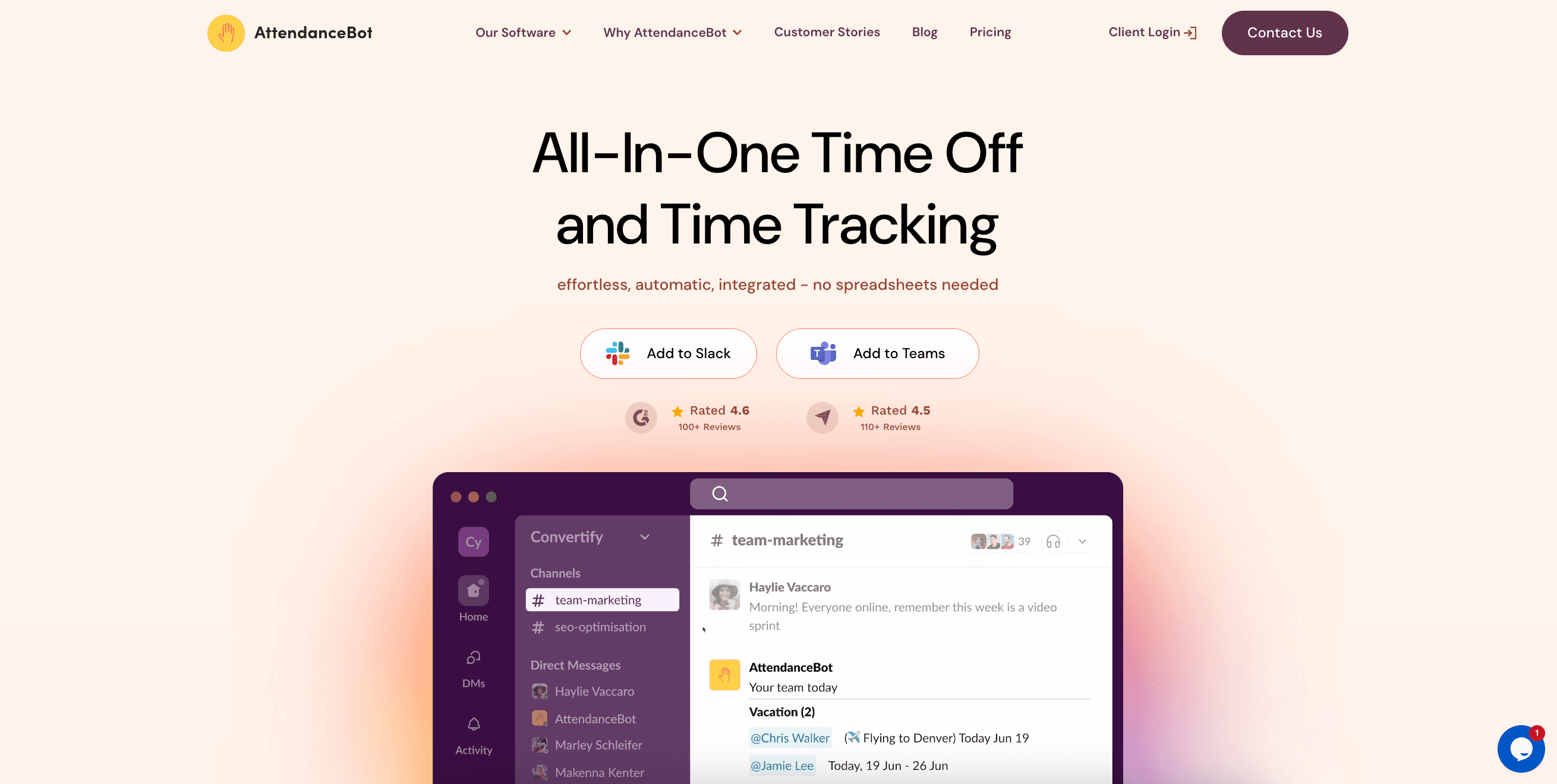
AttendanceBot handles leave requests and status updates in Slack, but it's not just a leave tracker. The platform also does time tracking, employee scheduling, and other workforce management features.
The Cost Trade-off
AttendanceBot is pricier than dedicated leave tools:
- Standard: $4 per user per month, billed annually
- Pro: $6 per user per month, billed annually
- Premium: $10 per user per month, billed annually
These USD prices are as listed on AttendanceBot's site in October 2026. Monthly billing is $6 per user for Standard or $9 for Pro. Leave accruals and balances need Pro; location-based rules and TOIL need Premium. A 14-day free trial is available.
If you only need leave tracking, this might be overkill. But if you also need time tracking or scheduling, combining these features in one tool could make sense.
Setup Complexity
Some users mention the initial setup takes more work than simpler leave-only tools. If you're looking for something you can configure in an afternoon, this might not be it.
Calamari: Good for European Teams
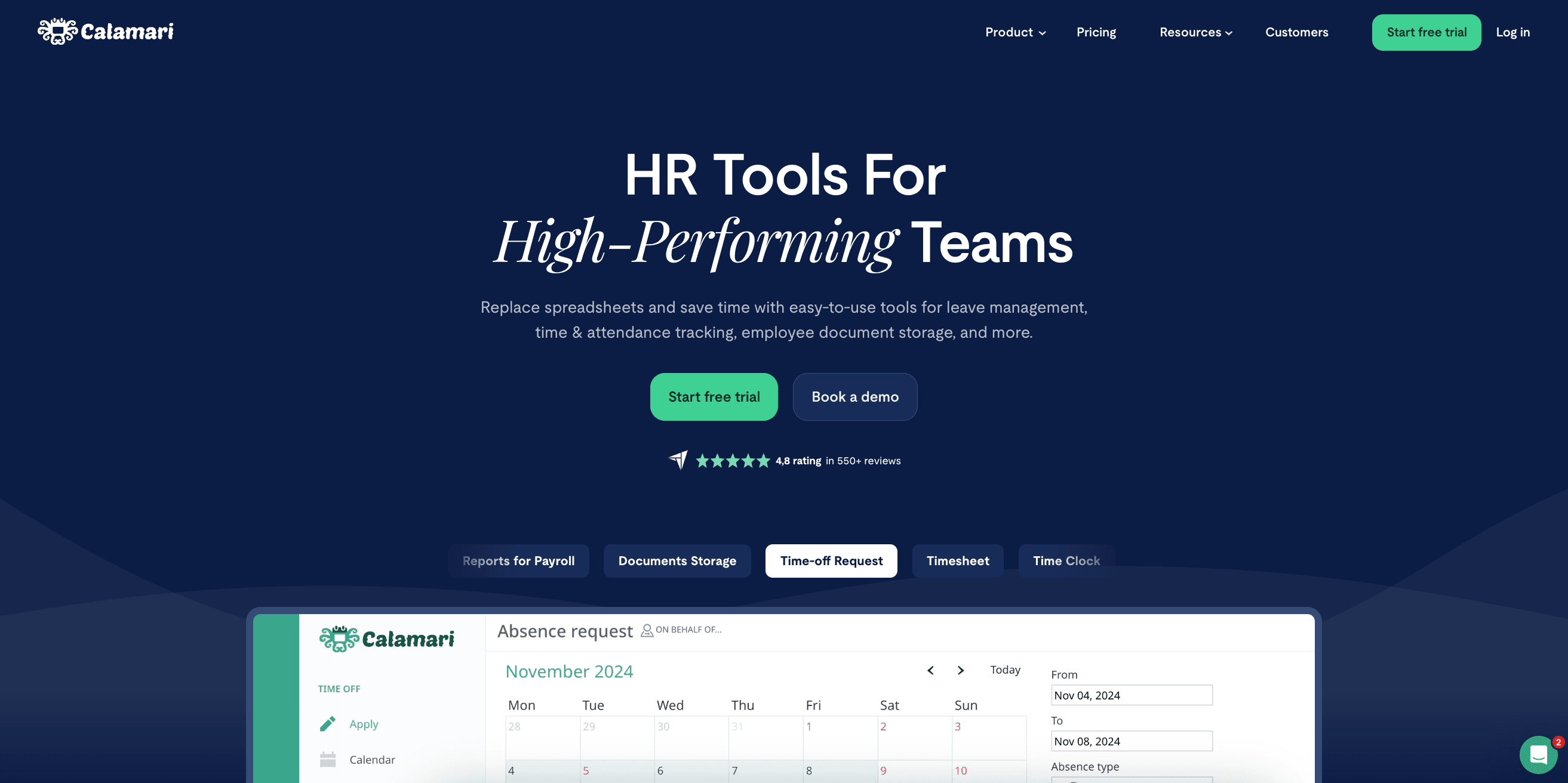
Calamari works well for European teams that want the app in their own language (Polish, English, French, Spanish or German). It offers custom approval flows and integrates with both Slack and Google Calendar.
The Interface Issue
Some reviews mention the interface feels clunky and setup takes time. If you value a smooth user experience, you might want to test this one before committing.
Pricing
Calamari offers its Time Off module for $2 per employee per month billed yearly ($2.50 monthly), with a 10-seat minimum, as listed in USD on Calamari's site in October 2026. They have other HR capabilities available if you need them, but the base leave tracking module keeps costs reasonable. A 14-day free trial is available.
Enterprise Options: BambooHR, Deel, and HiBob
If you're a larger team or need a full HR system beyond leave tracking, these three platforms might fit better than standalone leave tools.
BambooHR: Limited Slack Integration
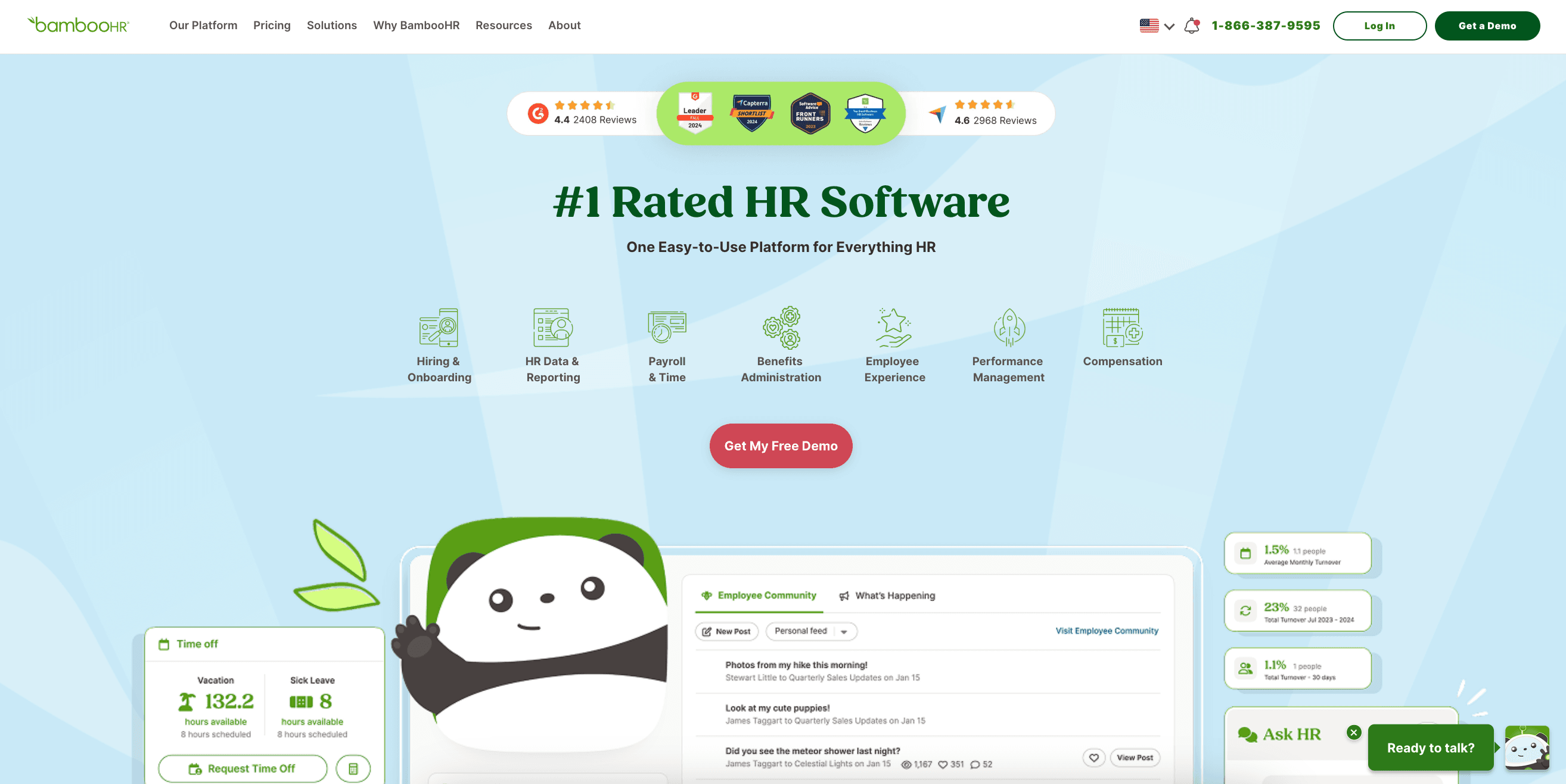
BambooHR is a popular HR platform. Their Slack integration lets you request time off in Slack, but approvals and most other actions happen on the BambooHR platform itself.
This creates friction. You start the process in Slack but have to switch to BambooHR to finish it. Research shows this kind of context switching slows down approval times.
When it makes sense: If you're already using BambooHR for other HR functions and your leave tracking needs are simple, adding the Slack integration is better than nothing.
When it doesn't: For smaller teams or teams with complex leave policies, dedicated leave tools offer more flexibility. As listed on BambooHR's site in October 2026, Core costs $10, Pro $17 and Elite $25 per employee per month in USD, with volume discounts available. These prices are for the full HR platform, not leave alone.
Deel: Built for Global Payroll and Compliance
Deel is known for global payroll and compliance. It automatically applies leave regulations across 100+ countries with localized holiday calendars and statutory entitlement calculations.
Their Slack integration allows leave requests and status updates for global teams, which helps if you have distributed teams across multiple time zones and countries.
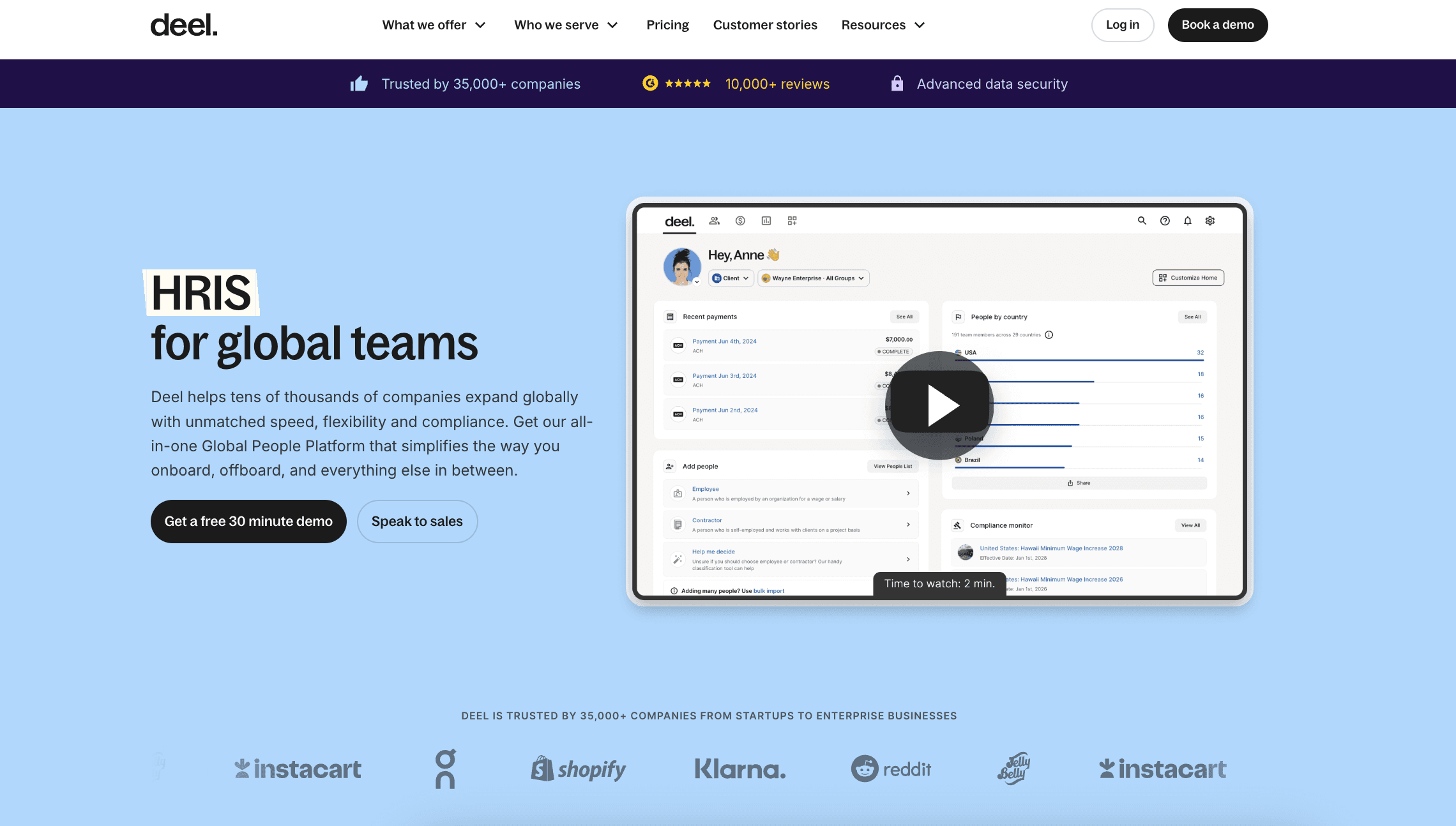
The limitation: Some users on G2 note that Deel's PTO setup feels limited compared to dedicated leave tools. This is common with large HR platforms - their leave modules aren't as sophisticated as companies that focus only on leave tracking.
When it makes sense: If you're already using Deel for payroll and HR, adding their leave tracking Slack integration keeps everything in one system.
Pricing: As listed on Deel's site in October 2026, Deel HR Core starts at $5 per employee per month and includes time off and approvals. Advanced is $19 and Elite is $29 per employee per month. Prices are in USD; payroll and employer-of-record (EOR) services are priced separately.
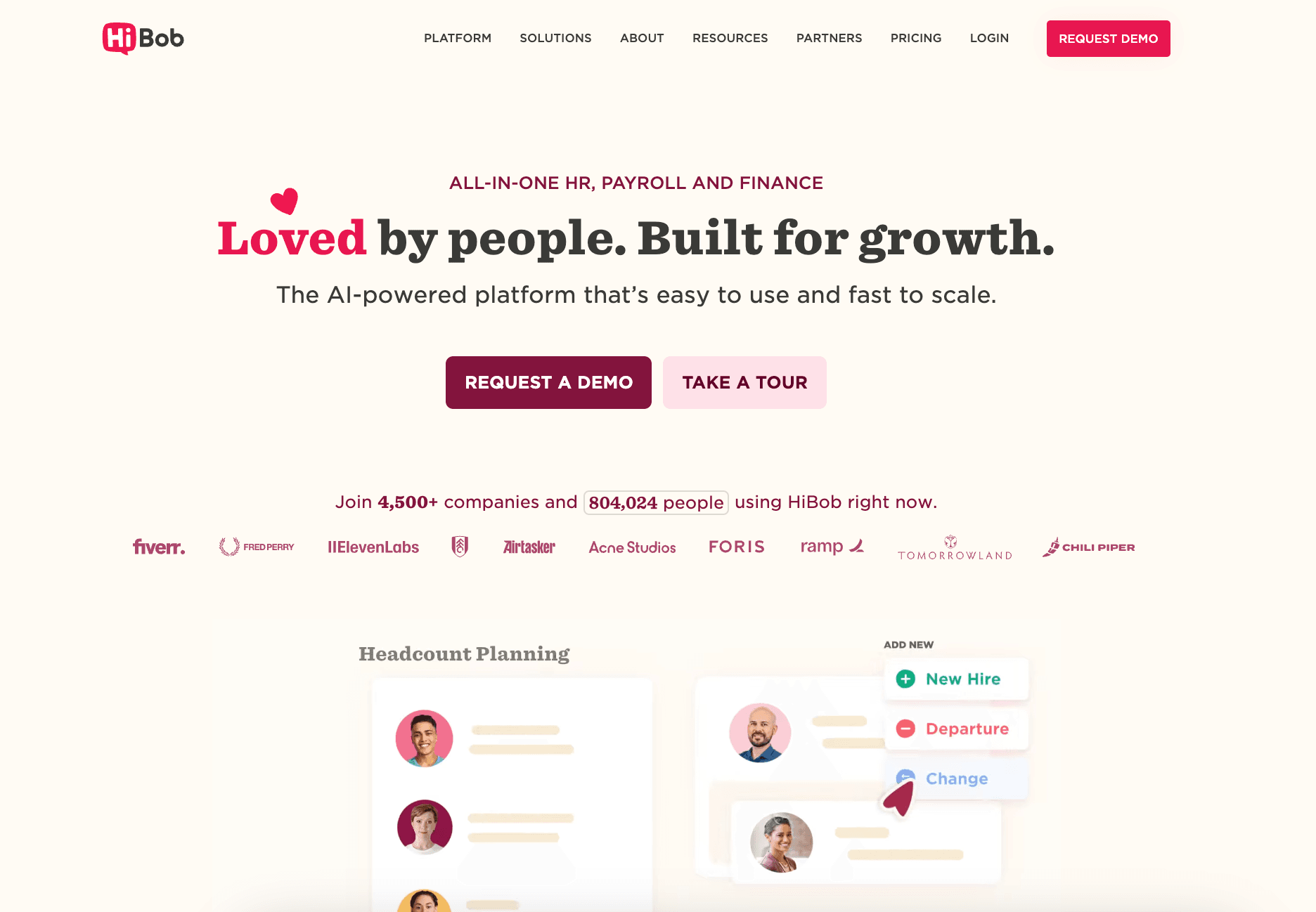
HiBob: Nice UI, Complex Setup
HiBob has a clean interface, flexible workflows, and good reporting. But several users mention the setup is complicated.
HiBob doesn't publish prices; you'll need to go through their sales cycle to get actual numbers.
Which Tool Should You Choose?
It depends on what you actually need (I know, not the answer you wanted).
- For small to mid-sized teams that want everything integrated in Slack: Vacation Tracker is our top pick. Vacation Tracker offers the most complete native integration, allowing you to manage the entire leave process without leaving Slack.
- For multi-location teams that run on Slack: Vacation Tracker gives several offices, US states, Canadian provinces or countries their own leave policies and holidays. Assign approvers through departments while everyone requests and approves leave in Slack.
- For UK-based teams: Timetastic is designed specifically for UK employment law and keeps pricing affordable.
- For teams needing time tracking as well: AttendanceBot combines leave and time tracking, although you'll pay more for the additional features.
- For European teams that want the app in their own language: Calamari is available in Polish, English, French, Spanish and German.
- For enterprise teams already using comprehensive HR platforms: BambooHR, Deel, or HiBob might be suitable if you're already invested in their ecosystems. Just keep in mind that their Slack integrations are more limited compared to dedicated leave tools.
The pattern we've noticed: dedicated leave management tools offer deeper Slack integrations and more flexible leave policies than enterprise HR suites.
Enterprise platforms make sense when you need payroll, benefits, performance management, and leave tracking all in one place.
Frequently Asked Questions About Leave Management Software for Slack
What is the best leave management software for Slack?
We recommend Vacation Tracker for most small to mid-sized and multi-location teams that want to request leave, approve it and check balances in Slack. Timetastic is worth considering for UK-based teams. AttendanceBot makes sense if you also need time tracking or scheduling alongside leave management.
Can managers approve PTO directly in Slack?
Yes, managers can approve PTO directly in Slack with tools such as Vacation Tracker. The request arrives as a Slack message showing overlapping leave, and the manager approves or denies it with one click. BambooHR’s Slack integration starts requests in Slack, but approvals happen in BambooHR itself.
Can one Slack leave tool handle different policies for each office, state or country?
Yes, provided the tool supports separate locations and policies. Vacation Tracker gives each location its own leave policies, public holidays, workweek and time zone.
Is there free leave management software for Slack?
Free Slack bots exist, but check their limits before relying on them for accruals or per-location policies. Most dedicated tools charge a subscription and offer a trial: Vacation Tracker gives you 14 days without a credit card, and Timetastic offers 30 days.
How much does leave management software for Slack cost?
Entry and mid-tier PTO tracking software in this comparison costs roughly $1.50 to $6 per user per month; AttendanceBot Premium costs $10 with annual billing. Vacation Tracker Core costs $2 and Complete $4 per user per month, with a minimum of 25 users on both plans.
Try Vacation Tracker in Your Slack Workspace
If you manage leave across offices, states or countries, or want requests and approvals inside Slack, book a demo and we’ll set it up with you. You can also start a 14-day free trial, no credit card required.
Tracking Can Be
Learn how to manage time off without
confusion, delays, or admin headaches.

Aleksandra Cvetkovic
Aleksandra has been with the team since day one, bringing her passion for all things marketing.