PTO & Holiday Tracker
Vacation Tracker is a PTO and holiday tracker that lets you track employee time-off in just a few clicks, all through Microsoft Teams, Slack or Google Workspace.

14 day trial • No set up costs • Cancel anytime
 Team calendarDec 21 to Jan 1Vacation Trackerto Ashley · 9:02 AMApproved
Leo Martin approved your PTO, Dec 29 to 31.
PTO · 3 days · 12 days leftTrusted By 3,500+ Businesses And Brands You Know














Managing leave doesn’t have to be complicated.
See how easy it is to manage leave with Vacation Tracker
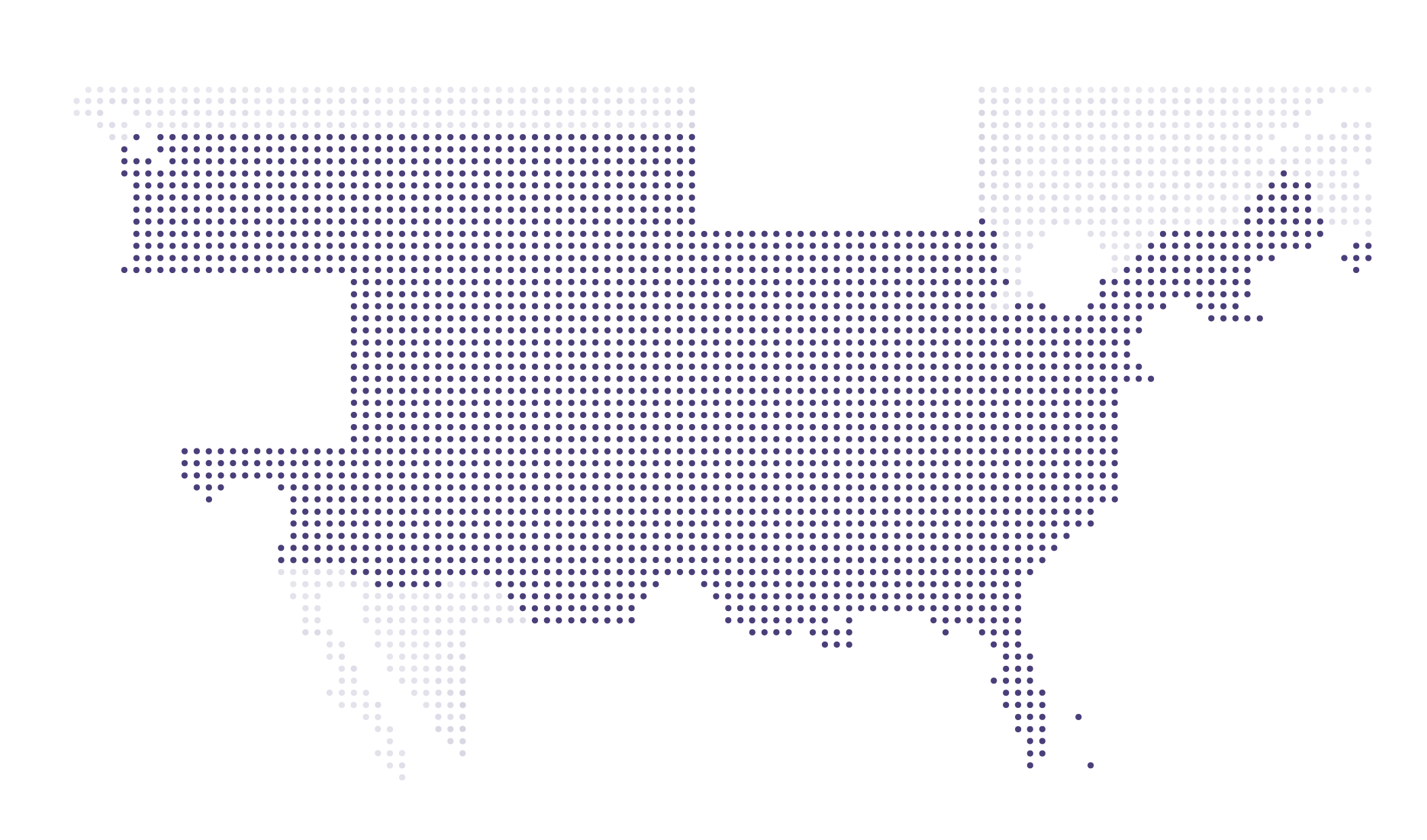 Toronto10days vacationJul 1 · Canada Day
Los Angeles20days PTOCA sick leave rules
New York15days PTOJun 19 · Juneteenth
AustinUnlimited PTOJuly 4 · Independence Day
People should look forward to requesting vacations.
Get set up in minutes and enjoy the benefits of quick team adoption.
Scheduling a leave is no longer a 10 day process, but a 10 second one.
Accurately roadmap future work knowing who’ll be in the office when.
Establish clear communication and keep your whole team informed of scheduled leaves.
What is Vacation Tracker?
Vacation Tracker is a leave management tool created to help teams all over the world manage their time off effectively. To request leave all you have to do is type “/vacation” in any channel in Slack, and select the time range you want. In Microsoft Teams, chat with Vee or use the Request Leave tab. And in either Microsoft Teams or Slack, you can just ask in plain words, like “Book me off next Friday”, and Vee gets the request ready. Submit your request within 10 seconds, and approve it in 5. It has never been easier.
Your Vacation Tracker chatbot will be sure to send managers a daily summary of all the pending requests from your team. And you can set up weekly or daily reminders so your team can be informed when someone is out of the office.
The administrator dashboard allows managers to easily approve or deny requests, manage notifications, and have an overview of the team’s time off. Everything you need in one place with Vacation Tracker, a simple PTO and holiday tracker.!


Easily Request Vacations, Days Off or Half-Days
Requesting vacations, days off or half-days has never been easier than with our PTO & holiday tracker. To request any type of time off, all your team members have to do is simply type “/vacation” in any channel in Slack, and they will be presented with various options. In Microsoft Teams, they can chat with Vee or open the Request Leave tab. After they choose what type of time off they’re requesting, all they have to do is select the dates, or hours if they’re taking a half-day off, and confirm.
Slack/vacationRequest LeaveMicrosoft TeamsChoose Team Members
One of the biggest problems out there is paying for a PTO & holiday tracker a lot more than you have to. If you are a team of 50 people, but only need a few to use Vacation Tracker, you can choose specific team members and enable them to use the software.
Set Your Team’s Holidays Quickly
Administrators can easily set up holidays for each team, whether they’re in multiple locations or not. The holidays can be set globally or for each team individually. Our Vacation Tracker bot will make sure you’re notified each time a holiday is coming up so you know who will be out of the office.
Upcoming holidaysRequest leave in one message.
Type it in Microsoft Teams or Slack, in your own words. Vee checks your balance and your team's calendar, then sends the request to your approver.
VeeVacation Tracker · Microsoft TeamsTeam calendarUpdatedReal people help you.
Not bots.
Your questions go to real people by chat, email or a setup call.
 Kat
 Aleksandar
 Astride
 Marko
- Importing your balances and history
- Setting up locations, policies and approvers
- Training your admins and approvers
- Compliance questions
We're moving off spreadsheets. Can you bring our balances over?
Yes. Send us the file and we'll import your balances and history.
Toronto has different rules from New York.
No problem. Let's schedule a setup call to configure each location with you.


Always safe, just for you
Rest easy knowing we’re certified to effectively safeguard your data.
Want a second opinion? Let your AI check if we're a fit.
Answer 4 quick questions and we'll write a prompt for ChatGPT, Claude or Perplexity. It reads our pricing, docs, security and reviews, and checks them against your must-haves.
I'm evaluating Vacation Tracker (vacationtracker.io) as the PTO and holiday tracker for our company. Act as my independent advisor and compare it with the alternatives.

First, ask me these in one message and wait for my answers:
1. How many employees, and in which countries, states or provinces?
2. Do you use Microsoft Teams, Slack, Google Workspace or email?
3. How do you track leave today?
4. Must-haves (e.g. location-specific policies, accruals, carryover, hourly leave, TOIL, multi-level approvals, blackout periods, a limit on how many people are off at once, notice periods, leave duration limits, probation periods, seniority entitlements, entitlements by role, reports, compliance)?

Then check my answers against:
- Pricing (monthly USD, plan limits): https://vacationtracker.io/pricing/
- Buyer's guide: https://vacationtracker.io/buyers-guide/
- Integrations: https://vacationtracker.io/integrations/
- Security: https://vacationtracker.io/security/
- AI assistant: https://vacationtracker.io/platform/vee-ai/
- Customer stories: https://vacationtracker.io/case-studies/
- Anything else: https://vacationtracker.io/llms.txt
- Reviews: https://www.g2.com/products/vacation-tracker/reviews and https://www.capterra.com/p/189276/Vacation-Tracker/reviews/

Reply in under 250 words:
- Verdict: strong fit / partial fit / not a fit
- Each must-have: yes / partly / no, with the page that shows it
- Gaps or risks, stated plainly
- The plan I'd need and its monthly cost for our headcount
- Next step: free trial (https://app.vacationtracker.io/signup) or a demo (https://vacationtracker.io/book-a-demo/)
If a page doesn't confirm something, write "not confirmed, ask in the demo". Don't guess.
 Open in ChatGPT
 Open in Claude
Frequently Asked Questions.
Do you have some questions ? Find answers in our FAQ.
How do I track my employees' PTO and holidays?
Connect Vacation Tracker to Microsoft Teams, Slack or Google Workspace, and your people are imported from your directory. Set your leave types and policies, and add public holidays for each location. Employees request leave where they already work, approvers decide in a few clicks, and balances update on their own. Everyone can see who's out on the team calendar.
What's the best way to track staff holidays across different offices?
Give each office its own location, with its own public holidays, leave policies and work week. Vacation Tracker then shows who's out and which holidays are coming up, by team, department or location, so a holiday in London doesn't surprise the team in New York.
Does Microsoft Teams have a vacation tracker?
Not a full one. Shifts in Microsoft Teams lets frontline employees request time off, but Microsoft doesn't describe built-in leave balances, accruals or carryover. Vacation Tracker adds that inside Microsoft Teams: people chat with Vee or use the Request Leave tab, approvers decide in their Teams chat, and channels get who's-out updates.
Does it work in Slack and Google Workspace too?
Yes. In Slack, people type /vacation or just tell Vee what they need in plain words, like "Book me off next Friday". With Google Workspace, people sign in with Google and approvals arrive by email. People can also sign up with just their email address.
Is there a free holiday tracker?
Vacation Tracker doesn't have a free plan, but you can try everything free for 14 days with no credit card. If you only need a spreadsheet for now, our free Excel and Google Sheets PTO trackers are on our templates page.
Can I see time off and holidays in my calendar?
Yes. Approved leave and public holidays sync to Google Calendar or Outlook, on personal calendars or a shared team calendar, and events update when leave changes.
How much does Vacation Tracker cost, and what's the difference between Core and Complete?
Both plans are priced per user per month, with a 25-user minimum. Core covers up to 3 locations and 10 departments, with custom leave types, public holidays, approvals and every integration. Complete adds unlimited locations, accruals, TOIL, hourly leave, multi-level and substitute approvals, blackout periods and limits on how many people are away at once. Both start with a 14-day free trial, no credit card. See pricing.
Is our employee data secure, and where is it stored?
Vacation Tracker is SOC 2 Type II certified and GDPR compliant. Data is encrypted in transit and at rest, access is role-based, and people can sign in with Microsoft, Google or Slack single sign-on. The platform is hosted on AWS in North America and Europe and goes through annual penetration tests.
Can individuals not listed in our directory be added to Vacation Tracker?
Yes. You can add anyone with just their email address, even if they aren't in your Microsoft Teams, Slack or Google Workspace directory.
Last updated: November 2026
Start tracking PTO and holidays in Microsoft Teams, Slack or Google Workspace.
14-day free trial. No credit card.