Last updated on October 8, 2026
Vacation Tracker vs WhosOff: Which Leave Management Tool Actually Works Better
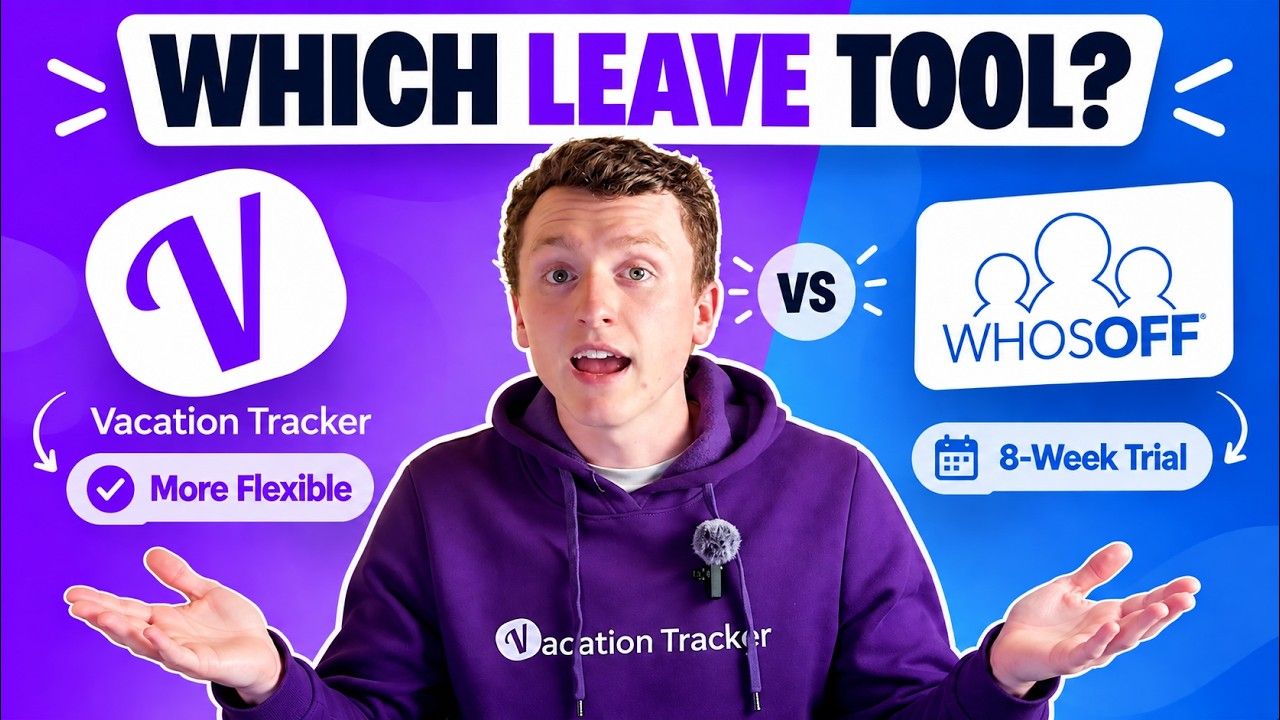
I'm breaking down how Vacation Tracker and Who's Off compare in 2026. Full disclosure: I work for Vacation Tracker, but I'll stick to the facts so you can decide what fits your team.
Watch the full comparison to see both platforms in action:
What Vacation Tracker Does Well
Vacation Tracker serves teams of any size, but we really hit our stride with companies between 50 and 100 employees. The core idea is simple: put leave management where people already work.
The policy flexibility runs deep. We handle blackout dates, probation periods, TOIL, substitute approvals, and a bunch of other configurations that make your specific leave rules actually work in software. That configurability is hard to match.
The native integrations with Microsoft Office, Google Workspace, and Slack mean you're up and running the same day you buy it. No new login to remember. No separate platform to check. Managers get real-time visibility through daily or weekly notifications about who's out and when.
We also built in energy management features so managers can spot team members who haven't taken time off in a while (potentially heading toward burnout). Plus, there's a live MCP for AI platform integration if that matters to your workflow.
What Who's Off Does Well
Who's Off has been around since 2006. They're UK-based and focused on doing leave management well without trying to be everything to everyone.
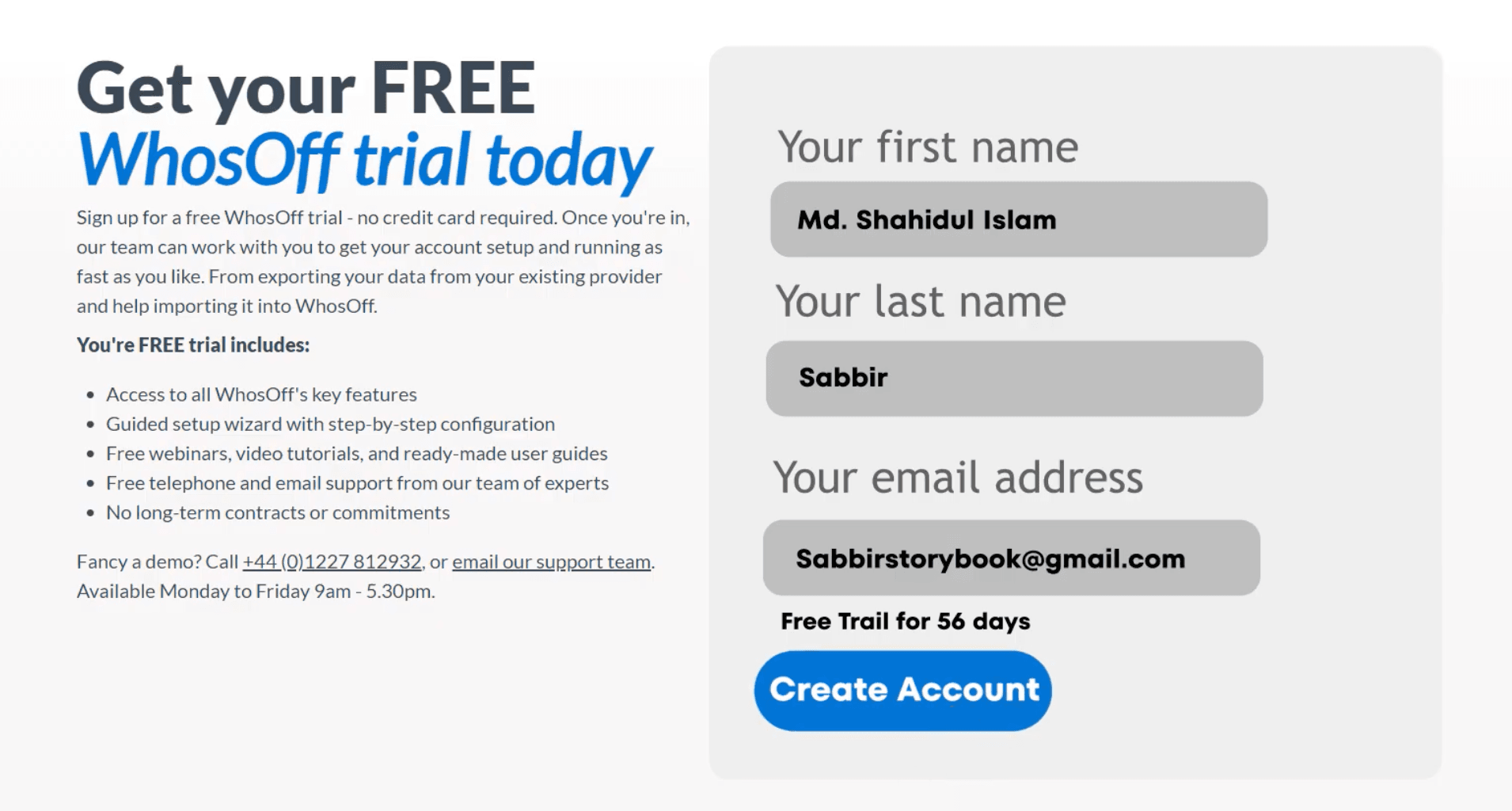
Customers consistently mention the straightforward interface and honest pricing with no hidden costs. The 8-week free trial is genuinely unheard of in this space (most competitors, including us, offer a week or less).
They cover core leave management solidly: requests, approvals, custom leave types, restricted days, TOIL, overtime management, payroll connections, and team calendar updates.
The staff hub adds basic employee record keeping, which helps maintain clean personnel data over time.
Where Vacation Tracker Falls Short
We're purpose-built for leave management. You won't find the broader HR features that some platforms offer (time tracking, full employee documentation, etc.). We connect to payroll software and have an open API, but if you want to bundle multiple HR functions in one place, this isn't that.
Where Who's Off Falls Short
The integration situation is the biggest limitation. Who's Off connects to platforms for notifications, but the actual request and approval experience happens off-platform. You can't submit or approve leave directly in Slack or Teams like you can with Vacation Tracker.
Being UK-based means their support runs on UK business hours. Not necessarily a dealbreaker if you're elsewhere, but worth knowing upfront.
Direct Comparisons
Pricing and Setup
Vacation Tracker starts at $2 per user per month and scales to $4 per user per month for the complete plan. Who's Off uses a headcount-based calculator that typically lands around $3 per user per month, scaling down as team size increases.
Both take less than a day to implement. Import your users, set up your policies, and you're basically done.
Features and Support
Vacation Tracker takes a slight edge on policy depth, but Who's Off covers the essentials well: leave requests and approvals, custom leave types, restricted days, TOIL and overtime management, payroll integration, and team calendar updates. Their staff hub adds documentation capabilities that we don't currently offer.
On the flip side, Vacation Tracker handles multi-location policies better. If you have offices in different countries or just lots of departments with different rules, the configurability matters. The burnout prevention features are helpful too.
Both have iOS, Android, and web apps. Both have open APIs. Support comes through chat and email for both platforms, but remember Who's Off operates on UK business hours for live help.
Security
Both platforms are GDPR compliant. Vacation Tracker also has SOC 2 Type 2 certification.
Which One Should You Pick
The decision comes down to a few specific factors.
Choose Vacation Tracker if you want leave management inside the tools your team already uses daily, need deep policy customization, or see yourself growing across multiple locations or departments. The native integrations make adoption significantly easier.
Choose Who's Off if you're UK-based (or fine with UK support hours), want a generous trial period to really test things out, and need basic employee record keeping alongside leave management.
Both platforms have free trials available. If you're not sure whether you need the native integration that Vacation Tracker offers, test both and see which workflow fits your team better.

Nicholas Lydon

Nick is the Content Marketing Manager at Vacation Tracker, where he turns leave management, HR headaches, and the occasional oddly specific PTO question into content people can watch. He spends most of his time creating videos, articles, campaigns, and creative experiments that make HR a little less boring.

Pricing
Starts at $2 per user/month (Core) up to $4 per user/month (Complete). Includes a 14-day free trial and setup call!
Baseline starting around $2/user/month with scaling charges for document storage space which could raise the price up to $5 or $6 per user per month
Slack, Teams & Google Workspace Integrations
Native integrations with Slack, Microsoft Teams, and Google Workspace. Employees can request time off and check balances without switching apps.
No native integrations, but webhooks are available for notifications on many platforms
Advanced Leave Policies
- Blackout dates
- Probation periods
- Seniority-based entitlements
- Time off in lieu (TOIL)
- Substitute approvers
- Multi-location policies with regional holidays
- And more
- Employee records
- Document storage
- custom leave types
- Policy management
- Time off in lieu (TOIL)
Mobile Apps
Available on iOS and Android, plus a web app.
Available on iOS and Android.
SOC 2 Type 2 & GDPR Compliance
Holds SOC 2 Type 2 certification and is GDPR compliant.
No SOC 2 Certifications found on their website. GDPR compiant and Crown Commercial Service (CCS) supplier.
Payroll & Third-Party Integrations
Integrates with ADP and Zapier for payroll exports. Also supports manual exports and has an open API.
Open API available and webhooks available for Zapier and other platforms.
Customer support
Live chat, email, guided onboarding, ongoing customer success management
Email, phone, and contact form available on their website