Last updated on October 8, 2026
VacationTracker.io vs VacationTracker.com: They're Different Companies (Here's How to Pick)
If you've ever Googled 'vacation tracker' and felt confused about which site you landed on, you're not imagining things.
Two completely different companies share nearly identical names, and I'm here to clear that up. I work for VacationTracker.io, but I'll give you the straight facts so you can figure out which one actually fits your team.
Watch the full breakdown here:
VacationTracker.io: Built for Teams That Need Depth
VacationTracker.io works for any team size, but it's particularly strong if you're remote, have multiple locations, or need more than basic leave policies. The core idea is simple: leave tracking should happen where you already work.
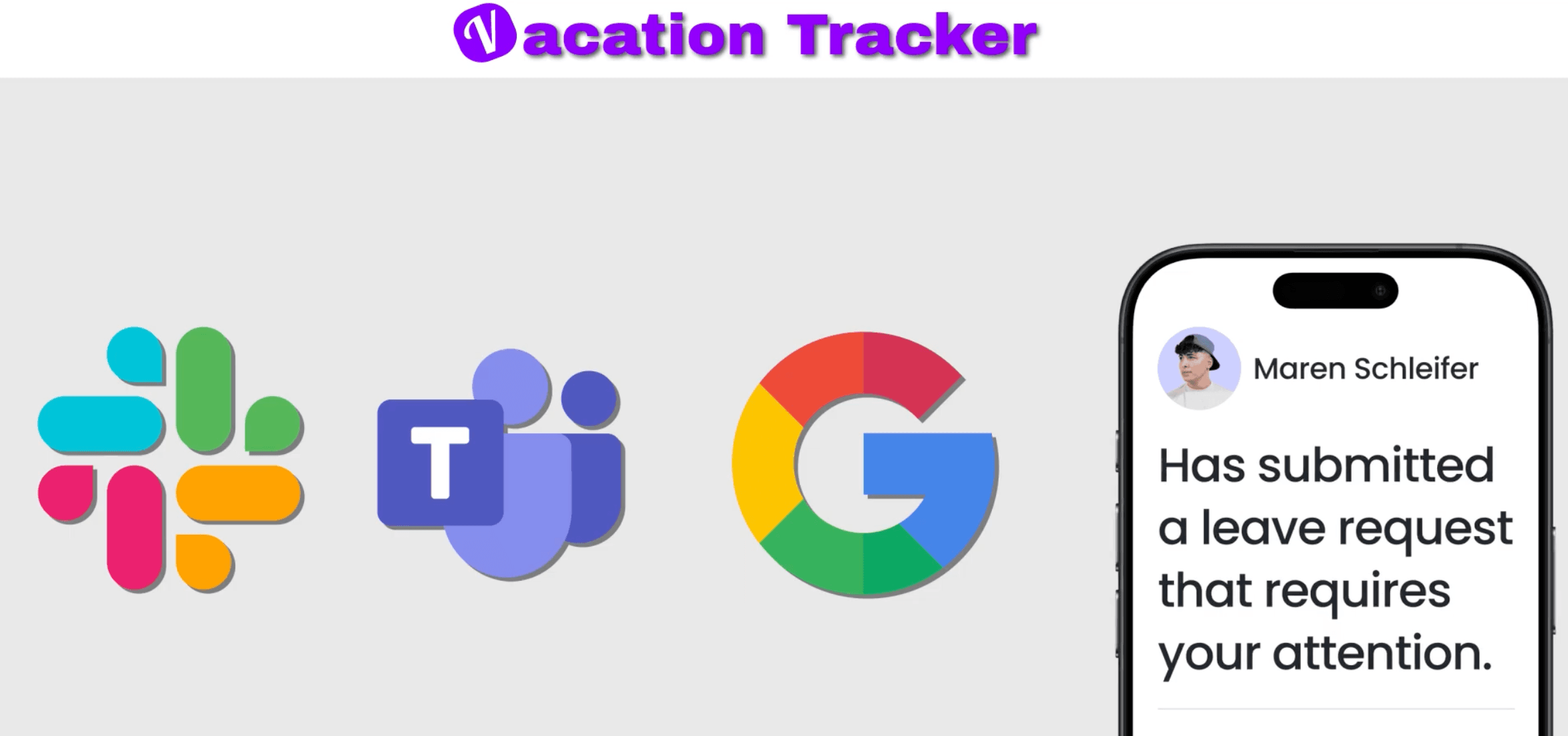
If your team lives in Slack, Microsoft Teams, or Google Workspace, we built native integrations that let employees request time off and check balances without leaving those platforms. For managers, this means real-time visibility on who's out and when (without the awkward Slack DMs asking people about their vacation plans).
This makes VacationTracker.io a solid choice if you're trying to escape spreadsheet hell. But it also scales well for growing teams past 50 or 100 employees who need more structure.
VacationTracker.com: Affordable and Straightforward
VacationTracker.com is a standalone cloud-based tool built for small to medium teams. It handles the fundamentals well: leave approvals, departments, and calendar integrations.
They offer a free plan for teams up to 10 users. Their pro plan runs just $1 per user per month, making it one of the cheaper options in leave management software. If you need a clean, self-contained solution without a lot of policy complexity, VacationTracker.com gets the job done.
VacationTracker.io's Strengths: Handling the Edge Cases
VacationTracker.io focuses on building out all the details most people don't think about until they need them. Blackout dates, probation periods, seniority-based entitlements, time off in lieu (TOIL), substitute approvers—we've built for those scenarios.
If you have multiple locations (whether across the US or internationally), you can set up each location with its own policies and auto-import different holidays for each region.
And like I mentioned earlier, it lives where your team works. In Slack, for example, you can type one command and pull up your entire dashboard. When someone requests time off, their manager approves it with one click. No app-switching required.
Security matters too. VacationTracker.io has SOC 2 Type 2 certification and GDPR compliance, which isn't standard across all leave management tools. If you're security-conscious, that detail might matter.
VacationTracker.com's Strengths: Free for Small Teams and Flexible Tracking
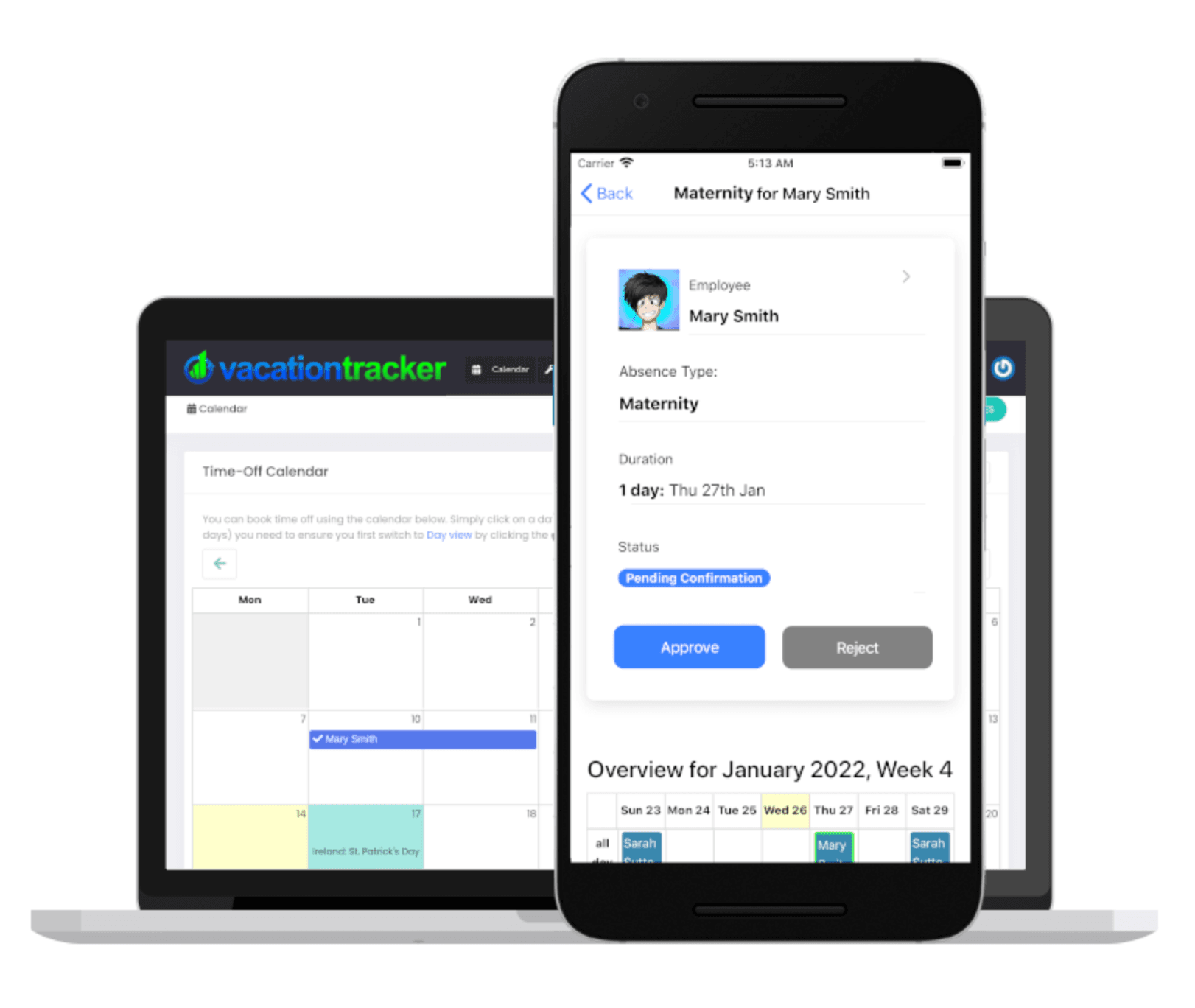
One of the best things about VacationTracker.com is that it's genuinely free for small teams. If you're under 10 people and just need simple PTO tracking, it's a legitimate option.
Their pro plan is affordable at scale too. At $1 per user per month, it's hard to beat if you're cost-sensitive.
They also support flexible time tracking in increments as small as 15 minutes, which can be useful for teams with hourly employees who need that level of granularity.
VacationTracker.io's Weaknesses: More Expensive and Narrowly Focused
VacationTracker.io costs more. The core plan starts at $2 per user per month, and the pro plan goes up to $4 per user per month. We recently added a 14-day free trial, and if you don't upgrade after that, you'll default to our free plan. That gives you time to test things out and add users gradually.
Another weakness (and this applies to VacationTracker.com too) is that we're only built for leave management. That focus helps us get really good at vacation tracking details, but other platforms might bundle in additional HR modules. They just tend to lack depth in any single area.
VacationTracker.com's Weaknesses: Limited Depth and No Workspace Integrations
VacationTracker.com covers the fundamentals well. But if you need more advanced features or policies, you'll hit limitations pretty quickly.
There are no integrations with Microsoft Teams, or Google Workspace. You'll always need to log into Slack or an external app to request time off.
This is one of the trade-offs of being a lower-cost provider. You can deliver a solid experience for the basics, but you can't invest as heavily in building out advanced features or integrations.
Side-by-Side Comparison: Pricing, Features, and Integrations
Pricing: VacationTracker.io starts at $2 per user per month (up to $4 for pro). VacationTracker.com is $1 per user per month with a $20 minimum. Both offer free trials and free plans.
Setup: Both can be implemented in under a day. You add users, set policies, and you're running.
Key Features: This is where they diverge. VacationTracker.io includes energy management (so managers can spot burnout risks) and an MCP server for AI platform integration. VacationTracker.com keeps things simpler.
Integrations: VacationTracker.io has native integrations for Slack, Microsoft Teams, and Google Workspace. For payroll exports, we integrate with ADP and Zapier (or you can do manual exports). VacationTracker.com has calendar integrations and a native slack experience but not much beyond that. Both have open APIs.
Apps: VacationTracker.io has apps on iOS and Android, plus a web app. VacationTracker.com is web-only currently.
Support and Security: What You Get with Each
VacationTracker.io offers live chat, email support, and free guided onboarding if you want it. VacationTracker.com has email and chat support (free), with priority support available on their pro plan.
On security, VacationTracker.io has SOC 2 Type 2 certification and GDPR compliance. I couldn't find a SOC 2 certification for VacationTracker.com, so if that's a requirement for your company, you'll want to verify directly with them.
Final Verdict: Which One Should You Pick?
If you're typing 'vacation tracker' into Google, you might not realize which site you're clicking on. These tools both target PTO and leave tracking, but they're built very differently.
If your team is under 10 people and you just need the basics, VacationTracker.com is a legitimate starting point. It's affordable and gets the job done.
If you're a growing team with policy depth that you can't find on VacationTracker.com, VacationTracker.io might fit better. It's built to integrate into the platforms you already use (Slack, Microsoft Teams, Google Workspace), and new features keep rolling out.
The good news is you can test both for free. Check them out and see which one actually works for your team.

Nicholas Lydon
Nick is the Content Marketing Manager at Vacation Tracker, where he turns leave management, HR headaches, and the occasional oddly specific PTO question into content people can watch. He spends most of his time creating videos, articles, campaigns, and creative experiments that make HR a little less boring.


Pricing
Starts at $2 per user/month (Core) up to $4 per user/month (Complete). Includes a 14-day free trial and setup call.
$1 per user/month with a $20 minimum. Free plan available for teams up to 10 users.
Slack, Teams & Google Workspace Integrations
Native integrations with Slack, Microsoft Teams, and Google Workspace. Employees can request time off and check balances without switching apps.
No integrations with Microsoft Teams, or Google Workspace. Users must use Slack or log into the standalone web app to manage leave.
Advanced Leave Policies
- Blackout dates
- Probation periods
- Seniority-based entitlements
- Time off in lieu (TOIL)
- Substitute approvers
- Multi-location policies with regional holidays
- And more
Covers leave fundamentals well but has limited support for advanced or complex policy configurations.
Mobile Apps
Available on iOS and Android, plus a web app.
Web-only. No dedicated iOS or Android mobile apps currently available.
SOC 2 Type 2 & GDPR Compliance
Holds SOC 2 Type 2 certification and is GDPR compliant.
No publicly available SOC 2 certification was found. GDPR compliance details were not publicly confirmed.
Payroll & Third-Party Integrations
Integrates with ADP and Zapier for payroll exports. Also supports manual exports and has an open API.
Offers calendar integrations and an open API, but no integrations with payroll providers or automation platforms like Zapier.
Customer support
Live chat, email and guided onboarding