Last updated on August 31, 2026
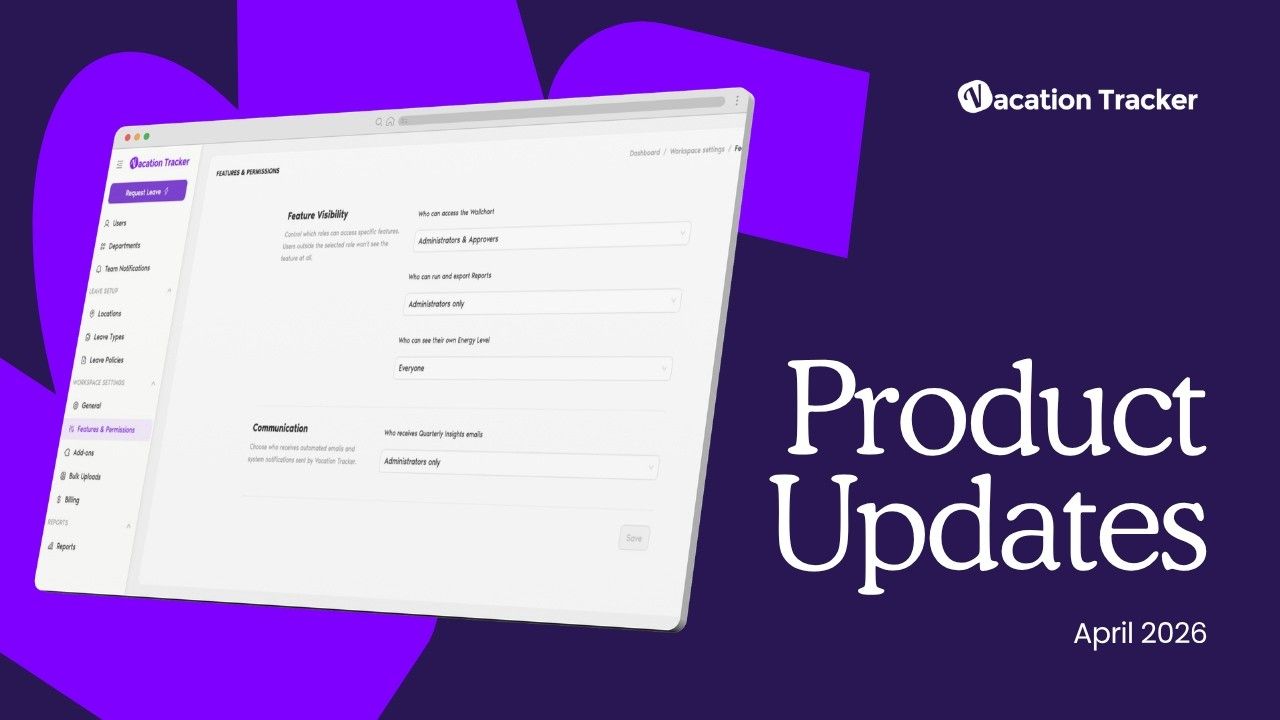
Vacation Tracker rolled out some admin-focused updates in April 2026. The big news? A new Features & Permissions page that lets you control who sees what, plus email notifications for Slack and Teams users. I'll walk you through everything that shipped this month.
Watch the full update video to see these features in action:
The Features & Permissions Page Puts Admins in Control
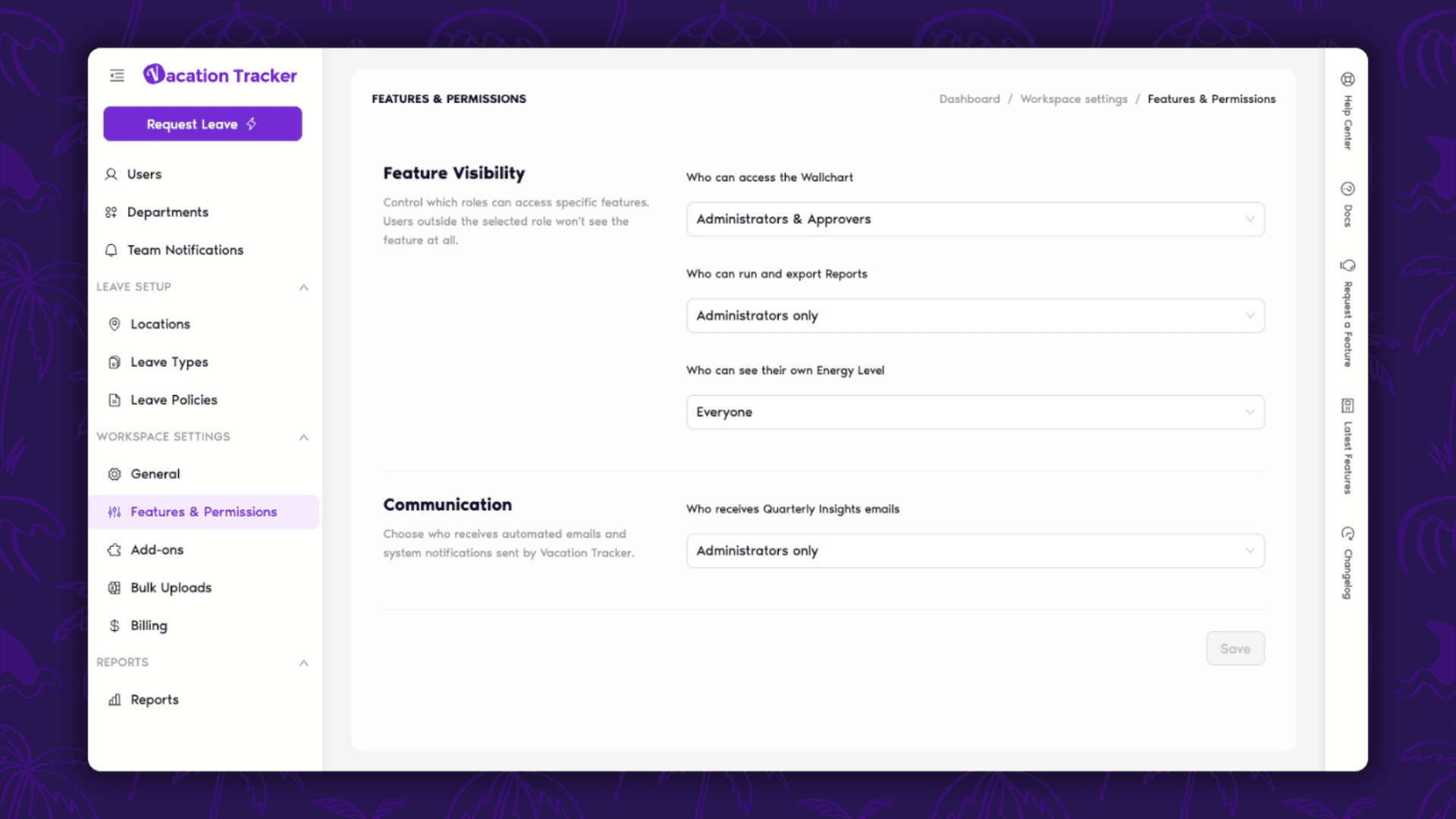
This is the headline feature for April. The new Features & Permissions page gives you granular control over what different roles can access in your workspace.
Here's what you can now control by role:
- Wall chart access
- Report generation and export capabilities
- Energy level visibility
- Quarterly insights email delivery
It's straightforward. You pick a role, toggle what they can see, and you're done. No more giving people access to features they don't need (or worse, features they shouldn't have).
Access Features & Permissions →
Email Notifications Now Available for Slack and Teams Users
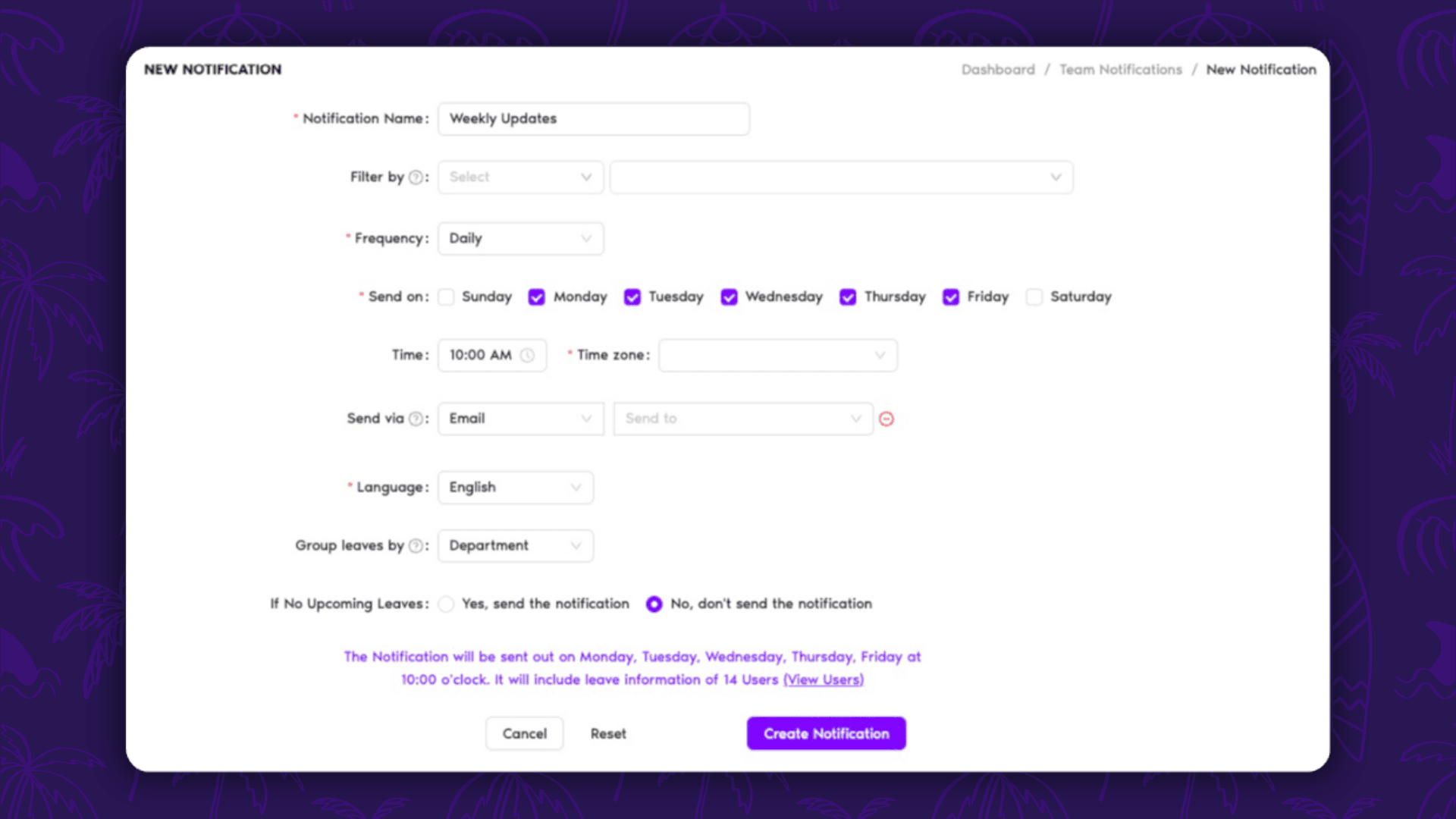
If you're using Vacation Tracker through Slack or Microsoft Teams, you've been getting notifications in chat. Now you can set up additional notifications via email too.
This matters because chat notifications can get buried. Email gives you a backup channel, which means fewer missed approvals and better visibility for anyone who lives in their inbox. You can have both running at the same time, so nothing slips through.
Calendar Sync Improvements Make Bulk Imports Actually Useful
Bulk-imported leaves now sync automatically to your connected Google or Outlook calendars. But here's the smart part: only current and upcoming leaves get synced. Past leave requests stay out of your calendar, keeping things clean.
Admins also got a new option to clear all leave events from connected calendars when disconnecting the integration. This gives you a clean slate if you're switching systems or troubleshooting sync issues.
Small Updates That Actually Matter
The rest of April's updates fall into the 'quality of life' category, but they're worth knowing about:
Birthday notifications now support multiple languages. If you've got a global team, this makes those automated birthday messages feel less robotic.
The import users page got faster. If you're uploading dozens (or hundreds) of users at once, you'll notice the speed bump.
New users now see a clearer call to action for booking an onboarding call. Less friction means more people actually get set up properly from day one.
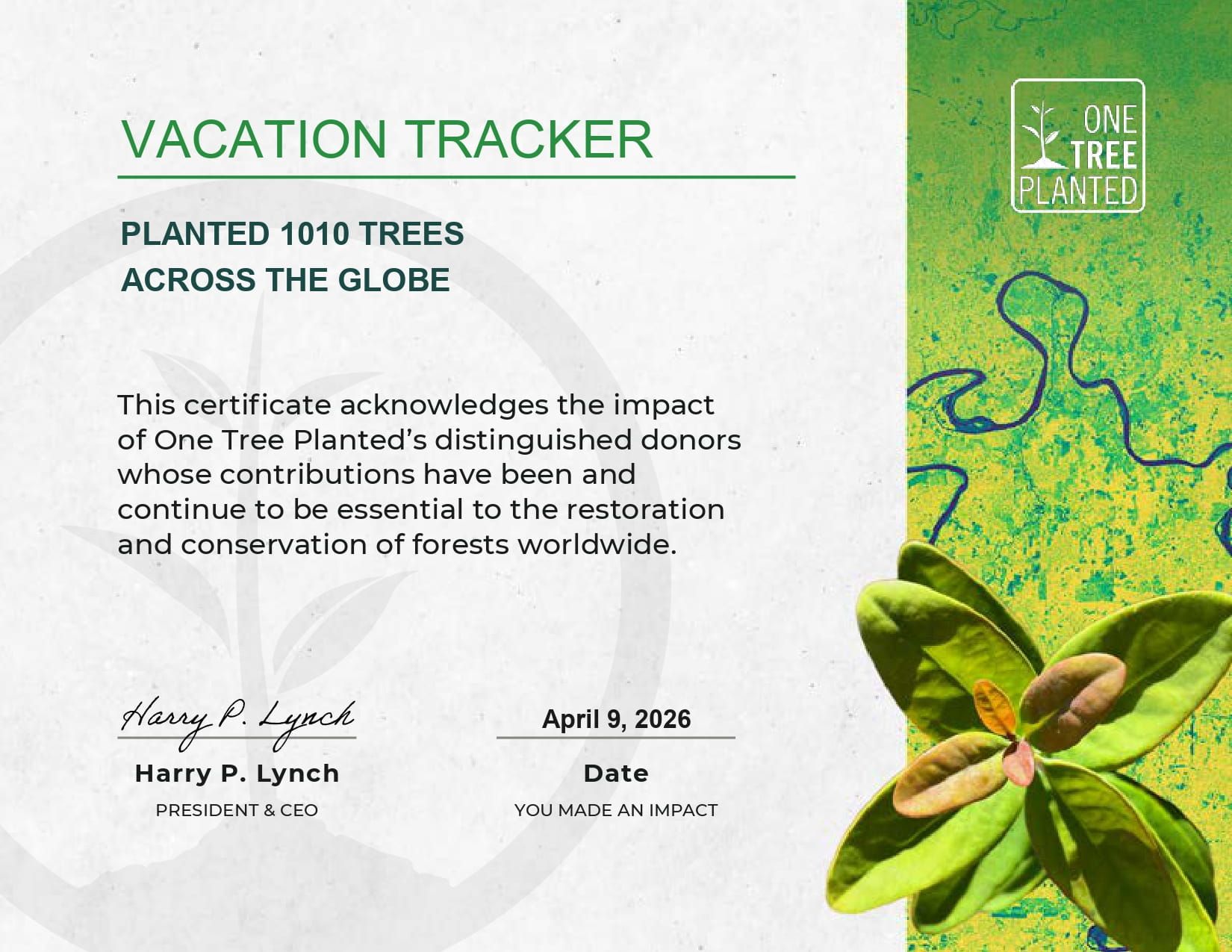
The Tree Planting Program Hit 1,010 Trees in April
Every approved leave request through Vacation Tracker plants one tree through the One Tree Planted partnership. April saw 1,010 trees planted, which means 1,000 approved time-off requests.
Your vacation time is literally helping reforest the planet. Not a bad side effect.
What This Means for Your Workflow
These updates are aimed squarely at admins who need more control and users who need more visibility. The Features & Permissions page solves the 'too much access' problem that plagues most SaaS tools. Email notifications solve the 'I missed it in Slack' problem.
The calendar sync improvements make bulk imports less of a headache, and the language support for birthday notifications makes the tool feel less US-centric.
If you want to see what else shipped recently, check out the Vacation Tracker changelog. That's where all the updates live, not just the big monthly announcements.
Learn how to manage time off without
Tracking Can Be
confusion, delays, or admin headaches. 

David Vero
David is a marketer who loves learning new things—preferably not during his PTO.