I spent way too much time testing employee vacation trackers and time off tracking software (so you don't have to). The market's flooded with options, and honestly, most of them do the same basic stuff - track time off, send notifications, show who's out. But the differences matter when you're actually using these things daily.
Updated for 2027: prices, free plans and trials re-checked on each vendor's site in November 2026.
Watch the full breakdown of all 10 tools in action.

Watch: 10 Best Employee Vacation Trackers (Free & Paid)
Employee Vacation Trackers Compared (2027)
Monthly prices, checked on each vendor's site in November 2026.
| Tool | Best for | Microsoft Teams | Slack | Google Workspace | Monthly price | Free trial |
|---|---|---|---|---|---|---|
| Vacation Tracker | Multi-location teams that book leave in Microsoft Teams or Slack | Yes | Yes | Yes (plus Google Calendar sync) | Core $2, Complete $4 per user; both plans have a minimum of 25 users | 14 days, no credit card |
| Day Off | Simple leave tracking on a budget | Paid plan | Paid plan | Google Calendar sync | Free for up to 10; Pro $2 ($20 minimum), Pro + Time Tracker $3 ($30 minimum) per user | 14 days, no card |
| Zoho People | Teams already on Zoho apps | Yes | Yes | Yes | Free for up to 5 (3 in the US); paid plans priced in local currency | 30 days |
| LeaveBoard | Small teams that want a clear absence calendar | Not listed | Yes | Google Calendar sync | Free for up to 9; PRO $1.35 per employee | 14 days |
| OfficeTimer | Agencies that bill by the hour | Not listed | Not listed | Not listed | Free (one leave type); Leave Premium $0.49 per user, annual billing only | Not listed |
| Calamari | Time off plus attendance in one tool | Yes | Yes | Yes | Time Off module $2.50 per employee (10-seat minimum) | 14 days, no card |
| actiPLANS | Resource planning alongside leave | Not listed | Not listed | Not listed | Free for 1 to 3; $1.90 per user (1 to 40 users) | 30 days, no card |
| Timetastic | Small businesses that want a visual wallchart | Yes | Yes | Yes | Business $1.50, Pro $2.50, Rota & Time Clock $5.50 per user (UK: £1.20 / £2.00 / £4.00) | 1 month, no card |
| Breathe HR | UK SMEs that want HR and performance reviews too | Not listed | Not listed | Not listed | £24 to £579 per company by team size (GBP only) | 14 days, no card |
| HiBob | Mid-size to enterprise companies that want a full HR suite | Yes | Yes | Yes | Not published (demo only) | Demo only |
Vacation Tracker: Best for Multi-Location Teams That Book Leave in Microsoft Teams or Slack
Vacation Tracker built their entire platform around chat apps, and has scaled well beyond the apps as they became a leader in the Leave Management space.
Employees request time off and managers approve it directly in Microsoft Teams or Slack. Google Workspace teams use the web dashboard and email with Google sign-in, and everyone can use the iOS and Android apps. The native integration means your team actually uses it (novel concept, I know).
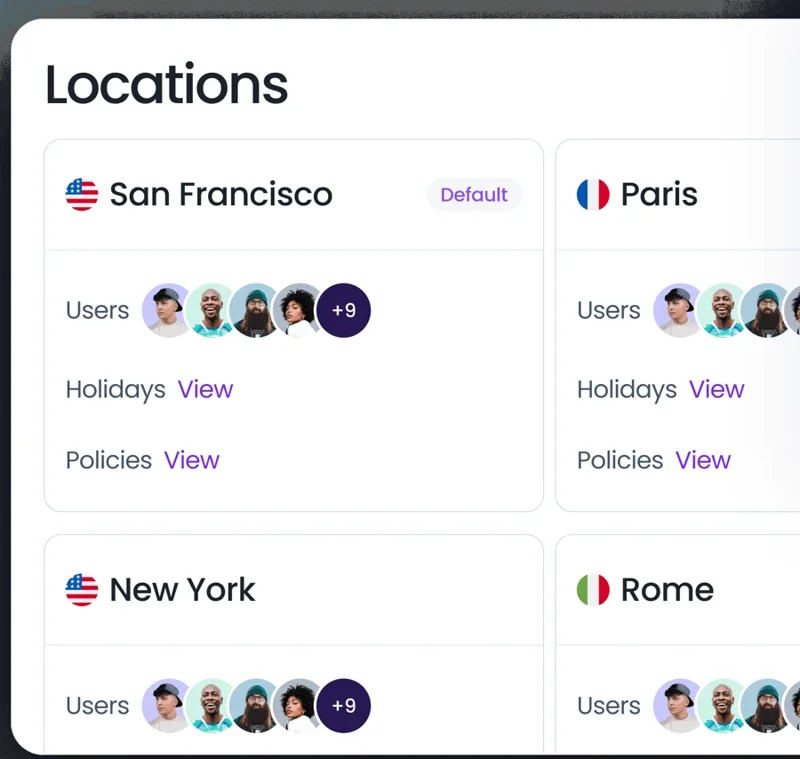
The automated accruals work in the background, adjusting balances based on your company's policies. Each location gets its own leave policies, public holidays and work week, which helps if you've got people across different states or countries with different leave rules. Custom leave types let you track everything from sick days to sabbaticals.
Core costs $2 per user per month and Complete $4 per user per month; both plans have a minimum of 25 users per month (see pricing). There's a 14-day free trial, no credit card.
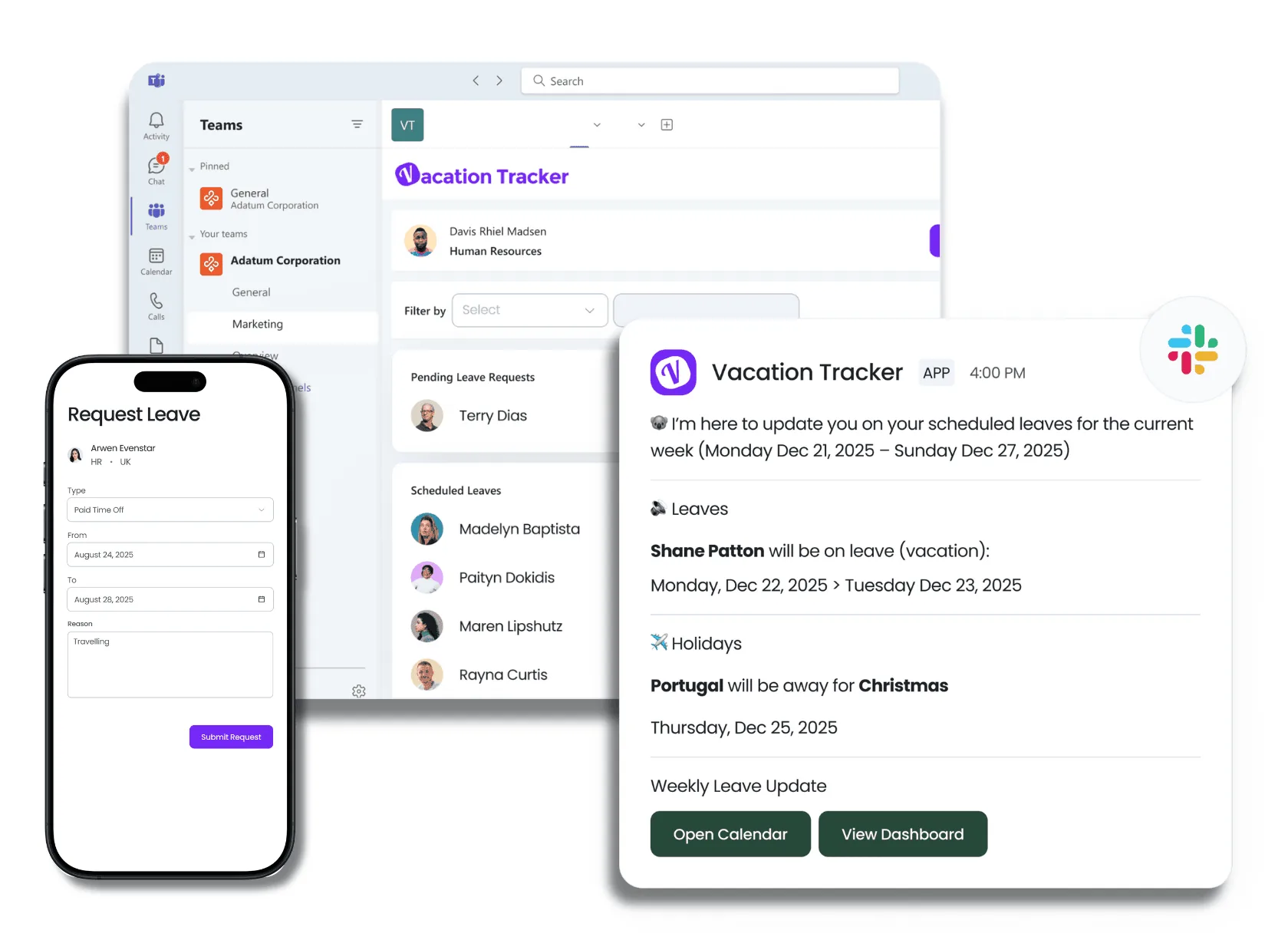
Day Off: Best for Simple Leave Tracking on a Budget
Day Off strips away the complexity. Calendar integration, Slack capabilities, customizable policies - all the essentials without the bloat.
Real-time notifications keep managers in the loop. Analytics show you patterns (like everyone mysteriously requesting off the week after Thanksgiving). The interface doesn't require a training manual, which is refreshing.
The free plan covers up to 10 users. Pro costs $2 per user per month ($20 monthly minimum) and Pro + Time Tracker $3 ($30 monthly minimum), with a 14-day trial of Pro. It's one of the more affordable choices. See how it stacks up in Day Off app vs Vacation Tracker.
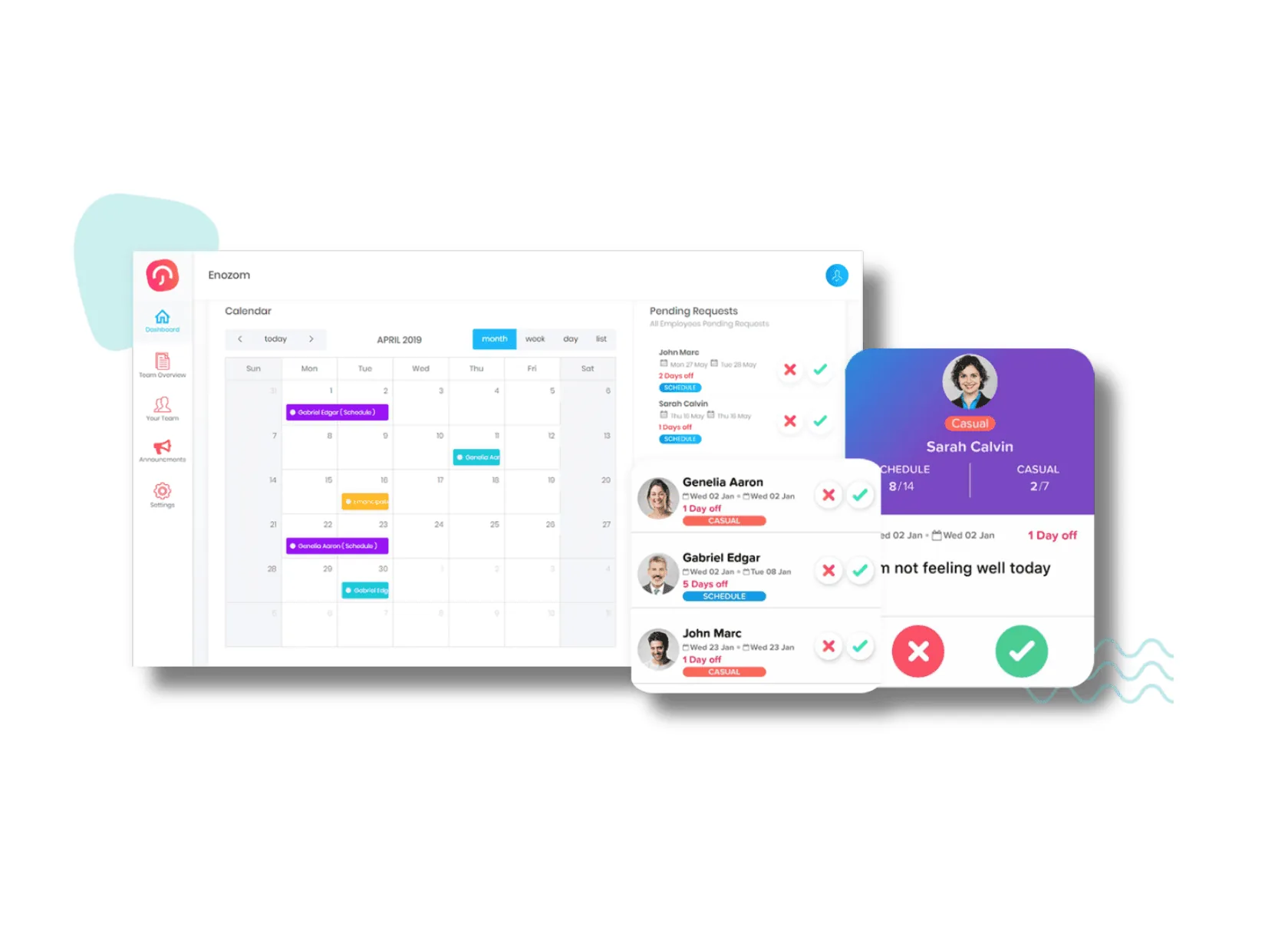
Zoho People: Best for Teams Already Using Zoho
Zoho People is free for up to 5 users (3 in the US), with paid plans priced in local currency. But cheap doesn't mean basic here.
You can configure leave policies based on employee tenure (because your 5-year veterans shouldn't have the same PTO as new hires). Instant access to leave history helps during performance reviews or when investigating patterns.
The Bradford score feature identifies absenteeism trends before they become problems. It's a statistical formula that flags frequent short absences, which often indicate bigger issues than planned vacations.
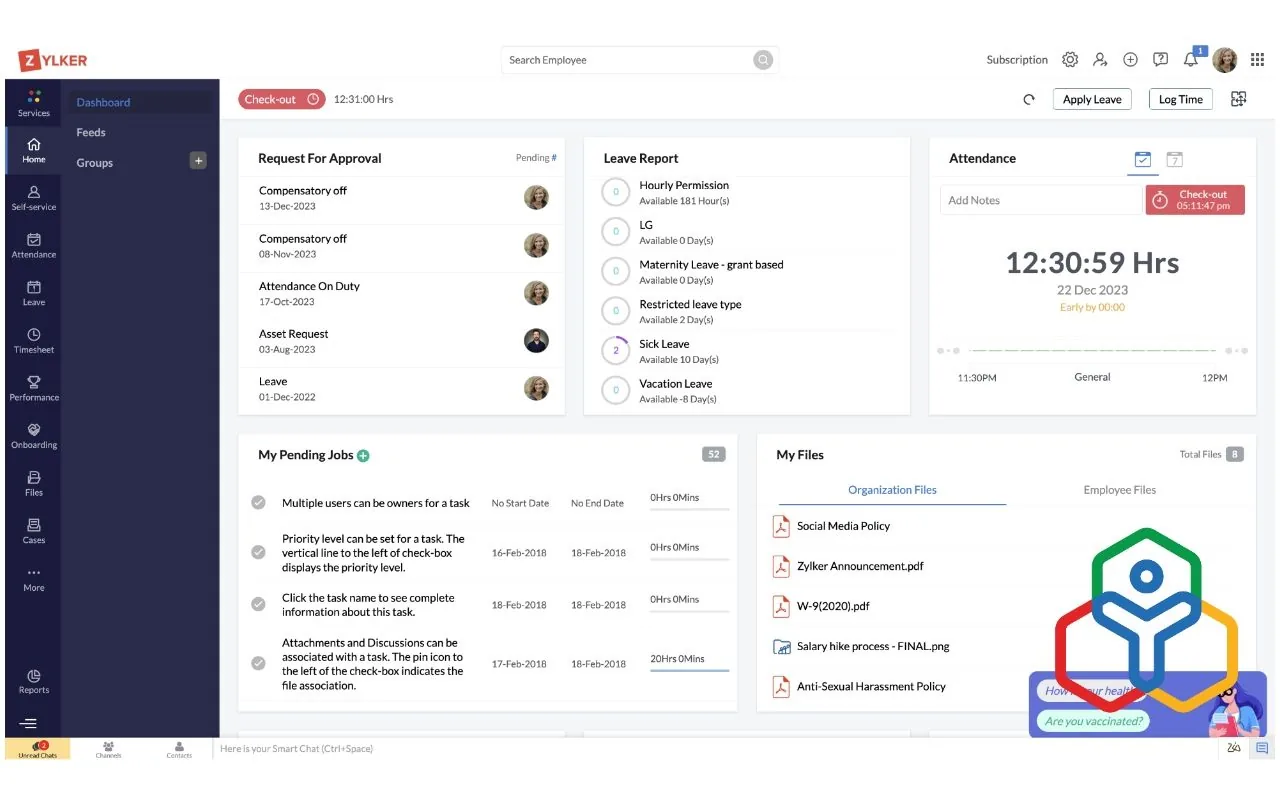
LeaveBoard: Best for Small Teams That Want a Clear Absence Calendar
LeaveBoard made the list of top vacation tracking tools for 2027 alongside the previous options. The intuitive calendar shows team availability at a glance.
Automated leave requests reduce back-and-forth emails. Managers approve or deny with one click. Employees see their balances update in real-time.
It handles the basics well without trying to be a full HR suite (which some teams prefer, actually).
It's free for up to 9 employees; PRO costs $1.35 per employee per month.
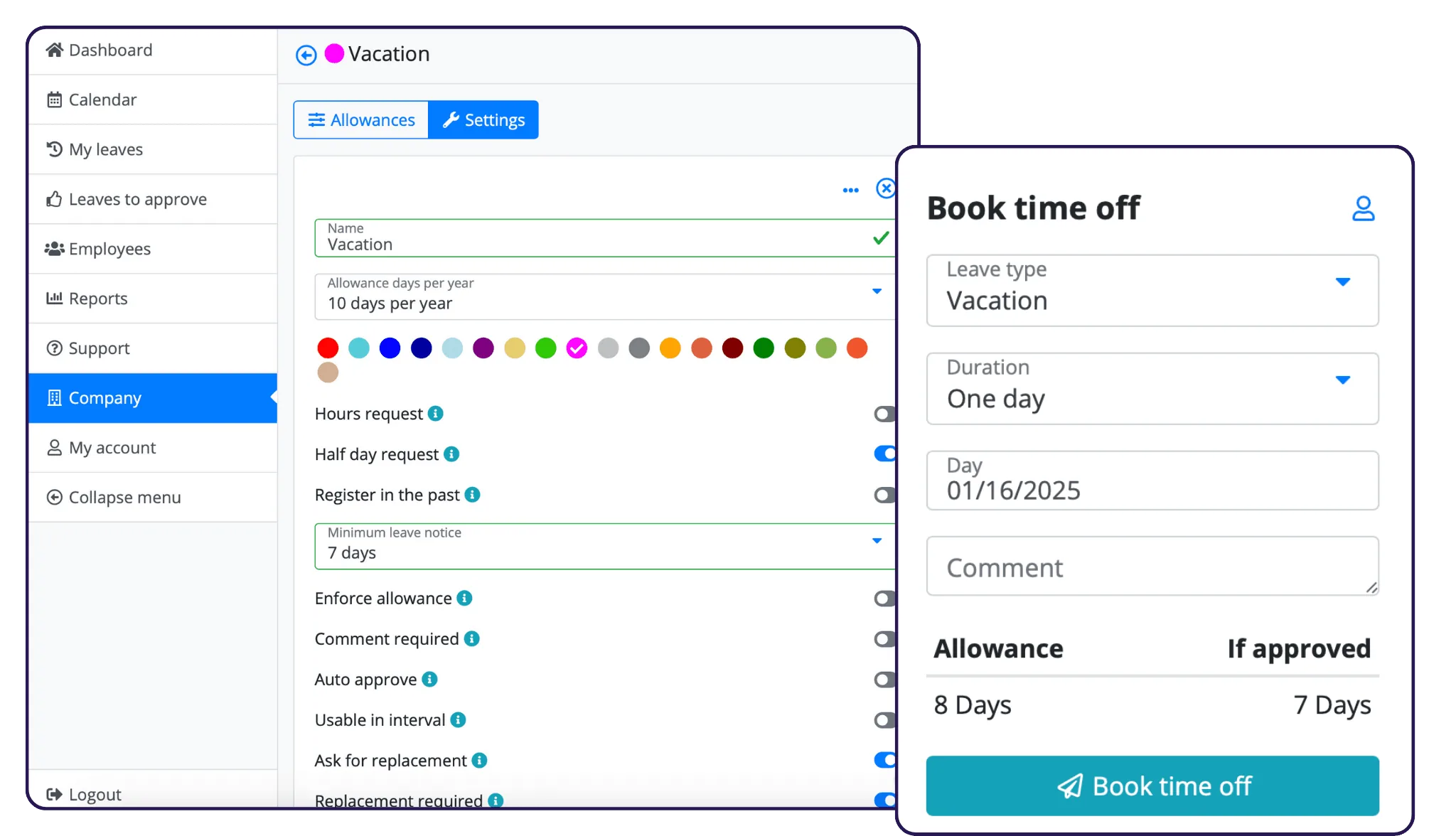
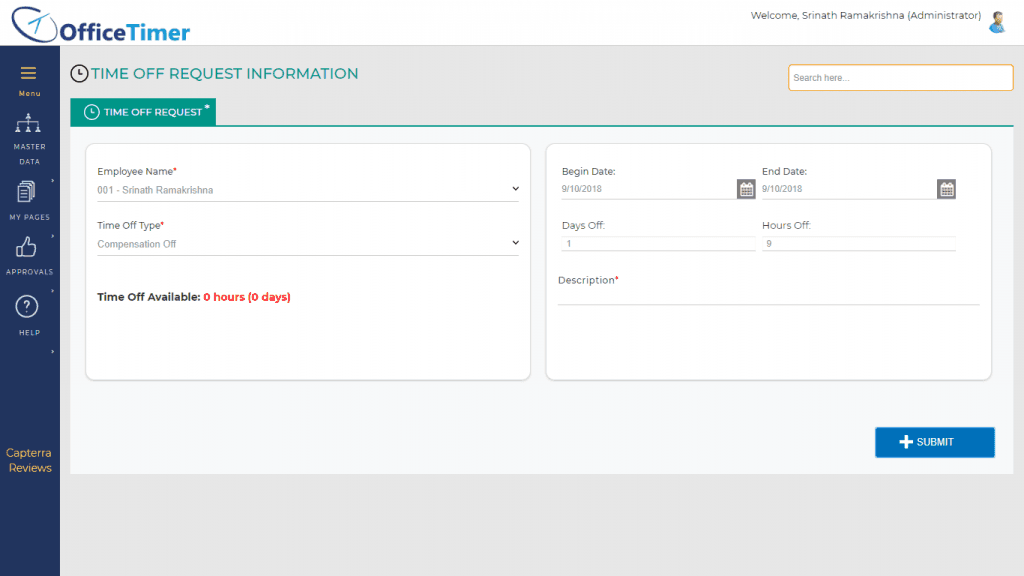
OfficeTimer: Best for Agencies That Bill by the Hour
OfficeTimer combines time tracking with leave management. If you need both, this consolidates two tools into one.
Employees clock in and out, log project hours, and request time off from the same platform. Managers see who's working on what and who's planning to be out.
The dual functionality makes sense for agencies or consulting firms that bill by the hour.
The free leave plan covers unlimited users with one leave type; Leave Premium is $0.49 per user per month on annual billing (monthly billing costs 20% more).
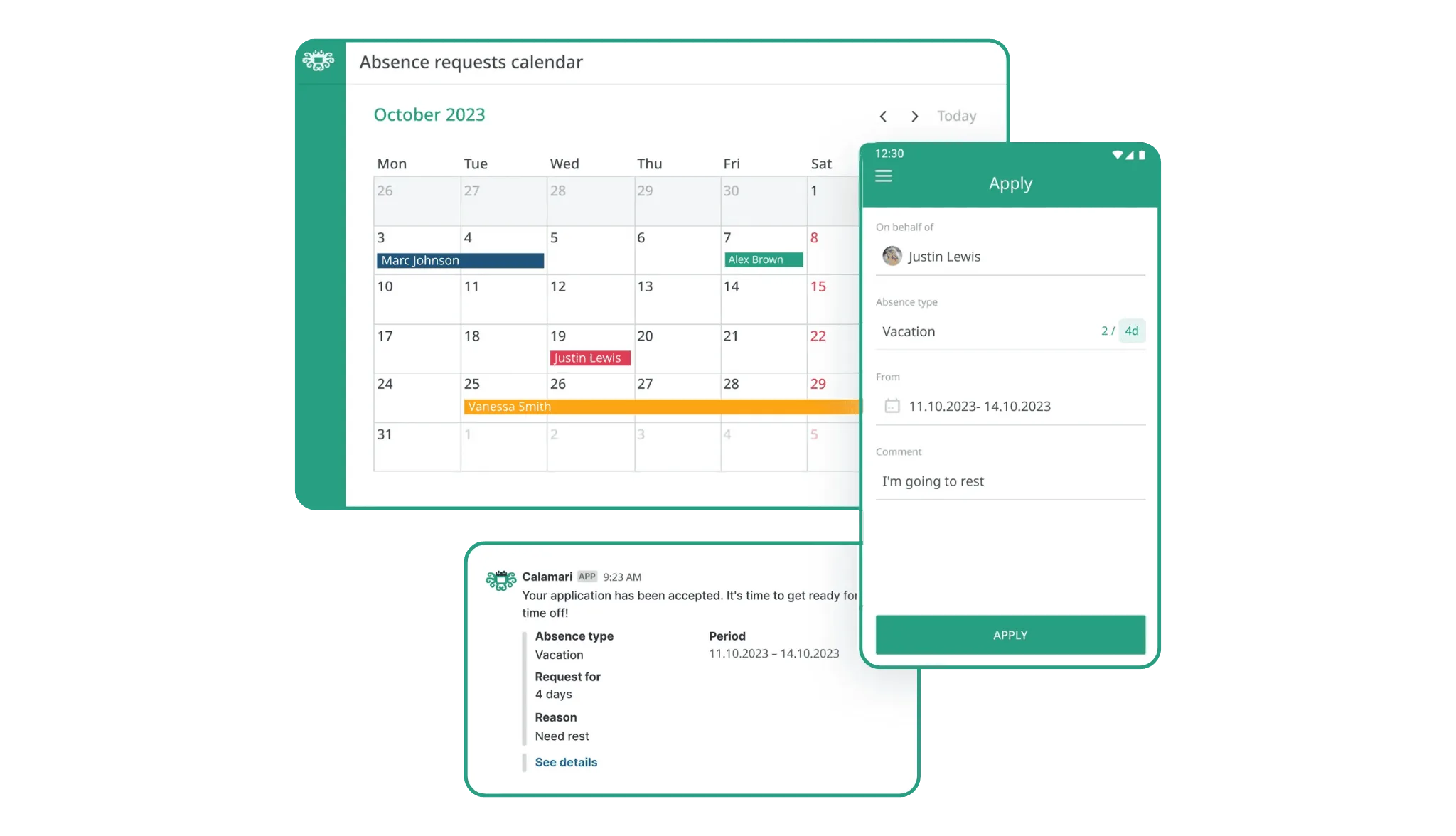
Calamari: Best for Time Off and Attendance in One Tool
Calamari handles the full spectrum of employee time management, including attendance. Shared calendars prevent scheduling conflicts. Automatic PTO accrual calculations eliminate spreadsheet errors.
Restricted data access means employees only see what they need to see (privacy matters, especially in larger organizations). Document attachment lets employees upload doctor's notes or other supporting files with leave requests.
The Time Off module costs $2.50 per employee per month on monthly billing (10-seat minimum), with a 14-day trial. Want the full breakdown? Read our Calamari vs Vacation Tracker comparison.
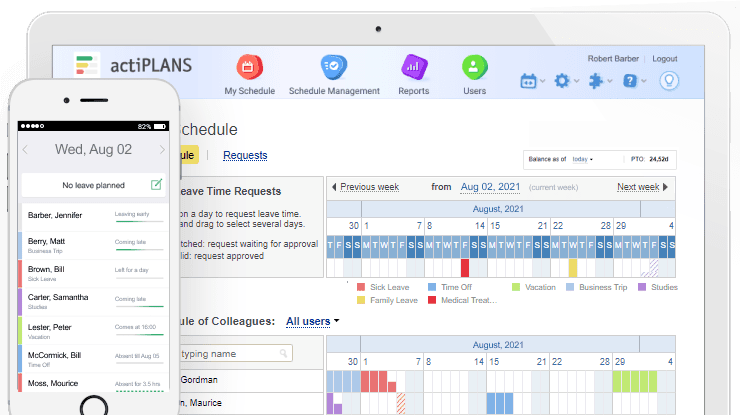
actiPLANS: Best for Resource Planning Alongside Leave
actiPLANS takes a project management angle. You see who's available for upcoming projects while tracking their vacation schedules.
Resource allocation becomes easier when you know Sarah's taking two weeks off next month. Project timelines adjust automatically based on team availability.
This works well for agencies, software development teams, or anyone juggling multiple projects with shifting team compositions.
Free for 1 to 3 users; then $1.90 per user per month for up to 40 users.
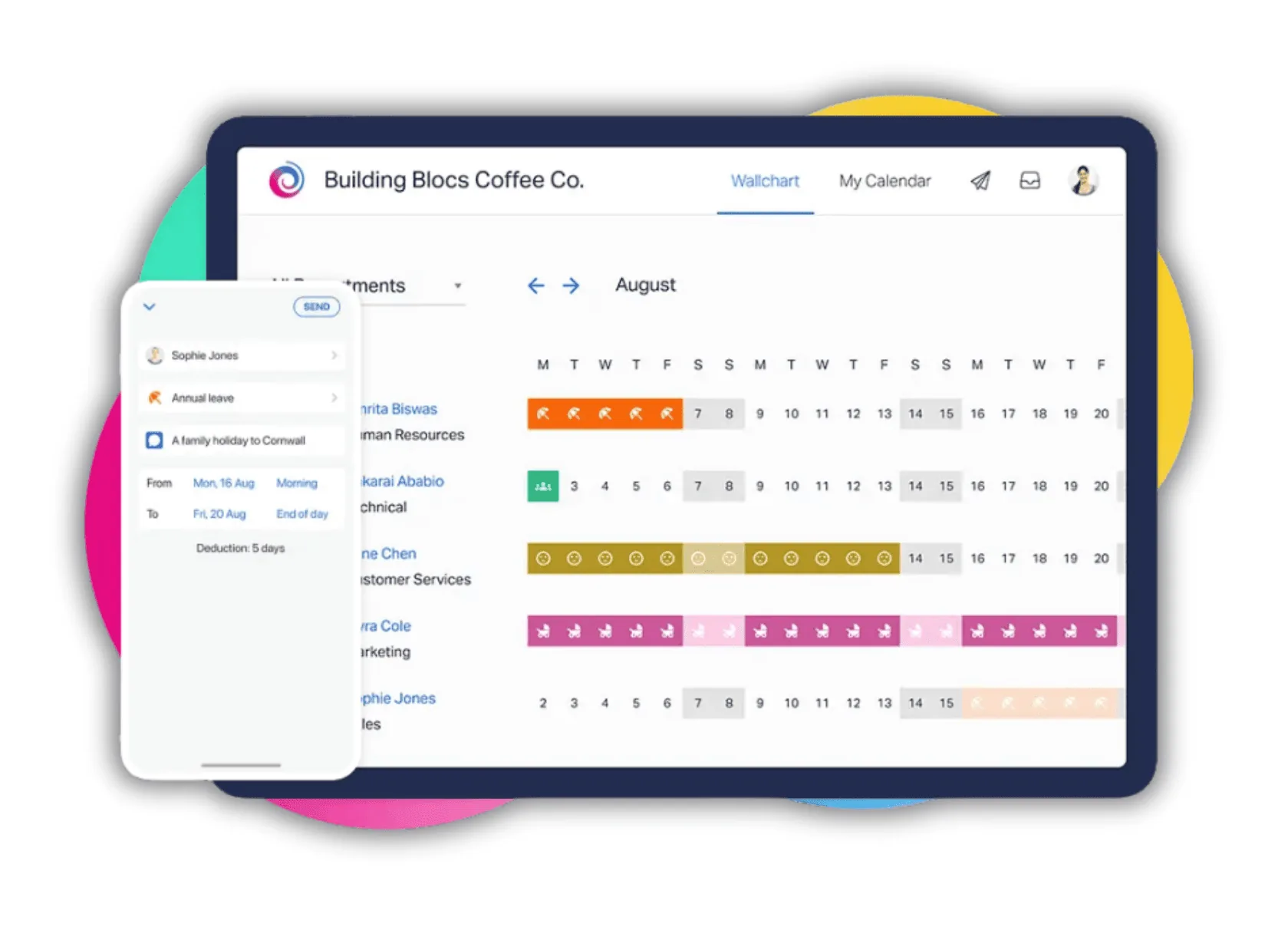
Timetastic: Best for Small Businesses That Want a Visual Wallchart
Timetastic embraces minimalism. The wall chart view shows everyone's time off in a color-coded grid (yes, like the old paper charts, but digital).
No complex workflows or approval chains. Request time off, manager clicks yes or no, done. Sometimes that's all you need.
The simplicity appeals to small businesses that don't want enterprise features they'll never use. We compare it feature by feature in Timetastic vs Vacation Tracker.
Plans are Business $1.50, Pro $2.50 and Rota & Time Clock $5.50 per user per month (£1.20, £2.00 and £4.00 in the UK), each with a one-month trial.
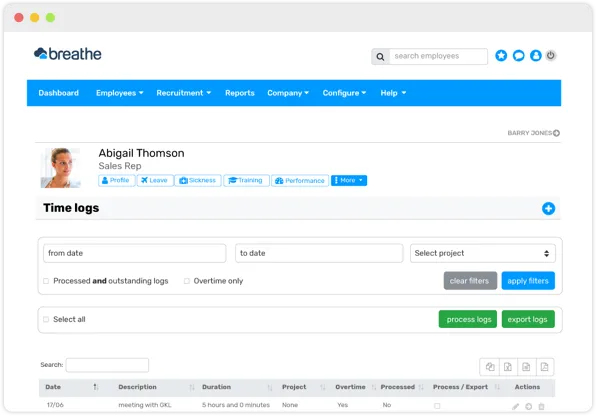
Breathe HR: Best for UK SMEs That Want HR and Performance Reviews Too
Breathe HR expands beyond vacation tracking into broader HR territory. Performance reviews, employee records, and time off management live in one system.
If you're building out your HR function and need multiple tools, Breathe consolidates them. The time off tracking works like the other options - requests, approvals, calendar views, balance tracking.
But you're also getting tools for onboarding, document storage, and performance tracking.
Pricing is a flat monthly fee by company size, from £24 (1 to 10 people) to £579 (151 to 200), with a 14-day trial.
HiBob: Best for Mid-Size to Enterprise Companies That Want a Full HR Suite
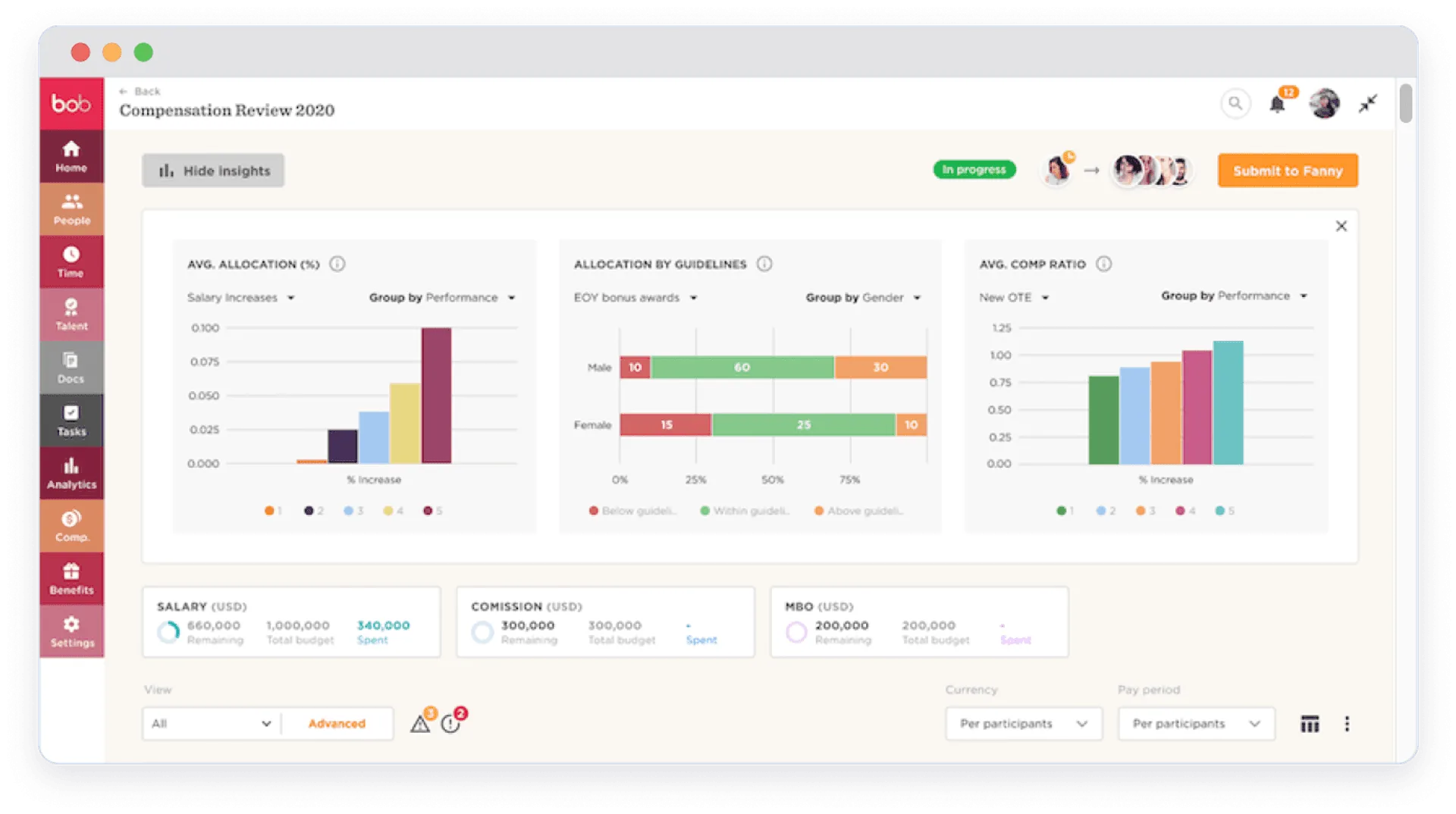
HiBob (yes, that's actually the name) aims at companies with 50+ employees. The platform handles complex organizational structures with multiple departments, locations, and leave policies.
Custom workflows adapt to your approval chains. Analytics dig deeper than basic reports, showing trends across departments or demographics. Integration with payroll systems automates the connection between time off and paychecks.
HiBob doesn't publish prices; you request a quote.
Pricing reflects the enterprise focus - you'll pay more than the budget options, but you get more sophisticated features.
Which Employee Vacation Tracker Should You Choose?
- If you're a multi-location team that books leave in Microsoft Teams or Slack → Vacation Tracker
- If you're looking for simple leave tracking on a budget → Day Off
- If you're already using Zoho apps → Zoho People
- If you're a small team that wants a clear absence calendar → LeaveBoard
- If you're an agency that bills by the hour → OfficeTimer
- If you're looking for time off and attendance in one tool → Calamari
- If you're planning resources alongside leave → actiPLANS
- If you're a small business that wants a visual wallchart → Timetastic
- If you're a UK SME that wants HR and performance reviews too → Breathe HR
- If you're a mid-size to enterprise company that wants a full HR suite → HiBob
I keep saying this, but your existing tools matter more than feature lists. If your team works across more than one location and lives in Microsoft Teams or Slack, Vacation Tracker makes sense. If you're already using Zoho for other stuff, Zoho People integrates easily.
Budget obviously plays a role. A 10-person startup has different needs (and resources) than a 500-person company. The free and low-cost options work fine for small teams. Larger organizations need the compliance features and complex policy management that come with pricier platforms.
Actually, the best vacation tracker is the one your team will consistently use. Fancy features don't matter if everyone ignores the system and keeps emailing their manager instead.
Only need something free? See our 8 best free leave tracking tools. Running several offices or countries? See multi-location leave management tools.
Most Tools Now Include These Standard Features
Automated accruals, calendar syncing, mobile apps, approval workflows - these used to be premium features. Now they're table stakes. Every tool on this list handles the basics competently.
The differentiation comes from integration depth, pricing models, and whether you need just vacation tracking or a broader HR platform. BambooHR and HR Cloud fall into that all-in-one category, managing the entire employee lifecycle beyond just time off.
You're choosing between specialized tools that do one thing really well versus comprehensive platforms that do many things adequately. Neither approach is wrong - it depends on your company's stage and needs.
Start with a free trial (most offer them) and actually test the workflow with your team. The tool that looks perfect in a demo video might feel clunky when you're using it daily. Or the simple option you almost dismissed might be exactly what you need.
Manage leave across all your locations
Leave policies and public holidays for every office, state or country, in Microsoft Teams, Slack or Google Workspace.