Last updated on October 15, 2026
If your company has offices in several US states, Canadian provinces or countries, the best leave management software lets every location keep its own leave policies, public holidays and accrual rules, while everyone requests time off in one place. For companies on Microsoft Teams, Slack or Google Workspace, my pick is Vacation Tracker. For enterprise multi-country setups, look at edays. For Europe-first teams, absence.io.
Across locations, public holidays, leave rules and workweeks can differ. The practical question is whether your tool can apply those differences without making HR recalculate balances by hand.
I tested the top leave management platforms built for distributed teams to see which ones actually handle multi-location complexity well. Some are great for global teams, others are built for European teams, and a few US tools solve a different problem entirely.
Watch the full breakdown here:
Quick comparison
Prices below use the billing terms shown in each row, from vendor pages checked August 6, 2026. They are not all annual rates. Vacation Tracker’s monthly minimum is $50 for Core and $100 for Complete. Check the total cost for your headcount before buying.
| Tool | Works in | Separate policies per location | Regional and country holidays | Free plan or trial | Starting price | Best for |
|---|---|---|---|---|---|---|
| Vacation Tracker | Microsoft Teams, Slack, Google Workspace, web, iOS, Android | Yes, per leave type and location | Yes, imported per location, including US states and Canadian provinces | 14-day trial | $2/ |
Companies on Microsoft Teams, Slack or Google Workspace with offices in several states, provinces or countries |
| Calamari | Microsoft Teams, Slack, Google Workspace, web | Yes, multi-country policies | Yes, several holiday calendars in one account | 14-day trial | $2.50/ |
Multi-country teams that want modules |
| edays | Web, mobile, HR and payroll integrations | Yes, country templates | Yes, automatic public holiday imports | Demo only, no trial | Quote-based | Enterprise organizations in many countries |
| absentify | Microsoft Teams, Outlook (Microsoft 365 only) | Not stated on site | Yes, 250 countries, including regional holidays | Free plan, unlimited users | Free; paid plans per user | Companies that run entirely on Microsoft 365 |
| absence.io | Web, with Microsoft, Google and Slack integrations | Not stated on site | Not stated on site | 14-day trial | €2.99/ |
European teams that want EU data hosting |
| LeaveBoard | Web, with Microsoft 365, Google Calendar and Slack integrations | Not stated on site | Yes, public holidays | Free up to 9 employees, 14-day trial | $1.35/ |
Small teams on a budget |
| Day Off | Microsoft Teams, Slack, Google Calendar, Outlook, iOS, Android | Yes, multi-location and multi-policy | Not stated on site | Free up to 10 users | $2/ |
Small companies coming off spreadsheets |
| Leave Dates | Web, with Slack integration | Not stated on site | Yes, bank holidays for 230+ countries | 30-day trial | £0.75/ |
Simple policies at a low price |
What multi-location leave management actually needs
Running a company with 60+ employees across different states or countries creates problems that go beyond tracking who’s out. Before you compare tools, check these five things:
- Separate policies per location. Each office, state, province or country needs its own allowance, accrual and carryover rules.
- Regional holiday calendars. State, provincial and country holidays should load automatically for each location, not be typed in by hand.
- Accruals and carryover per location. Rules that differ by location have to be calculated by the tool, not in a spreadsheet next to it.
- Location-level admins and approvers. The office manager in Toronto shouldn’t need admin rights over Austin.
- One company-wide view. Leadership needs to see who’s out across every office in one calendar.
These five criteria are what I used to rank the tools below.
The 8 best leave management tools for multiple locations
1. Vacation Tracker: best for companies on Microsoft Teams, Slack or Google Workspace

I recommend Vacation Tracker for multi-location teams that need local policy control without buying another full HR platform. The combination matters: each office can have its own rules while managers retain a shared view of availability.
Vacation Tracker supports Microsoft Teams, Slack and Google Workspace, with iOS and Android apps too. In Microsoft Teams and Slack, employees request leave and managers approve it inside their collaboration tool. Google Workspace teams use the dashboard and email, with Google sign-in. Each workspace uses one platform integration.
Each location gets its own country (and US state or Canadian province), time zone, workweek, public holidays and leave policies. State and provincial holidays import automatically when you create the location. You can set different allowances, accruals, carryover and approval rules per leave type and per location, and give a Location Admin rights over just their own offices.

Pricing is $2 per user per month on Core and $4 on Complete. Core covers up to 3 locations. Complete adds unlimited locations, accruals, accrual caps, hourly leave and TOIL. There’s a 14-day free trial with full Complete access.
The main gap: no native integration with HR systems like BambooHR, Gusto or Rippling yet. There’s an ADP Workforce Now integration, and you can connect other tools through Zapier.
If that isn’t a deal-breaker, this is my default recommendation for multi-location teams.
Learn more: Microsoft Teams · Slack · Google Workspace · location control · pricing
2. Calamari: best modular option for multi-country teams
Calamari is a specialist tool sold as modules: Time Off, Time & Attendance, Core HR, Performance and Scheduling. You buy only the modules you need.
For multi-location use, its Time Off module lists multi-country absence policies and separate public holiday calendars for “many branches or countries in one account”. The apps are available in 13 languages. In Slack, employees can request and approve leave. In Microsoft Teams, the app shows balances and scheduled absences and posts notifications to channels.
Time Off costs $2.50 per employee per month ($2 billed yearly), with a 14-day trial. Calamari shows a 4.7 rating from 600+ reviews on Capterra.
The tradeoff: costs add up if you buy several modules, and the Microsoft Teams app is lighter than the Slack one.
3. edays: best for enterprise, multi-country organizations

If multi-location means multi-country at scale, edays is the heavyweight choice. It says it’s used by 1,400+ organizations in 120 countries and supports 25+ languages.
Its modules center on absence management. You get country templates, automatic public holiday imports and integrations with HR, payroll and ERP systems.
The catch: pricing is quote-based (it depends on modules, employees and countries), and there’s no free trial, only a demo. This is an enterprise purchase. Below a few hundred employees, it’s probably more than you need.
4. absentify: best for companies that run entirely on Microsoft 365

If your whole company lives in Microsoft 365, absentify works inside Microsoft Teams and Outlook and syncs users from Entra ID. It imports public holidays for 250 countries, including regional ones, and has a free plan for unlimited users.
The tradeoff: it’s built for Microsoft 365 only. If some of your teams work in Slack or Google Workspace, they’re left out. Vacation Tracker works in Microsoft Teams too, and also supports Slack and Google Workspace.
5. absence.io: best for European teams

absence.io is a German company. It hosts customer data on ISO-certified servers in Germany and says it’s GDPR-compliant by design. The software is available in 7 languages, with integrations for Microsoft, Google and Slack.
For European HR buyers, especially in Germany, Austria or Switzerland, it’s a solid option. Pricing starts at €2.99 per user per month, with a 14-day trial. Its site doesn’t go into detail on multi-location policies, and it’s German-first, so it can feel foreign outside the region.
6. LeaveBoard: best value pick

LeaveBoard is one of the cheapest options: free for up to 9 employees, then $1.35 per employee per month. It integrates with Microsoft 365, Google Calendar and Slack, and handles public holidays and custom work schedules.
Honestly, multi-location handling isn’t as deep as Calamari or Vacation Tracker. There are fewer policy controls per location. If you only have a couple of location differences, fine. If you need to scale beyond that, you might hit limits.
7. Day Off: best free plan

Day Off is free forever for up to 10 users. The Pro plan is $2 per seat per month billed yearly, with a $20 monthly minimum. It lists multiple locations and policies, accruals, carryover and blockout dates, integrates with Microsoft Teams, Slack, Google Calendar and Outlook, and has iOS and Android apps.
It’s great if you’re a smaller company coming off spreadsheets and want something more official without paying much.
8. Leave Dates: best budget option for simple policies

Leave Dates has a polished UI at a low price: from £0.75 per user per month, with a 30-day free trial. It imports bank holidays for 230+ countries, has a wall chart and year chart, and sends a daily summary to Slack.
It’s not as configurable per location as Vacation Tracker, but for companies with straightforward policies it does what you need.
Offices in multiple US states
In the US, what usually differs from state to state is how much PTO and paid sick leave each group gets, how sick leave accrues, what carries over, what’s paid out when someone leaves, and which holidays each office observes. Some cities add their own rules. Document these for each group and have the applicable requirements checked before you configure policies; the US Department of Labor’s state labor office directory lists each state’s authority.
You don’t need a different tool per state. You need one tool where each state (or office) is its own location with its own policies. Look for:
- sick leave as its own leave type, with its own accrual rules per location
- carryover limits and expiry set per location
- state holidays loaded per location
- separate approvers or a location admin for each office
- one calendar that shows every office
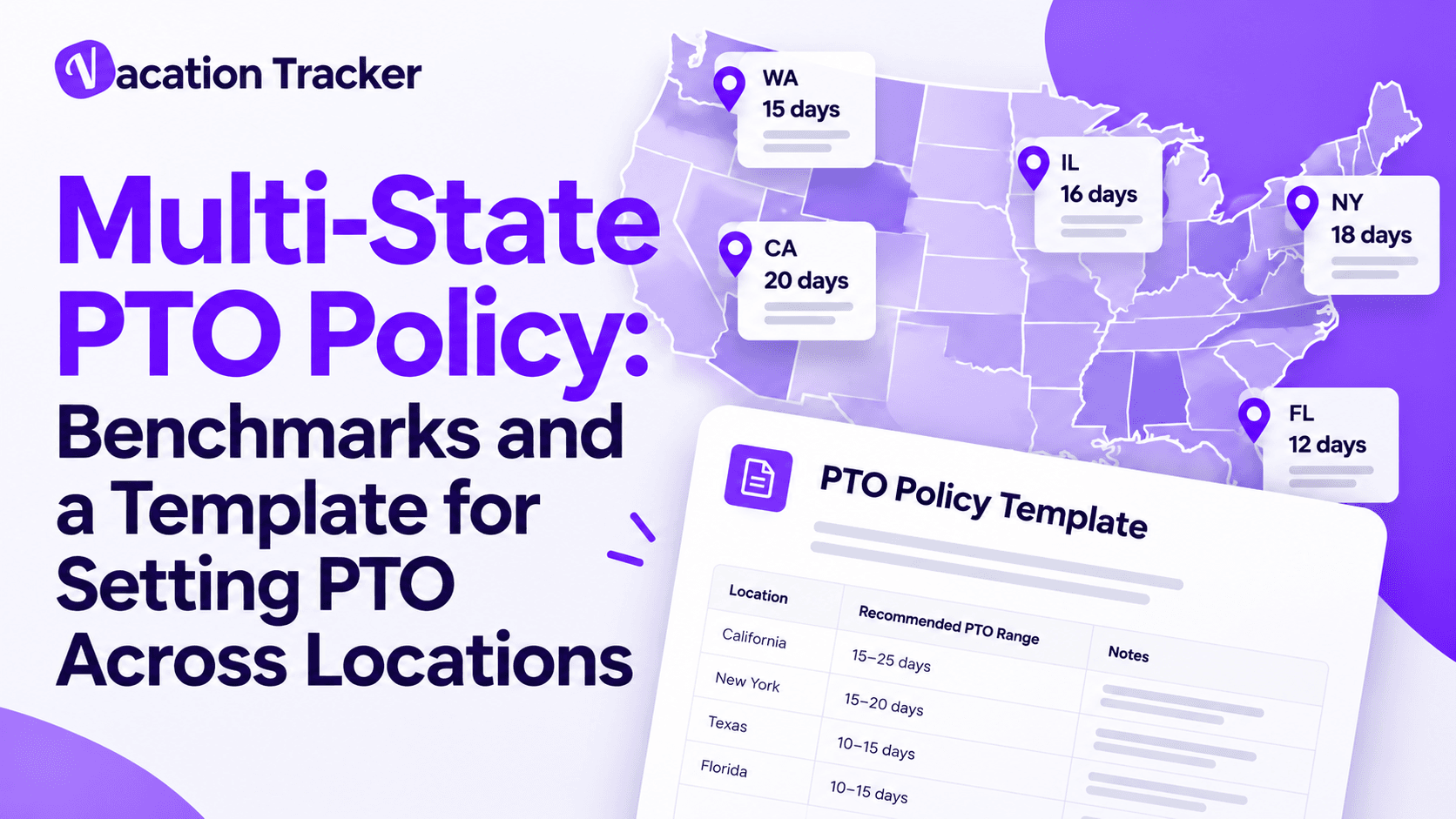
Vacation Tracker handles this by giving each state its own location and policies. Before you configure any tool, decide the policy itself. Our multi-state PTO policy guide walks through the six decisions, and our guide to managing leave across multiple locations covers the rollout.
Complex US leave: a different category

Everything above handles day-to-day PTO and leave. But there’s a separate category of tool for complex leave: parental leave, medical leave, FMLA and state leave programs.
Companies like Cocoon, Sparrow and Tilt manage those cases: the paperwork, the claims and the payroll impact.
These tools can complement Vacation Tracker. Keep daily PTO requests, balances and location calendars in Vacation Tracker, and evaluate Cocoon, Sparrow or Tilt separately if you need help administering complex leave cases.
Locations in multiple Canadian provinces
In Canada, vacation entitlement, vacation pay and statutory holidays are set by each province or territory, so a company with employees in Ontario, Quebec and British Columbia is effectively running three sets of rules. Federally regulated workplaces, such as banks and airlines, follow the Canada Labour Code instead. The Government of Canada’s list of federally regulated industries shows which applies to you; confirm that before creating the location policies.
Sidenote: US and Canadian jurisdiction guidance last reviewed August 6, 2026. This software comparison is not legal advice.
Look for:
- one location per province, with provincial statutory holidays imported automatically
- vacation allowances that can increase with years of service
- accruals per location
- French for teams in Quebec
Vacation Tracker imports provincial holidays per location, supports seniority-based allowances and accruals on the Complete plan, and the dashboard is available in French. Calamari and edays support multiple countries well; their sites don’t go into detail on province-level setup.
Teams in multiple countries
Across countries, almost everything changes at once: annual leave allowances, public holidays, workweeks, time zones and languages. Our guide to managing leave across multiple countries shows how companies handle each of these, with data from 3,500+ companies.
- Vacation Tracker: each country is a location with its own policies, holidays and workweek, and the dashboard comes in 9 languages. See leave management for global teams.
- edays: the strongest pick for large enterprises in many countries.
- Calamari: a good modular option with multi-country policies.
- absence.io: the pick if EU data hosting is a must.
If you also need to hire and pay people in countries where you have no legal entity, that’s a job for an employer-of-record platform like Deel. It’s a different purchase from leave management.
Already using an HRIS like BambooHR, Rippling, Gusto or Deel?
If you already pay for an HR platform, its time-off module may be enough when everyone works in one location and checks the HR portal regularly.
A dedicated leave tool earns its place when:
- employees should request and approve leave in Microsoft Teams or Slack, not in a portal they rarely open
- each location needs its own policies, holidays and approvers
- managers need a live view of who’s out across every office
Vacation Tracker runs alongside your HRIS. It doesn’t replace it.
FAQ
What is multi-location leave management?
Multi-location leave management means running time off for employees in more than one office, state, province or country from one system, while each location keeps its own leave policies, public holidays, accrual rules and approvers.
Can one leave policy cover employees in different states?
Start with a base policy, then document any location-specific requirements and have the policy reviewed for the employees it covers. Vacation Tracker lets you configure separate leave policies per location while keeping requests and balances in one system.
Which leave management tools work in Microsoft Teams?
Vacation Tracker, absentify, Calamari and Day Off all work in Microsoft Teams. absentify is Microsoft 365 only. Vacation Tracker also works in Slack and Google Workspace.
How do you handle different public holidays for each office?
Set up each office as its own location and import that country’s, state’s or province’s public holidays into it. Employees then see only the holidays that apply to them, and leave requests skip those days automatically.
Do I need a separate leave tool if I already have an HRIS?
Not always. If everyone works in one location and uses the HR portal, the HRIS time-off module may be enough. A dedicated tool helps when you have several locations with different rules, or when you want leave requested and approved in Microsoft Teams or Slack.
Final takeaway
For teams with different policies and holiday calendars across locations, my recommendation is Vacation Tracker. Start with the platform your employees already use, then choose Core or Complete based on the locations and policy controls you need.
If you’re on Microsoft Teams, Slack or Google Workspace and have offices in several states, provinces or countries, try Vacation Tracker free for 14 days or book a demo.
During the trial, set up two locations with different holidays and leave rules. Submit a request, approve it and check the shared calendar. That gives you a concrete test of the workflow your team will use.
This article compares software. It isn’t legal advice. Prices and features checked on each vendor’s website on August 6, 2026.

Nicholas Lydon

Nick is the Content Marketing Manager at Vacation Tracker, where he turns leave management, HR headaches, and the occasional oddly specific PTO question into content people can watch. He spends most of his time creating videos, articles, campaigns, and creative experiments that make HR a little less boring.