Last updated on May 4, 2026
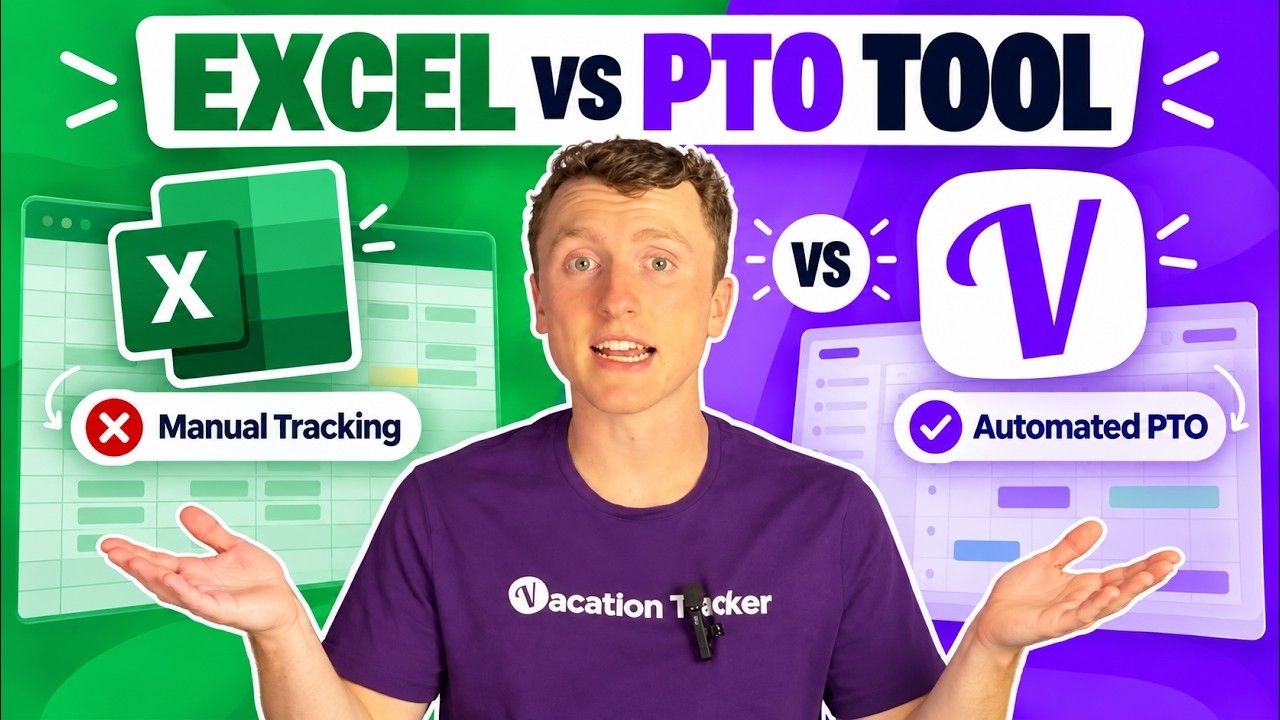
Spreadsheets Are Killing Your Leave Tracking (Here's What Actually Works)
Picture this: Someone on your team messages you Monday morning asking for Thursday and Friday off. Now you're digging through a shared Google sheet with 47 tabs, trying to figure out how many days they've used, whether those dates are already flagged, and why row 36 has an error throwing everything off.
If that sounds familiar, you've probably outgrown spreadsheets for leave tracking. I'm Nick, and I work at Vacation Tracker—so yes, I'm biased. But I genuinely think the pain points I'm about to walk through will resonate if you're still managing PTO manually.
Watch the full walkthrough here:
Why Spreadsheets Fail at Leave Tracking
Spreadsheets made sense when you were five people. They're simple, familiar, and easy to spin up. But at some point (maybe right now), you hit a wall. Here are five pain points you're probably experiencing:
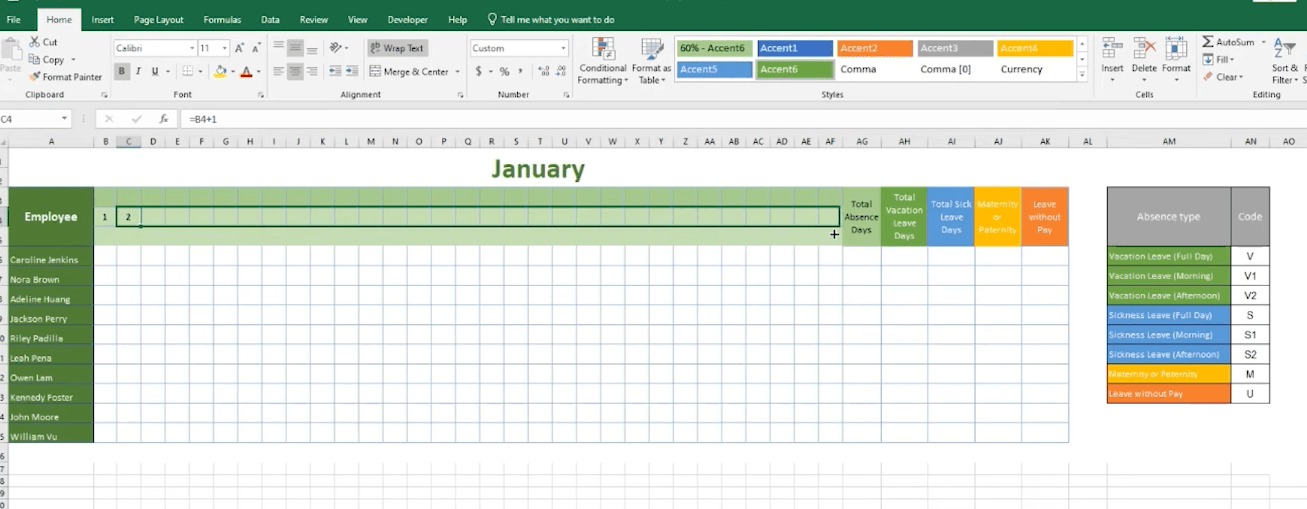
1. Manual updates eat your time. Every leave request means someone has to go in and update the sheet. If they forget, balances are wrong. You don't find out until someone who thinks they have 3 days left actually has zero.
2. No approval workflow. There's no built-in way to request or approve time off. It's random Slack messages, emails, or hallway conversations. Half the time there's no paper trail, so when someone says "I told you about that 2 weeks ago," you have no way to verify.
3. Version control is a nightmare. Who edited what? Did someone delete a row accidentally? Did an intern overwrite a formula? You've got 15 people in the same spreadsheet and it only takes one bad keystroke to ruin everything.
4. Zero visibility. You can't glance at a spreadsheet and know who's out this week, next week, or next month. That matters because you don't know if you have coverage on a team or if three people accidentally booked the same dates off.
5. It doesn't scale. The second you add a second office, different leave policies for different countries, or need to handle accruals and carryovers, that spreadsheet becomes a full-time job.
What Vacation Tracker Does Differently
Vacation Tracker isn't a giant HR platform with features you'll never use. It's focused on PTO and leave tracking, and it lives inside Slack, Microsoft Teams, Google Workspace, or just email flows. Nobody wants to learn a new platform, so people can request time off, approve requests, and check who's out without switching tools.
Core Features That Replace Spreadsheet Pain
One-click request and approval. Team members type a quick command in Slack or Teams, pick their dates, and the request goes straight to their manager. The manager gets a notification, accepts or denies it, and you're done. The whole thing takes about 30 seconds, and there's a clear record of every request.
Automatic balance tracking. Vacation Tracker calculates leave balances for you—no formulas, no manual updates. It handles accruals, carryovers, and even seniority-based rules where tenured employees earn more time off. All of that is a nightmare in spreadsheets.
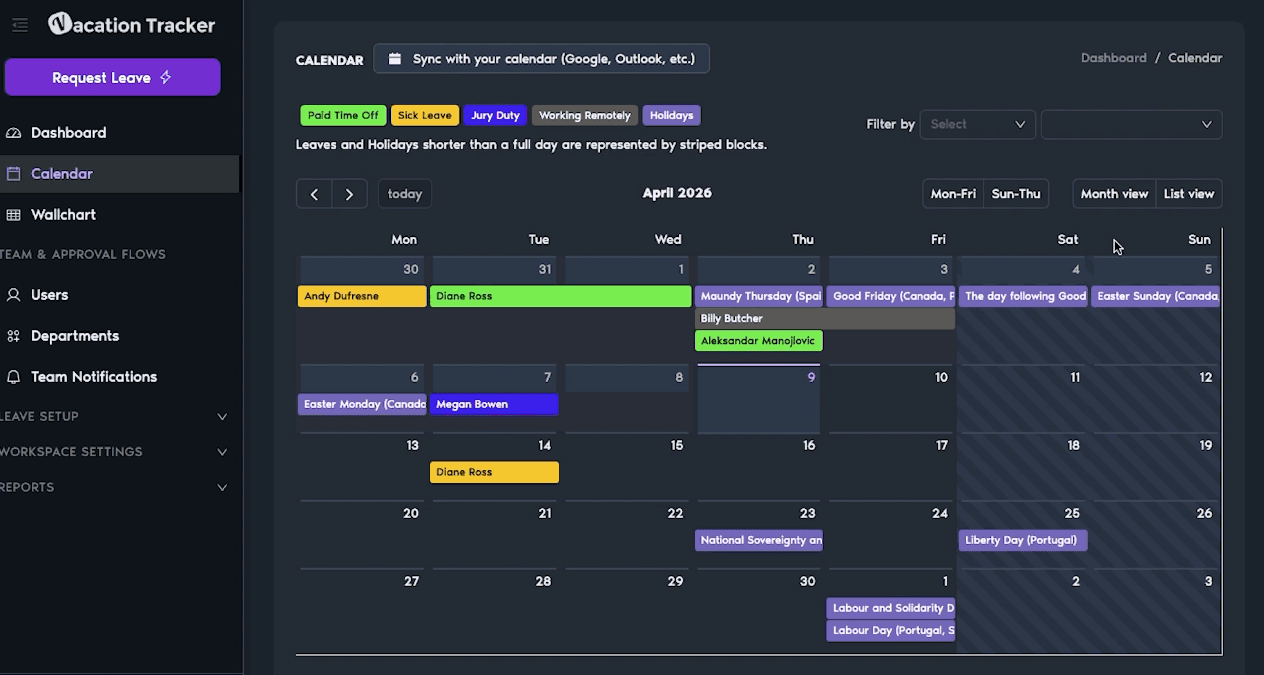
Team visibility with wallchart and calendars. The calendar view shows exactly who's off and when. It's color-coded by leave type, and you can filter by department and location. Next time someone asks for a Friday off, you'll know exactly who's in and who's out.
Smart scheduling rules. You can set limits on how many people can be off from each team at a time. You can require more advanced notice for longer periods off. You can even block out critical dates. These are guardrails that spreadsheets just can't provide.
Instant reporting. If you need to pull data for payroll, generate compliance reports, or see leave trends across the company, it's a couple clicks. Compare that to exporting a spreadsheet, cleaning up the data, and wrestling with pivot tables.
Pricing and Setup
I know what you're thinking: your team is small, and you don't want to spend money on something that isn't 100% necessary. Fair enough. But Vacation Tracker has a free version—not a trial, but free forever. It covers the basics: one leave type, one approver, and a calendar view. For a small team or if you just want to test it out, it's a solid starting point.
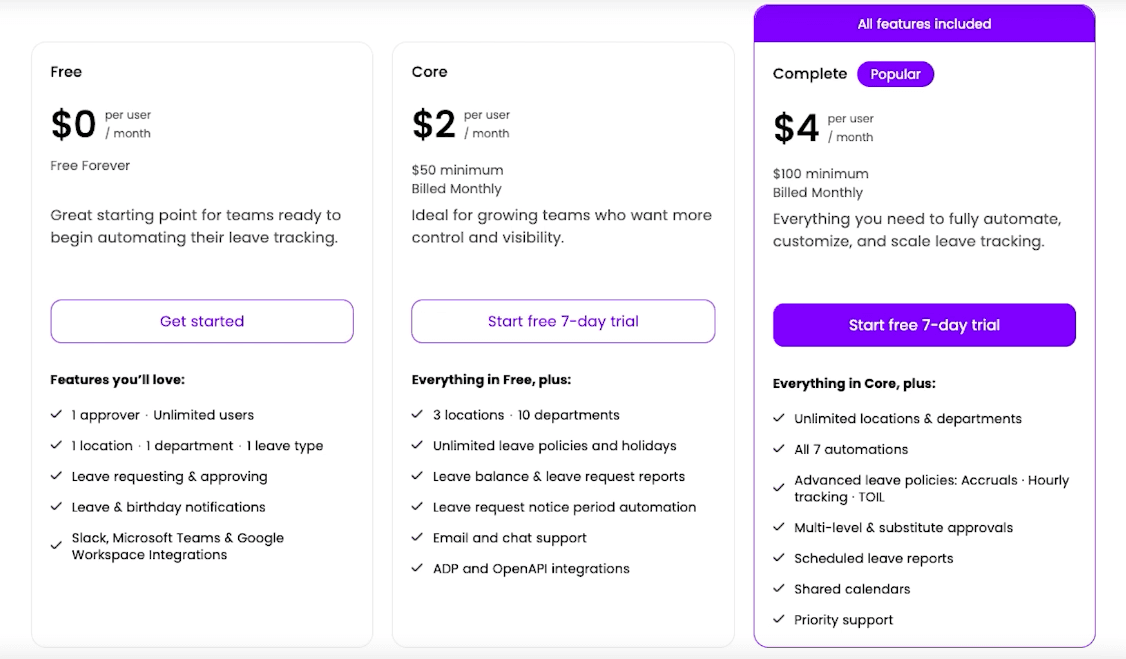
If you outgrow it, the starting paid plan is only $2 per user per month. That's probably less than the time you're already spending in a spreadsheet.
Setup takes less than a day. You connect your workspace, import your users, set up the policies you want, and you're live.
Stop Fighting With Spreadsheets
If you're still tracking PTO in a spreadsheet and getting too many headaches, try Vacation Tracker. There's a 14-day free trial if you want to dip your toes in, and the paid version is cheap enough that it pays for itself in saved time almost immediately.

Nicholas Lydon

Nick is the Content Marketing Manager at Vacation Tracker, where he turns leave management, HR headaches, and the occasional oddly specific PTO question into content people can watch. He spends most of his time creating videos, articles, campaigns, and creative experiments that make HR a little less boring.