Last updated on June 5, 2026
Vacation Tracker vs TimeBot: Which Leave Management Tool Actually Works for Your Team
If you're stuck managing PTO requests in spreadsheets (or worse, email threads), you've probably looked at Vacation Tracker and TimeBot. Both promise to make leave tracking less painful, but they're built for different types of teams.
I work for Vacation Tracker, so yeah, I'm biased. But I'm going to lay out the facts so you can decide which one actually fits your needs.
Watch the full breakdown below!
Who These Tools Are Actually Built For
Vacation Tracker can support teams from small startups to enterprise-level organizations, but it really shines for mid-sized companies (50-100+ employees) ready to move beyond spreadsheets. If you have multiple locations, departments with different leave types, or policies that vary by seniority level, Vacation Tracker has the structure to handle that complexity.
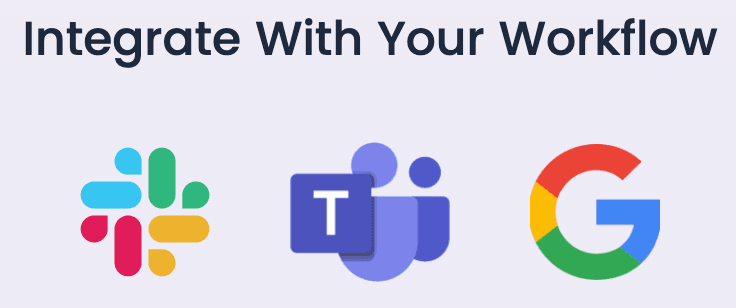
The platform works where your team already lives: Slack, Microsoft Teams, Google Workspace, mobile apps, and web browsers. People don't need to leave their workflow to request time off or check their balances.
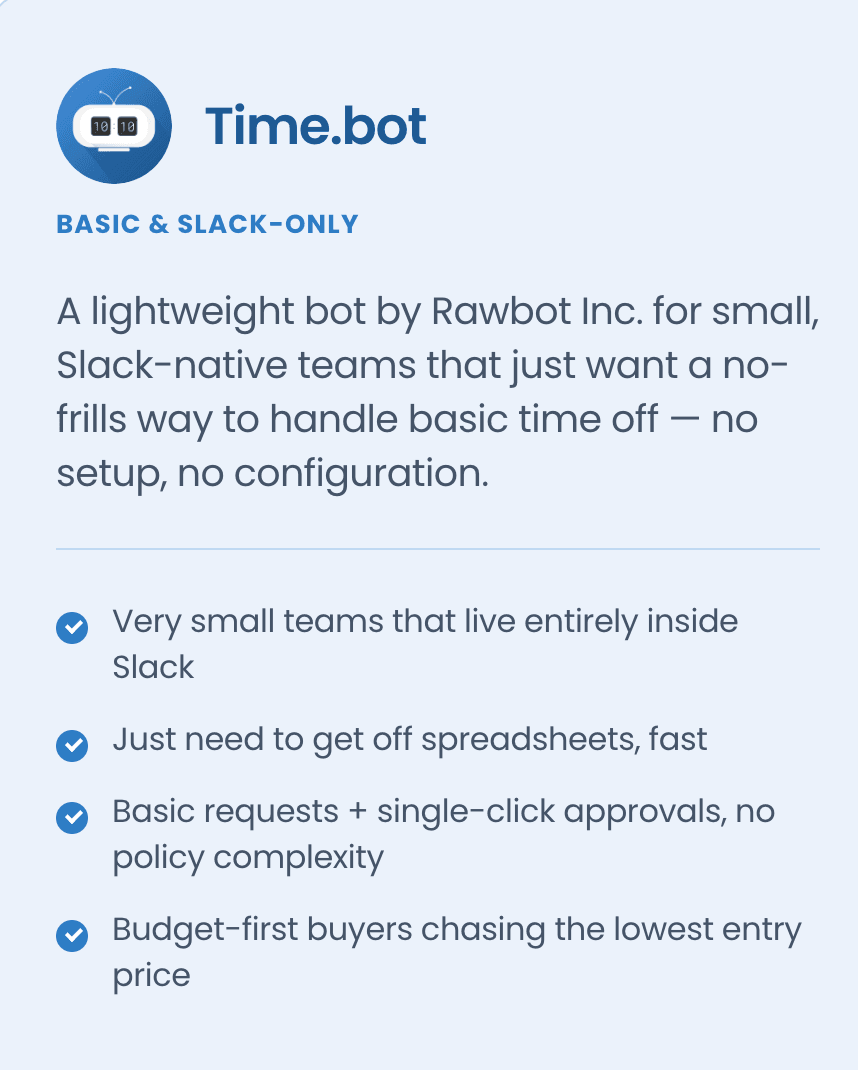
TimeBot targets smaller teams who just want an easy Slack-based solution. It's a lightweight bot created by RobBot (a company that specializes in Slack integrations). If your main goal is getting off spreadsheets with zero configuration overhead, TimeBot delivers on that promise.
What Makes Vacation Tracker Stand Out
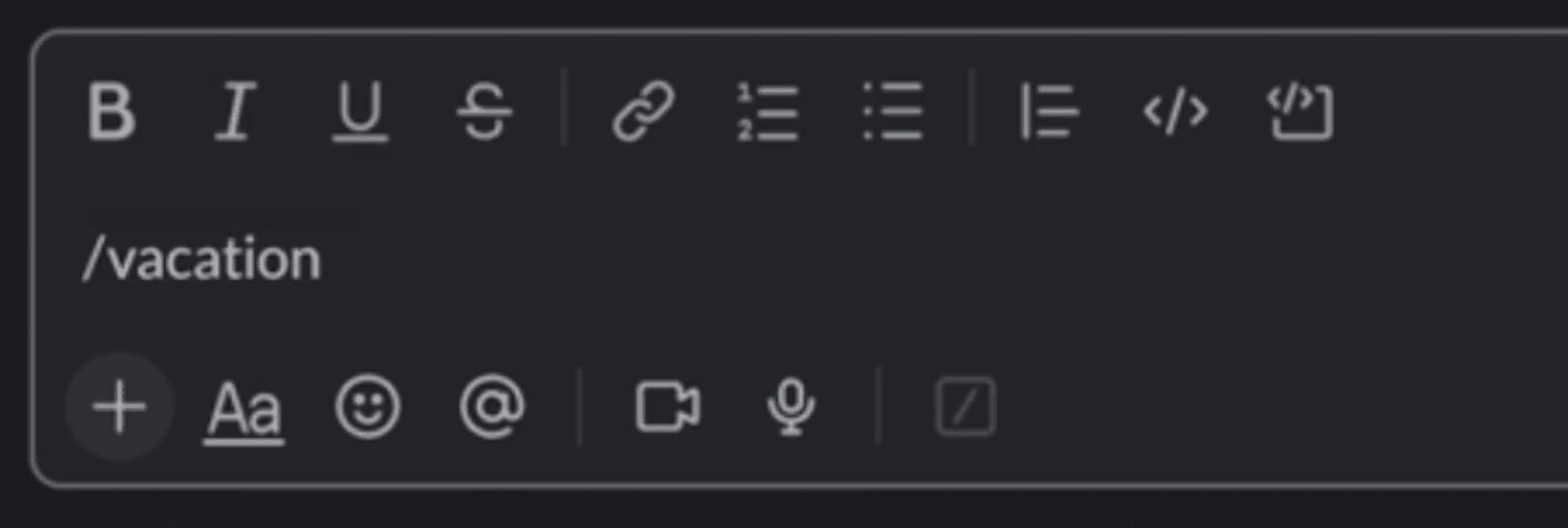
The most underrated thing about Vacation Tracker is how little friction it creates for employees. In Slack, you type one command (/vacation) and the full dashboard appears. You can request leave, check your remaining balance, and see everything else without opening a new tab or logging into a separate system. For adoption rates, this matters more than you'd think.
The depth of leave policies is where Vacation Tracker really separates itself from other tools. Over the years, we've found that companies handle leave in wildly different ways. Whether you need accruals, blackout periods, probation periods, or time off in lieu, the platform supports it. You get to build the policies you actually want instead of working around limitations.
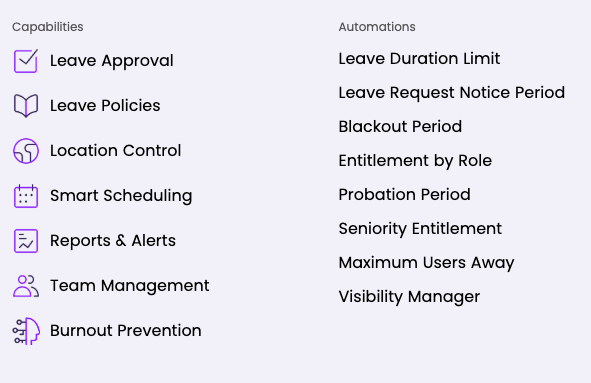
Most teams get up and running in under a day, and you can request an onboarding call if things look complicated. Some platforms leave you to figure everything out yourself. We're working to make setup as frictionless as possible, so if the app feels overwhelming at first, someone from our team will help you configure everything.
The multi-platform flexibility matters for growing teams. You're not locked into just Slack. It works in Microsoft 365, Google Workspace, mobile apps, and desktop browsers. If your team switches tools down the road, you won't need to migrate to a new leave tracker.
What Makes TimeBot Worth Considering
People consistently say TimeBot is incredibly easy to set up. The Slack bot installs in seconds and requires basically no training. If your goal is moving off spreadsheets with zero configuration overhead, TimeBot delivers.
Everything happens inside Slack. Employees request time off there, managers approve it there, and that's it. For distributed teams, TimeBot supports over 100 different country calendars. If you have multiple offices in different countries, the local calendar automatically applies for each location.
The Weaknesses You Should Know About
Vacation Tracker's scope is intentionally narrow. We don't want to be an HR system; we want to be the best at leave tracking. Even though we integrate with ADP and Zapier, if you're looking for a platform with a full suite of HR functions, this won't fit.
TimeBot's weakness is in its simplicity. The feature set is minimal and there isn't much room to grow. If your team has complexity around leave rules, you'll hit the edge of what TimeBot can handle pretty quickly. Their free plan only allows 20 time off requests per month for your entire team (though their paid plans are cheap, so this isn't a dealbreaker).
Pricing Breakdown
Vacation Tracker's core plan starts at $2 per user per month. The complete plan with every feature costs $4 per user per month. You can test it with a 14-day free trial before paying anything.
TimeBot's starter plan costs $1 per user per month, making it cheaper at the entry level. But the feature gap can be significant depending on what your team needs.
Integration and Security Differences
Vacation Tracker takes the lead on integrations because it works across more platforms. It also connects to payroll software like ADP and integrates with Zapier (which means you can connect it to basically anything).
For security, Vacation Tracker has SOC 2 Type 2 certification and GDPR compliance. We couldn't find publicly available security documentation for TimeBot, so you'd need to verify that directly with them.
Which One You Should Actually Choose
The biggest difference isn't really price. It's the ceiling each platform can handle.
TimeBot works well if you only use Slack and have simple leave policies. If spreadsheets are eating up your time and you just need something basic, it's a solid choice.
But the moment your policies become more specific or nuanced, Vacation Tracker is probably the better option. If you have multiple locations, different leave types, approval workflows, or accrual rules, you'll need the flexibility Vacation Tracker provides.
The good news is both offer free trials. You won't waste much time or money testing them out. Try Vacation Tracker here or TimeBot here.

Nicholas Lydon
Nick is the Content Marketing Manager at Vacation Tracker, where he turns leave management, HR headaches, and the occasional oddly specific PTO question into content people can watch. He spends most of his time creating videos, articles, campaigns, and creative experiments that make HR a little less boring.


Pricing
- Core plan starts at $2 per user per month
- Complete plan with all features at $4 per user per month
- 14-day free trial available
- Starter plan at $1 per user per month
- Free plan limited to 20 time off requests per month for the entire team
- Free trial available
Platform Support
- Works across Slack, Microsoft Teams, Google Workspace, mobile apps, and web browsers
- Not locked into a single platform
Slack-only solution. All requests and approvals happen exclusively inside Slack.
Leave Policy Customization
- Supports accruals, blackout periods, probation periods, and time off in lieu
- Policies can vary by department, seniority, or location
Intentionally simple with a minimal feature set. Limited room to grow if your team has complex leave rules.
Multi-Location & Country Calendars
Supports multiple locations and departments with different leave types and policies per location.
Supports over 100 country calendars, automatically applying the local calendar for each office location.
Security & Compliance
- SOC 2 Type 2 certified
- GDPR compliant
No publicly available security documentation found. You would need to verify compliance details directly with TimeBot.
Integrations with External Tools
- Integrates with ADP for payroll
- Connects to Zapier, enabling connections to virtually any third-party tool
No mention of integrations with payroll software or automation platforms beyond Slack.
Onboarding & Setup
- Most teams are up and running in under a day
- Onboarding calls available if configuration is complex
Installs in seconds with virtually no training required. Designed for zero configuration overhead.