Last updated on July 2, 2026
I Connected AI to Every Business Tool I Could Find (And Here's What Actually Works)
Watch the full walkthrough here to see these integrations in action:
MCP Isn't Just for Developers Anymore
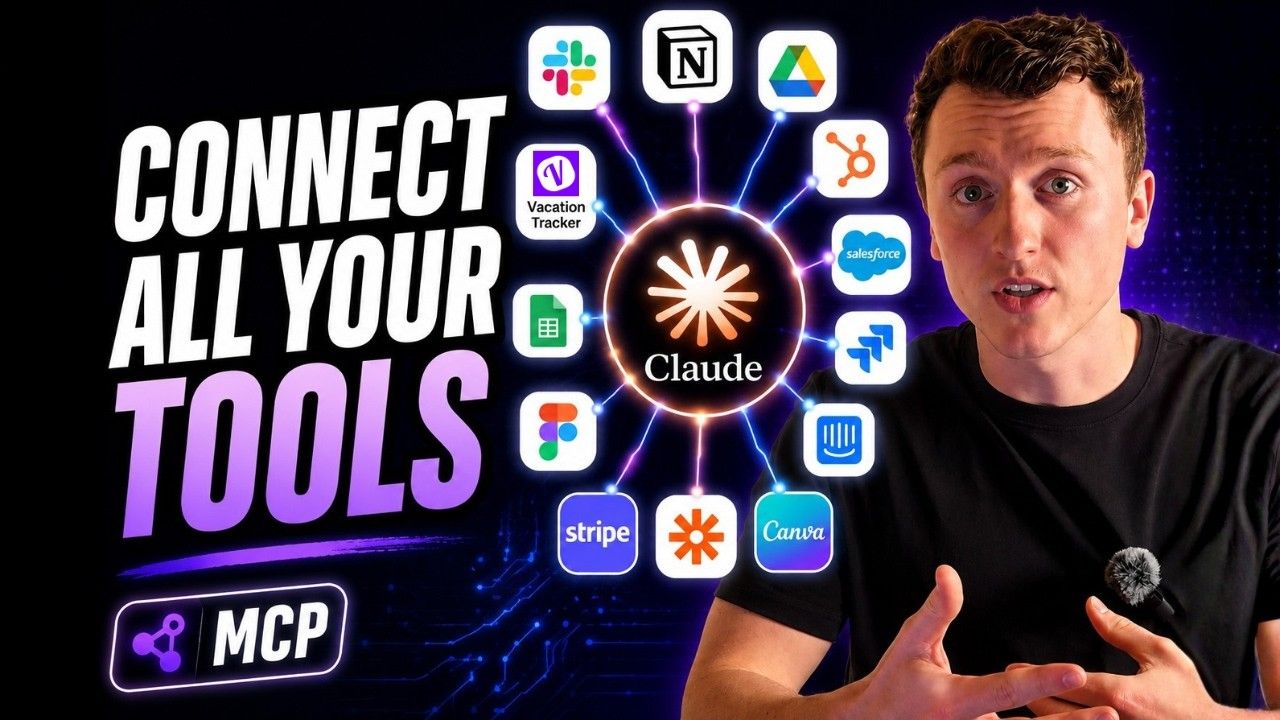
The most common question I get after the first two videos in this series, talking about MCP servers for HR is simple: what else is out there for general business productivity?
Fair question. MCP (Model Context Protocol) is the infrastructure layer that allows AI to work within any tool you use at work. It makes life easier across every business function.
In this post, I'm going wider. I'll cover the main business applications and talk about the top players in each space. If you watched my previous videos, you know the basics.
If not, here's the 30-second version: MCP is the shared protocol for AI companies. It lets your AI agent talk to your business tools.
But there's a problem.
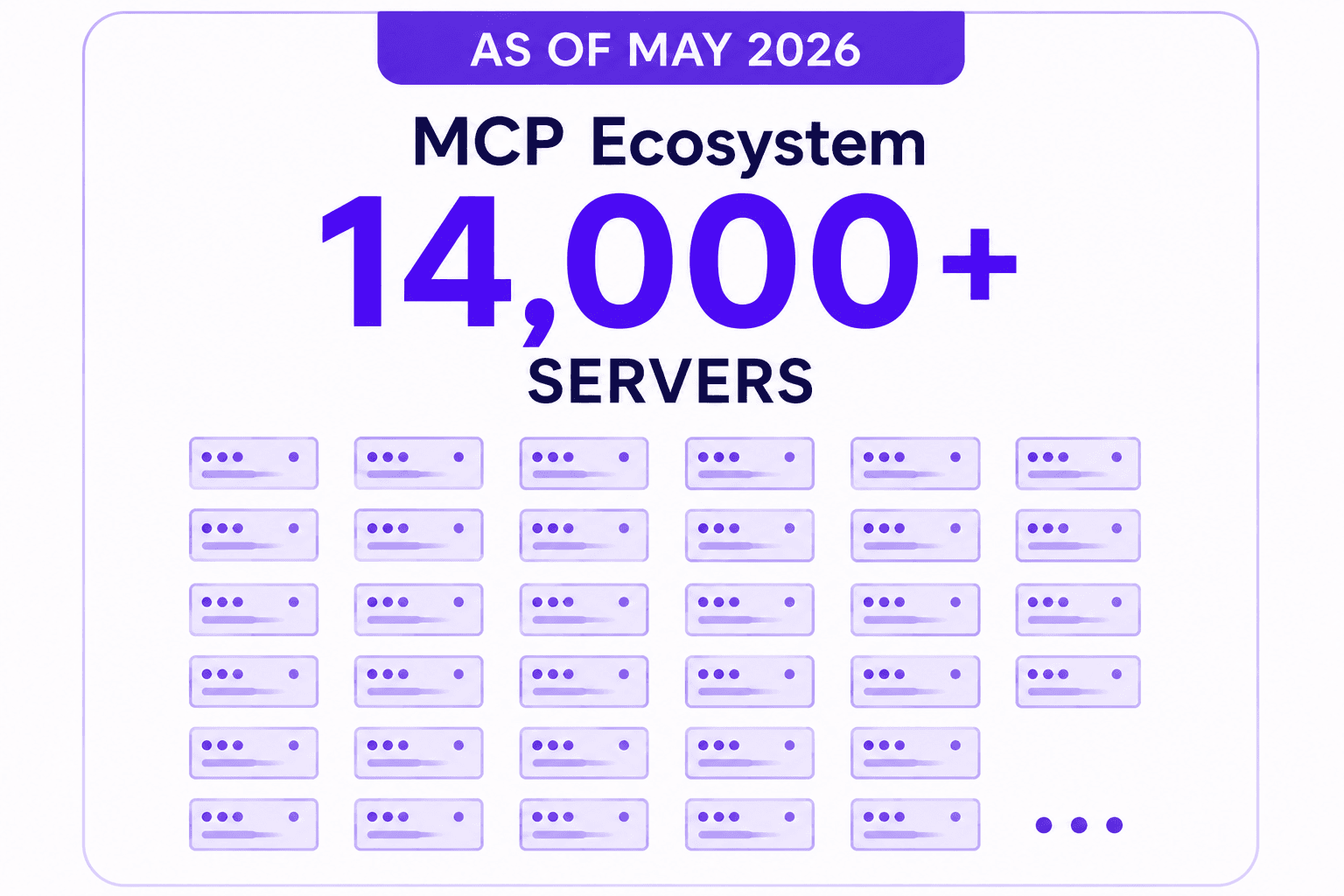
The MCP ecosystem has over 14,000 servers as of May 2026. Blue Rock Security's 2026 analysis found that nearly 37% of these servers carry security risks.
So what matters is which ones are production quality, actively maintained, and safe enough to trust with your business data.
Those are the ones I'll talk about today.
Knowledge Management Tools That Actually Connect to AI
This is where most knowledge workers spend most of their time. Documents, notes, task lists. The first tool on my list is Notion. It's in the cloud directory, has a native MCP, and offers read and write capabilities.
The Notion MCP exposes pages, databases, and blocks as tools. It makes all your knowledge addressable through cloud. In practice, your AI can search your entire company database and find anything you need. If your team's knowledge lives in Notion, this might be one of the highest ROI MCPs you could get.
Example questions you could ask: find everything written about your Q2 pricing strategy, or which database entries haven't been updated in the last 30 days.
Next is Obsidian. People use this to capture notes, meeting records, research, and graph linked knowledge. The MCP server allows the AI to read that information. You could ask it to find connections between your notes on product strategy and Q3 OKRs, or which notes you haven't touched in over 90 days that might need archiving.
The Obsidian MCP is great if you're already a user. But a lot of people use Google Drive as a knowledge management tool. You could have AI reference your documents, draft emails, or help organize your Drive if you're not very organized.
The possibilities are kind of endless. Ask it to schedule a 1-hour kickoff meeting with the design team sometime next Tuesday afternoon, or find all Google Docs created in the last couple weeks that reference a certain project.
If you're not a Google team and you're more of a Microsoft team, there's an MCP server that's the equivalent for Microsoft ecosystems. If you have a lot in OneDrive or SharePoint, you'll be able to do the same things we just went over with Google.
Communication and Meeting Tools Connected to AI
Right now, since many companies don't have MCP servers, I'm only going to talk about two: Slack and Metaview.
Slack's MCP is pretty powerful. It can let the AI read all channel history, search conversations, send messages, and manage threads. For business productivity, this unlocks a lot. You could automate summaries, reference across different channels to make sure you have all the information you need when sending out a notification, or route AI-generated content to the right channels.
Example questions: find the last time someone mentioned the API outage and who was in that thread, summarize everything posted in the engineering channel yesterday, or search across every channel to find a specific reference.
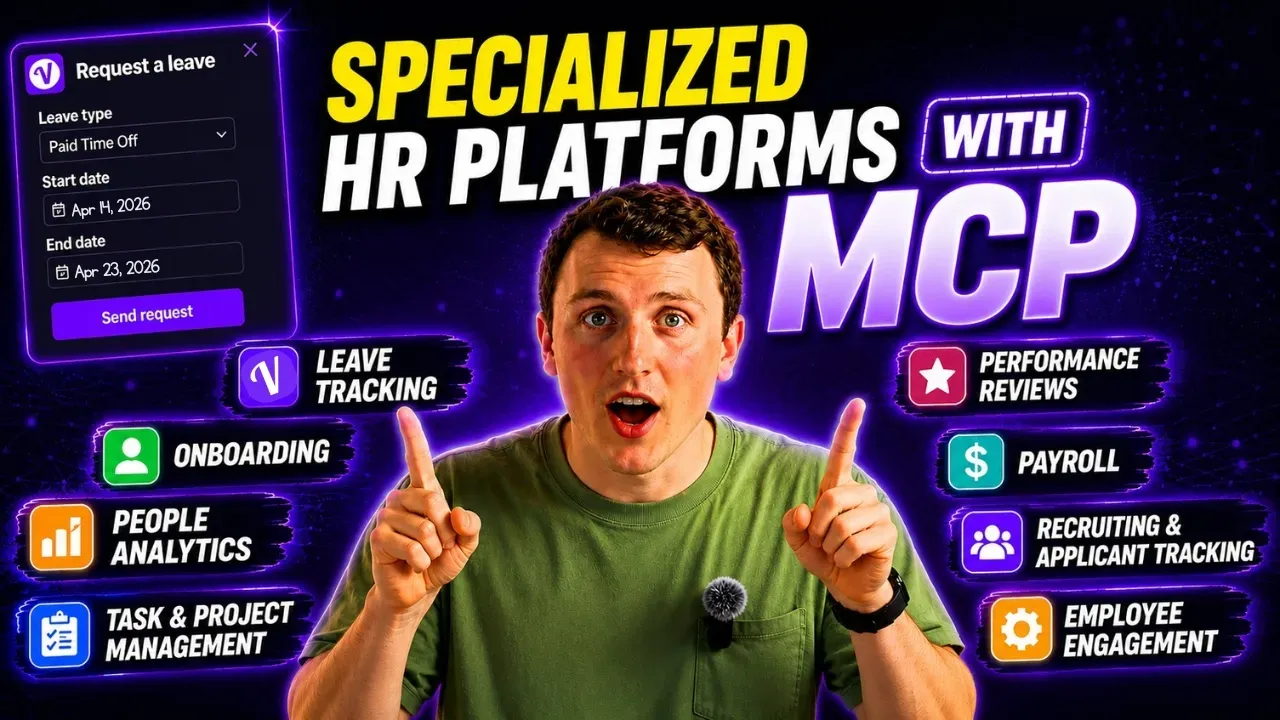
I covered Metaview in my HR MCP video, but its use case extends w
ay beyond HR teams. If you use Metaview as your notetaker, the MCP will allow you to query in natural language to find anything you need to know. If you forgot a detail about a meeting, you could ask what you guys decided about pricing changes and even pull up the exact moment when it happened so you could review it yourself.
Web Research Tools That Give AI Live Access
Everybody searches for things every day. This is where you might find huge ROI just having an MCP server in any of these platforms.
First is Brave Search. Your AI will get live web access from Brave's independent search index. This means it won't be influenced by Google or Bing, and therefore no ads or specific SEO tactics will influence the results. You could ask it to search for any news about regulatory changes in the EU affecting your industry, or what's the current market rate for senior product managers in London.
Another MCP server that's deep research-oriented is Firecrawl. It posted the highest relevance score at 4.3 out of five and performed best on deep research retrieval tasks. Think of it as an AI equivalent for somebody who goes beyond just googling things for you. It'll actually do deeper research.
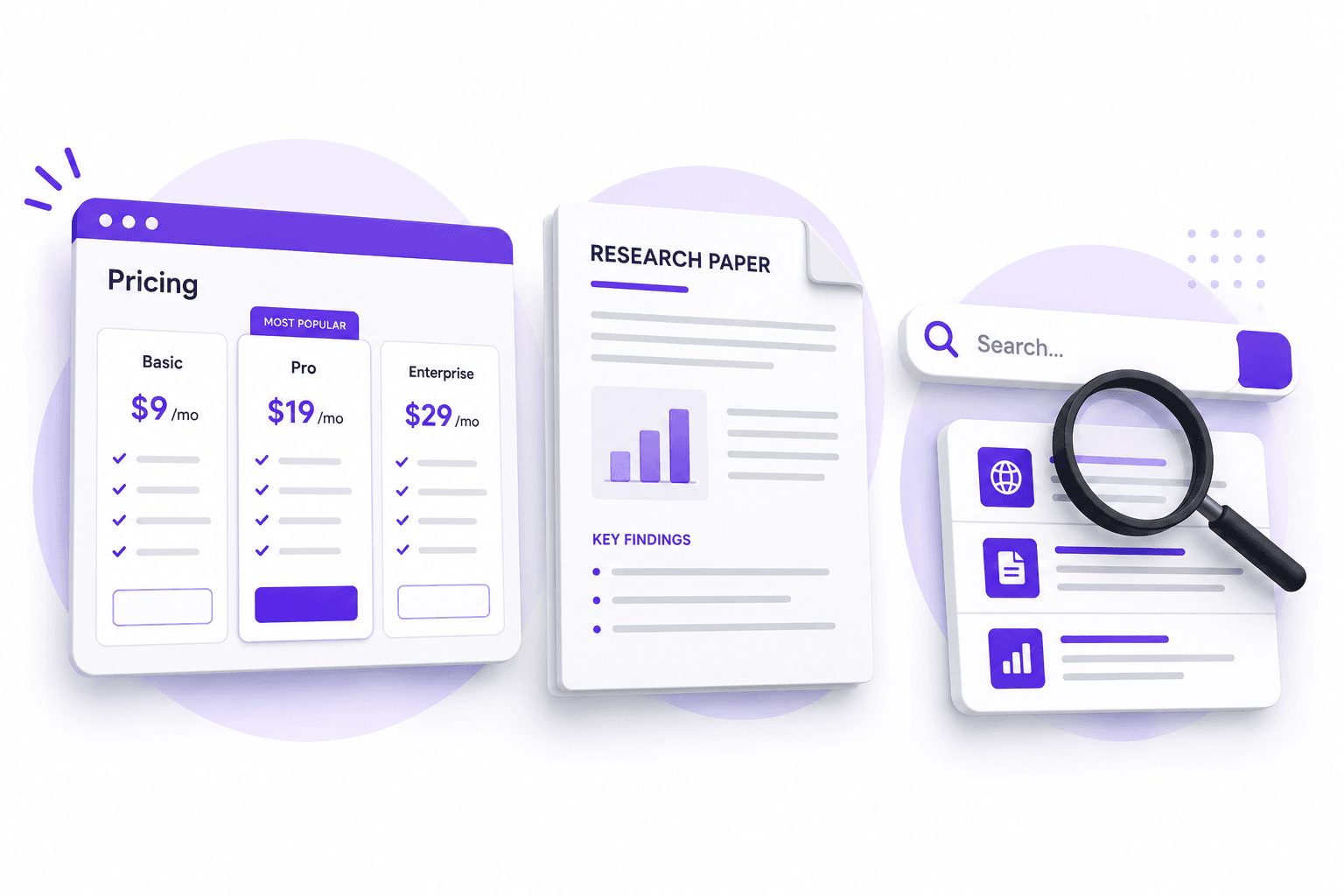
You could use it for competitive analysis, asking it to read your competitor's pricing page and compare the tiers to your own, or have it look at a research paper and find the key details so you can understand the gist of it.
Another great option for search is Perplexity. It's slightly different from Brave Search because when you get information from Brave Search, it'll give you a list of search results and not a fully synthesized citation list. Perplexity stands out because you can get all the information you need plus quality sources.
CRM and Sales Tools That Connect Customer Data
The MCP servers that exist already are the main players in the space: HubSpot, Salesforce, and Attio. If you're a user of any of those CRMs, you're going to get a lot of great use out of their MCP servers. The longer you're in a CRM, the more data it will have to pull from, and the better metrics it'll be able to give you.
For HubSpot, you'll be able to cover contracts, deals, engagement timelines, and property updates. You can pull a HubSpot record for account context and draft a response really quickly. A real workflow this would enable: check Stripe for billing issues, pull the HubSpot account records for context around the situation, and draft a thoughtful response, all without opening multiple dashboards.
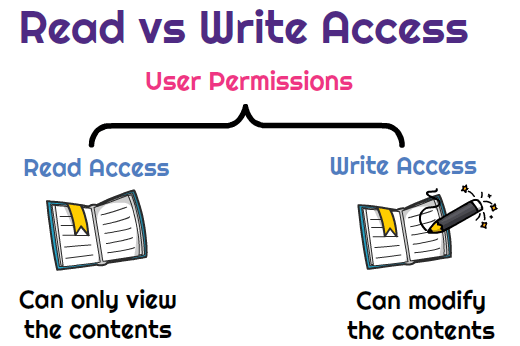
With HubSpot, you have read and write permissions. So if you want to, you could have it update information about accounts or anything else on the platform.
Similarly, Salesforce will allow you to do a lot as well if you're already a user, and do it all conversationally with your agent. What makes this valuable is that Salesforce data is kind of complex. Rather than needing somebody technical, you can use natural language to get all the information you need.
Example questions: show you all opportunities over $50,000 that are past their close date, or what's the current pipeline value by stage for this quarter. You could ask it a million questions, or have it update records as well because they have write permissions.
Attio is a newer CRM, but it made my list because of the flexibility they have in their MCP server. For teams that have found Salesforce or HubSpot too rigid, Attio could be a good option. You can ask it which relationships haven't had any touch points in the last 90 days that could be considered strategic, or to create a new record for an investor you met last week.
Payments and Finance Tools That Surface Billing Data
Payments and finance are usually an area where people waste a lot of time. Hopefully this helps you cut down on that.
Stripe is the most cited daily used MCP and it makes a lot of sense. You can look up customer payments, subscriptions, disputes, and the workflow it enables is exactly what you want. Say a support email comes in about a billing issue. The AI can check Stripe, find the problem, pull account context from your CRM, and draft a response with the relevant charge IDs. Since many companies run on Stripe, this is a no-brainer.
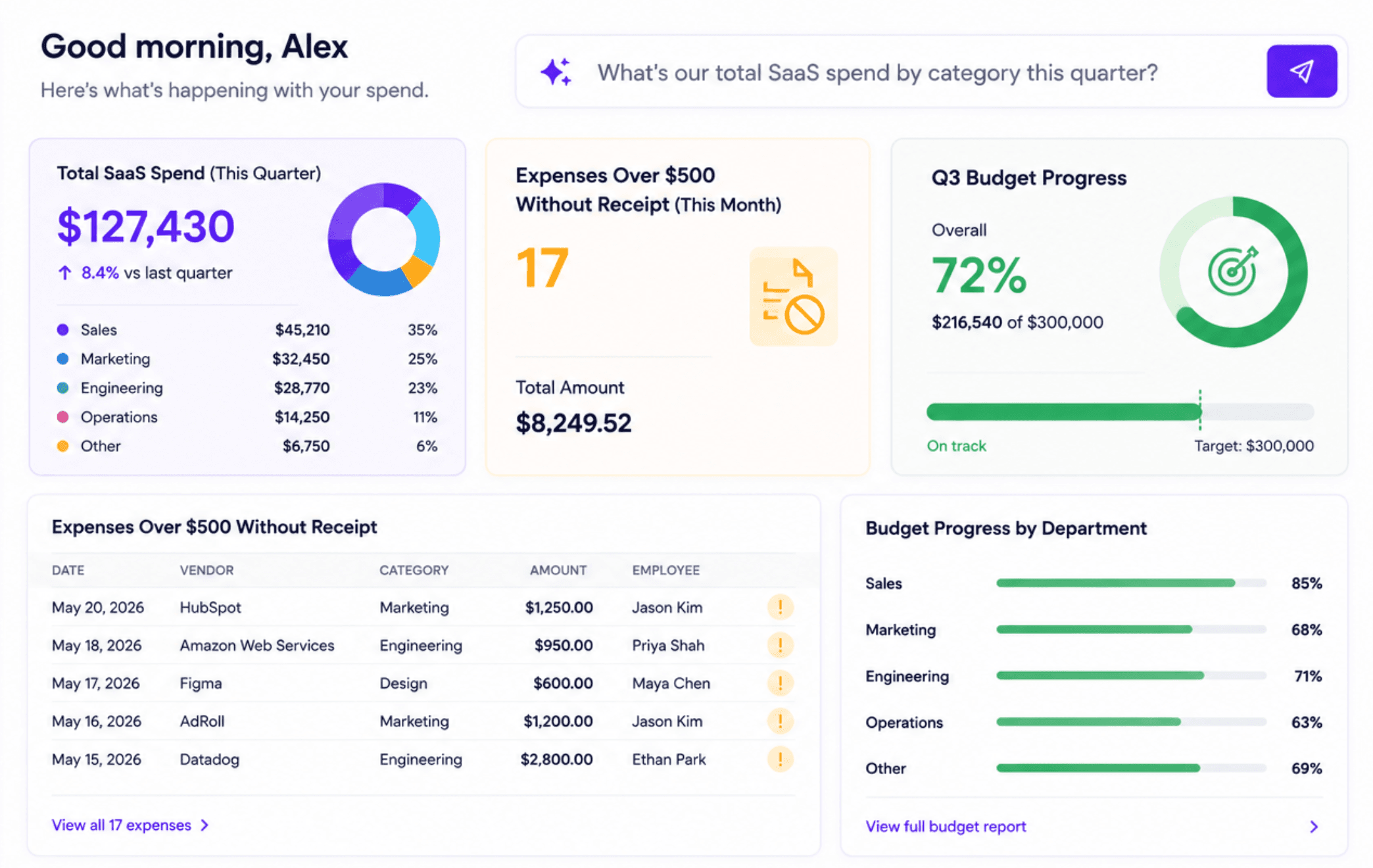
Second in the finance space, I want to talk about Ramp. If you don't know what Ramp is, it's already an AI-powered platform that helps companies with their spend management. That's expense categories, budget tracking, and even vendor analysis. The insights you can get from this company are pretty great.
You could ask it what's your total SaaS spend by category this quarter, find all expenses over $500 that were submitted without a receipt this month, or if you're on track to hit your Q3 budget goals, all without having to analyze it yourself.
Analytics Platforms That Answer Questions in Plain English
Let's talk about everybody's favorite: analytics. It just became a lot easier to analyze any source of data. The main ones I'll talk about are PostHog, Amplitude, Google Search Console, and Ahrefs.
PostHog is great for product analytics because you can figure out user behavior, feature flags, session replays, and do different funnel analyses all on one platform. If you're already a user, it makes sense to connect the MCP server.
Example questions: what percentage of users who saw the new pricing page converted in the last 30 days, where are people falling off on your funnel for conversion, or compare conversion rates for your new onboarding flow versus old onboarding flows.
Amplitude is in Claude's directory, already has a native integration, and is read focused (but for an analytics platform, being read focused is all you need). Amplitude is similar to PostHog but positioned more for the enterprise level.
These last two are amazing for your marketing team. If you do SEO work, you're probably in Google Search Console a good amount. Now you won't have to analyze any of this on your own because you can plug it into your AI and learn about your clicks, impressions, click-through rate, indexing across all your pages, or are there any pages that aren't indexed yet that should be.
You could ask it to show you all queries you rank for on page two so you can figure out an SEO strategy to make those pages rank higher. All ways to help you drive organic business.

Similarly, something like Ahrefs or Semrush will have a great impact on your keyword research, backlink auditing, site auditing, or even just rank tracking. Generating reports with something like cloud can be a lot easier and could save time for marketing teams or an SEO team.
If you're working on new content, you could ask it to reference the keyword difficulty for that topic, or just find high volume, low difficulty keywords that you could integrate into your content for a clear ROI.
Project Management Tools That Track Work Across Teams
Some of the tools I already went over will help with project management, but here are the more dedicated tools.
Starting with Asana, it's in the cloud directory and has read and write capabilities. If you're not familiar with Asana, you can track tasks, projects, dependencies, and team capacity all in one spot. A project manager using an AI agent to ask questions about different projects is fundamentally using the product differently.
Since it has read and write capabilities, you can ask it to create tasks, reassign, update statuses, or add comments. Example questions: show you everything assigned to a specific person that's overdue right now, which projects are at risk of missing their deadlines based on current task completion rates, or give you a summary of every project currently in flight.
If you're an engineering team that uses Linear as a management tool, you're also in luck because they have a great MCP server. Linear's own head of engineering recently said that engineers who use Linear for project management will easily be able to flow between planning, writing code, and managing issues.
You could ask it to create bug reports and assign them to a specific team, which features have been in progress for a couple weeks now, or just give you a summary of everything shipped last week.

If you're a company that uses Jira, you'll have coverage through the Atlassian connector, which includes sprints, boards, JQL queries, and project administration. The natural language layer above the JQL queries is actually really awesome because people who use Jira will often have to look up query syntax, but now you can just describe what you want.
You could ask it to find bugs that haven't been assigned to anybody and then assign them, or just help you find and organize tickets that are out there in the ecosystem.
The last server I'll talk about for project management is Monday.com. This is similar to other ones already listed, but I wanted to make sure you knew this one was available and that it's a high-quality MCP.
Another way you could use all these project management MCP servers is by asking which team members have the most items assigned to them across all boards, or just to give you a status update on all active campaigns across all boards.
Automation Platforms That Connect Tools Without Native MCP
Like I said, there were 14,000 MCP servers available and not all of them were up to date. But if you use an automation platform like Zapier, n8n, or Make, you'll be able to connect APIs of companies that don't have an MCP server yet and effectively use these integrations as a workaround for those missing MCPs.
For example, with Zapier, you could ask it to trigger a Zap that sends a welcome email sequence when a new HubSpot contact is created. But this is really just a great thought exercise to figure out how to automate more stuff in your workflow. The more stuff that can be triggered in one central location, the faster you'll be able to work and the more time you'll free up for the things that matter more.
n8n has become the serious developer's choice for AI-powered automation. The main differentiator between n8n and Zapier is that you're hosting all your data locally when you use n8n. This means nothing will route through a third-party SaaS product. Therefore, if you're in a regulated industry or if you're somebody who really cares about security, this is a great option for you.
The last automation service I want to talk about is Make. They're kind of the middle ground between Zapier's simplicity and n8n's technical depth. They have a better visual interface, but it's much more accessible than n8n is for most people.
It'll be interesting to see how these automation companies work as AI platforms get better at automating tasks themselves. But for now, you can still ask it what scenarios are currently inactive that used to run daily, or to trigger scenarios that generate weekly reports and send them to finance.
Design and Creative Tools That Connect to Your Workflow
Let's move away from the technical side of business and talk more about the design and creative aspects. The two main players in this space are Figma and Canva.
With Figma's MCP connection, you can give your AI platform access to files, component inspection, and even design tokens. Example things you can do: ask which components in your library haven't been used in any recent design files, have it list all frames in a mobile checkout flow and describe what each one shows, or if you're busy, ask it to summarize the changes done to the homepage since the last update.
For companies trying to stay on brand, you can ask it to look for the wrong fonts or look at all colors across different pages to make sure things are consistent.
There are MCP connections for Adobe products as well, so don't feel like you're missing out there. But for the more general public, Canva makes a lot of sense. The cool thing is it has read and write capabilities, so you can have it create designs on your behalf.
It'll be able to access brand templates and generate visual assets through your Canva library. So if you're a marketing team that lives in Canva, this will connect that creative toolkit to your AI workflow to get a lot more done faster.
The options are endless, but you could ask it to create social posts based off different templates you have, or give your agent a reference image to draw inspiration from in designing you a brand new template.
Customer Support Tools That Pull Ticket History and Context
I've officially made it to the customer support section, which is the final section I'm going to go over for all the business integrations you can find on MCP servers. This is not an exhaustive list. If I haven't mentioned the ones you use at your organization, that doesn't mean they don't exist. Be sure to check out all the MCP marketplaces and see if there's one that fits your needs.
Zendesk has a native MCP, but it's not in the cloud directory yet (which is totally okay, and some of the ones I've already mentioned are also not in the cloud directory). This just means there are a couple extra steps when you're setting up, but it should be pretty easy for your AI agent to walk you through.
Zendesk has read and write capabilities, and with an AI integration, you'll be able to give so much context and knowledge base. That way, your support team can surface all issues a lot easier and draft responses for things that are common.

Beyond that, you can ask it to find high-priority tickets that haven't been answered in the last 48 hours, or ask it to draft responses to specific tickets while being able to access your entire knowledge base at the same time.
While some of these services are not in the cloud directory, Intercom is. If you're a company using Intercom as the primary customer communication layer, you'll be able to connect your entire conversation history to your AI. This will be great for pattern analysis or just drafting responses like we talked about before with Zendesk.
If you wanted to surface feature requests, you could ask it to do that, or just figure out what the most common questions being asked are so you can find clarity for the product.
How to Evaluate MCP Security Before Connecting
How do you know if an MCP server is worth doing or if it's secure? Here's a list of things you should think about before deciding whether you're going to connect an MCP server to your AI:
- Is it using open authorization (OAuth)?
- Has it been updated in the last 90 days?
- Has it been through any sort of security screening at all?
If you're saying no to any of those, you should probably think about passing. But if you're saying yes to all of those, the power you can get from an MCP server is astounding and you should set it up immediately, even if it's just to test and see if it works for you.
The Real Power Is in the Connected Ecosystem
The most interesting thing about this isn't what happens when you connect just one or two MCP servers. It's when you have an ecosystem of all the tools you use all in one place.
Here's a real workflow where it makes sense to have all the MCP servers in one place: A support email arrives and your AI checks Stripe to understand the billing history. It pulls the HubSpot record to see the account's relationship value and current deal stage. It drafts a response calibrated to both the issue and the account context that it just drew from and routes it to the right Slack channel for review before sending. That's four systems with one conversation and probably a lot less time.
Or this one: Your marketing team wants to know what to prioritize for the next quarter. Your AI pulls from Google Search Console to find which pages are declining in rankings, cross-references it with Ahrefs data to understand why, checks PostHog to see which of these declining pages are actually driving conversions despite the traffic drop, and produces a prioritized content plan from all that information. That's an entire afternoon's worth of work done in probably about 10 minutes.
That's the unlock that MCP servers represent for businesses. Even though this is extremely exciting, we're very early on and there's a lot of progress to be made still. The tools I talked about in this video are just the most production-ready right now. It's mostly because they're bigger businesses that have been able to stay on top of it more so than the small businesses that are just trying to get users right now.
But over time, more and more businesses are going to be making MCP servers because that's the way the world is moving. That's super exciting for us at Vacation Tracker for our own internal operations, but also being able to be a part of it and help businesses understand their data even better.
If you happen to be in HR, you might want to check out the first two MCP videos I made because we go in depth on the HR tools that are most notable for you, as well as a very detailed review on leave trackers. Drop in the comments which connections you use every day that I missed and let us know if you have any other questions.

Nicholas Lydon
Nick is the Content Marketing Manager at Vacation Tracker, where he turns leave management, HR headaches, and the occasional oddly specific PTO question into content people can watch. He spends most of his time creating videos, articles, campaigns, and creative experiments that make HR a little less boring.