Last updated on August 17, 2026
Every HR Platform With MCP Capabilities in 2026
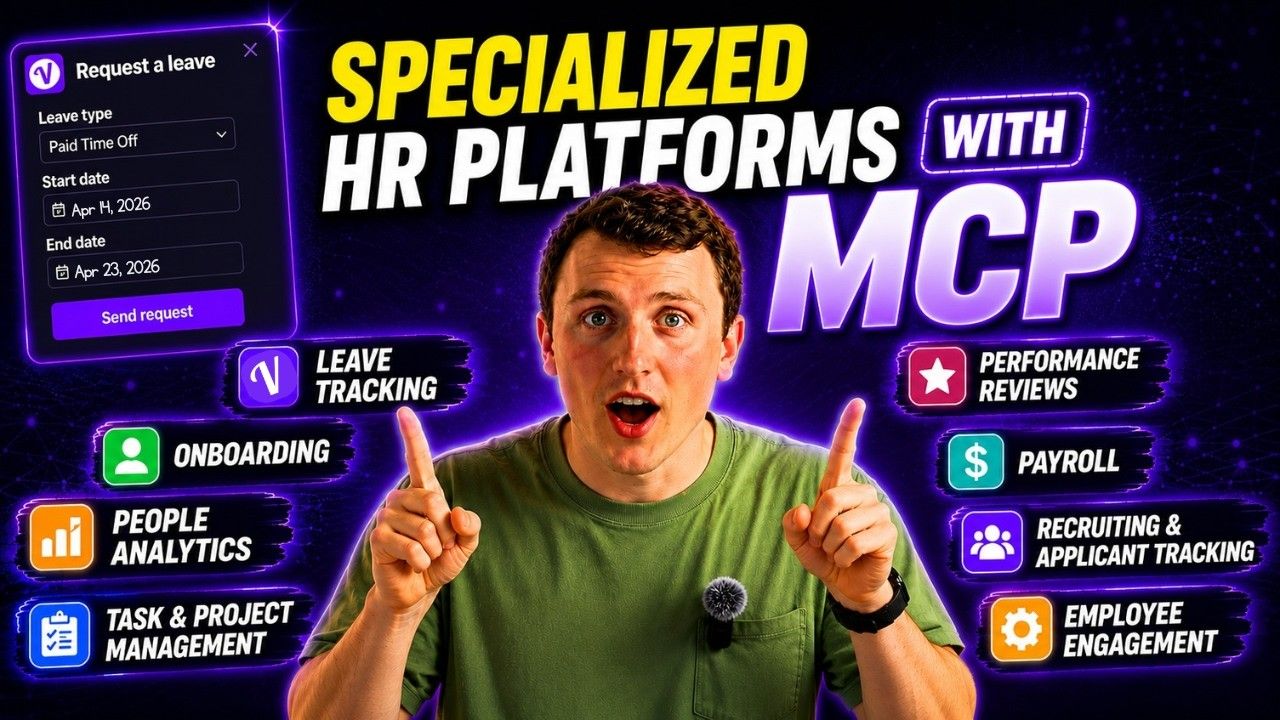
If you're trying to connect your AI assistant to your HR tools, you need an MCP (Model Context Protocol). I spent hours digging through every major HR category to find out which platforms actually have MCP capabilities right now. Here's what I found.
Watch the full breakdown of every HR platform with MCP capabilities.
How MCP Permissions Actually Work
You can't just plug your AI into any software with a normal API. You need an MCP, which is basically a dynamic API that lets your AI assistant integrate with platforms and ask questions about them.
The access levels break down into read-only, read-write, and a third dimension of scoped vs full access. Read-only means your AI can look at information but can't change anything on the platform. It's safer and works well for reporting. Read-write lets the AI take actions like moving candidates through stages, sending messages, or updating records. Way more powerful, but also riskier if you mess up a prompt.
The scoped vs full access dimension works like user permissions. When you're an admin, you see everything. When you're a regular user, you only see what admins let you access. Same concept applies here. Full access is like being an admin, scoped is like being a user.
Leave Management Platforms With MCP Support
I work for Vacation Tracker, so I'll start there. We're a leave management tool that connects into Slack, Microsoft Teams, and Google Workspace. We also have a mobile app if that's more your speed.
Our MCP is currently read-only (write capabilities are on the roadmap). Setup takes about two minutes. Sign in, approve access, done. You can analyze your PTO data or ask questions about leave balances. But if you want to adjust settings or change anything in the app, you still need to do that directly because of the read-only limitation right now.
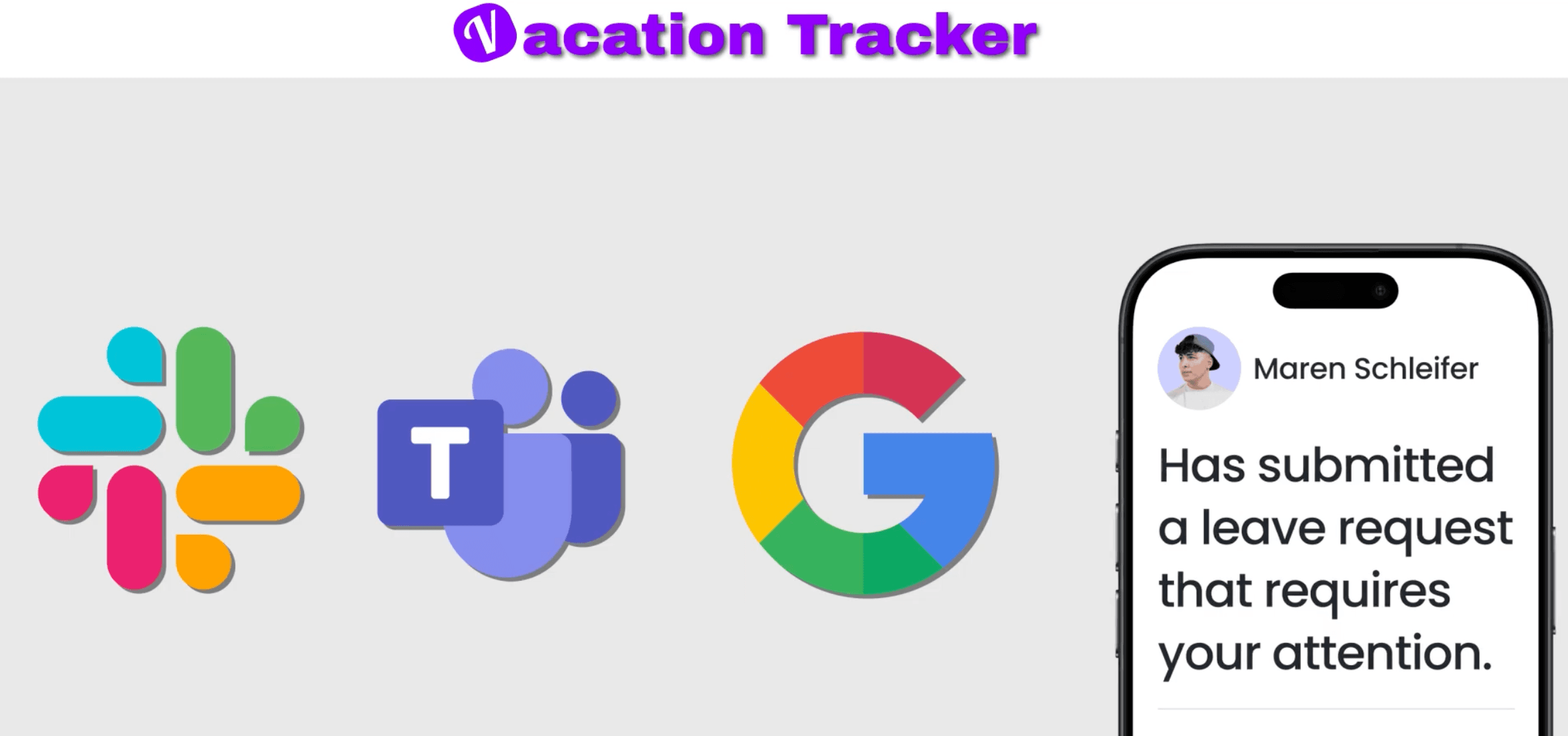
We use the same OAuth login as the Vacation Tracker app, which means the AI inherits your exact permissions. It's scoped to your role. If you're an admin, you can ask something like "Which department has the riskiest PTO overlap in July?" and it'll pull from everyone's data. If you're a regular user without those permissions, your AI assistant won't have access to that information either, but you can ask it anything about your own leave data.

Calamari has read and write ability right now. Once the AI is connected, you can ask it to do stuff on the platform and it'll actually execute those actions from your chat using normal language.
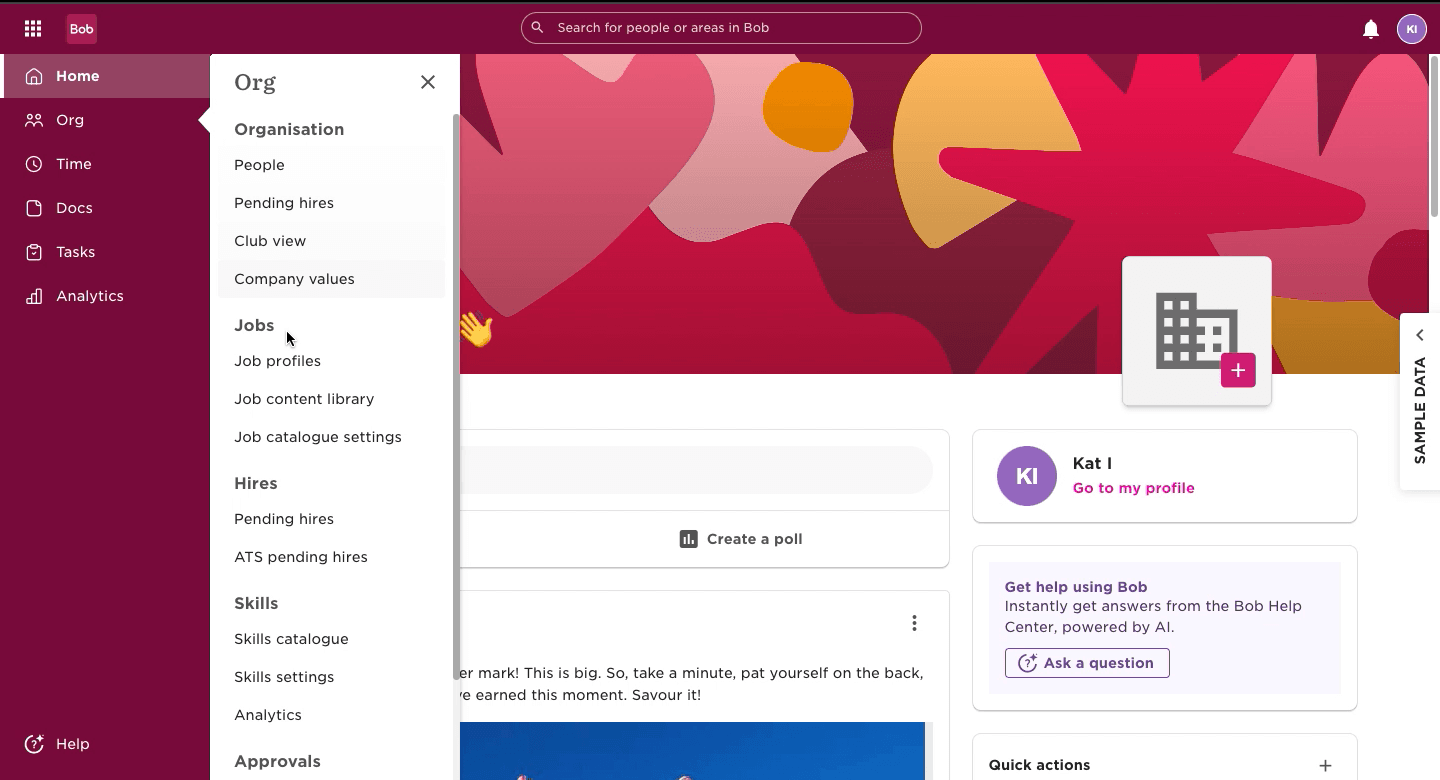
Hibob is both a leave management tool and an HR system. They're currently in beta with read-only access, but they have modules for people data, organization data, leave management, and onboarding. You can ask about headcount by department, reporting structures, and onboarding task status. They're a bit limited by being in beta, but once they complete their roadmap, it'll be pretty solid.
HR Systems That Support MCP Connections
BambooHR doesn't have a vendor-built MCP yet, but their community built one. The most comprehensive version covers 74 different tools across their entire platform. You get access to employee records, time off, benefits, training, and company goals. Some access levels are read-only, but others are CRUD (create, read, update, delete). The ones with write capabilities have safety precautions so you don't accidentally delete something critical.
The honest note here is that since it's community-built, there's no guaranteed security patching and no vendor support. If you're a small team experimenting, fine. If you're a big team with sensitive data, you might want to skip this for now.
For enterprise teams, SAP SuccessFactors also has a community-built MCP. It has 43 tools across 13 modules. What makes this one stand out is the security engineering behind it. Rate limiting, credential masking in logs, connection pooling, even OData injection prevention. This was clearly built with security in mind. It has some write capabilities but is mostly read-only. It's a solid option if you're already a SuccessFactors customer.
If you use Workday (one of the global dominant systems), you're going to be disappointed. It doesn't have a native MCP yet. You'll need to set up a gateway system using Composio or Zapier to get it running. Right now that's an inconvenience, but they'll probably build their own MCP eventually because this is where the world is going. One thing to consider is that if you use Composio, it's a third party, so think twice if you have sensitive data.
Visier Brings People Analytics to Your AI Assistant
Visier is a people analytics platform. Think workforce intelligence software rather than day-to-day operations. It gives you headcount trends, engagement data, attrition risk, skills gaps, and compensation benchmarks.
Their MCP is official, vendor-built, and in Claude's connector directory. Similar to other platforms, the user permissions determine what the AI can access. It's read-focused (no write capabilities yet, not sure if that's on their roadmap), but since it's already heavily enriched with data, the questions you can ask are impressive.
For instance, you can ask which teams are showing the lowest engagement this quarter and get a live answer with actual workforce data. Or ask "Where are we at most risk for attrition in the next 90 days?" The AI does the heavy work for you without the usual wait time.
Recruiting and ATS Platforms Moving Fast on MCP
This sector is moving really quick, so by the time you're reading this, things might have changed already.
Workable launched their MCP on May 13th, 2026. They have read and write permissions, so it's a full-feature MCP server. It uses OAuth 2 authentication (only gets the information you have as a user). What you can do with this is impressive. Move candidates through pipelines, create and update job requisitions, ask hiring pipeline questions in natural language. This way no candidate gets left behind. When you post a job and get a ton of responses, someone super qualified might accidentally fall through the cracks. Using an AI assistant connected via MCP helps prevent that.
Ashby has become popular with startups. It has a growing MCP ecosystem with four implementations, with the leading one having around 30 tools. They also have read and write access levels. In practice, a recruiter can move candidates through stages without going into the platform to do it. Having an MCP like this can really reduce time spent on these tasks.
One thing to note with this kind of access is that if you use a bad prompt or accidentally say something you didn't mean to, it'll happen and you might forget. Double-check what you're asking your AI assistant to do. It might be worth going into the platform at the end of the day just to make sure everything you wanted to happen actually did.
Greenhouse is one of the dominant ATS platforms for the mid-market. There's no official vendor MCP server yet, but there is a community-built one. Same advice as BambooHR applies here. You're not getting something from the platform itself, so make sure you trust the source.
Metaview is specifically great for interview intelligence. It's an AI interview note-taker that can sit in on your recruiting calls to capture structured notes, transcripts, and scorecards. Their MCP launched in March 2026 (early mover), and it's already in the Claude connector directory. It's read-only right now, so it's best used as an insight tool. But the read access is still powerful. You can ask which of your open roles has the most interviews but no hires, or what salary expectations you're hearing from candidates regularly. This all comes from the interview data you're already capturing. If you already run Metaview as a note-taker, this is a clear example of where you can get added value pretty easily.
Payroll Platforms With MCP Capabilities
Three payroll companies have MCP capabilities right now.
Check Payroll is payroll infrastructure. Think of it as the Stripe for payroll. Their MCP has 263 tools across 17 different tool sets, making it one of the most comprehensive payroll MCP servers in existence. Access level is read and write, and it allows for proper sandbox testing before you actually integrate it. If your payroll provider uses Check's infrastructure (more accessible than you might think), you'll have access to a lot of information. You can query payroll data, run reports, look up employee compensation records, and check payroll status all conversationally with your AI chatbot. Since write capabilities are there, you can use it to change things about payroll. But this is payroll, and you don't want to accidentally change something you shouldn't.
Gusto is in the Claude connector directory already, so it's been vetted by Claude. You can add it directly from your Claude settings. It's read-focused, so you can analyze Gusto's data more than actually change anything on the platform. If you have questions about payroll data (which I'm sure you do all the time), you can ask and get answers very quickly because your AI assistant will help you find it fast.
ADP also has read-only access, but it has one caveat. ADP's access is managed through Coda's platform. This means your ADP data will be routed through Coda's platform, so you have to be wary of both if you're thinking about privacy settings with sensitive data.
Contracts, Onboarding, and Communication Tools
This is where it gets interesting because some of the most powerful HR platforms aren't really HR platforms to begin with, but they have MCP servers.
DocuSign is one example. It's in the Claude connector directory already. For HR this could be huge. Imagine you have DocuSign and Google Drive connected via MCP. You could ask Claude or ChatGPT to retrieve a document from Google Drive, initiate a DocuSign envelope, and track it all the way through completion. All from one conversation, not having to log into two different platforms.
You can also find native MCP integrations for Slack, Microsoft Office, and Google Workspace. This is great for HR because you can get notifications on leave management, send recruiting updates to hiring managers, or send starter announcements all from one platform.
Popular Tools Without Native MCP Yet
Some pretty popular tools aren't listed yet because they don't have a native MCP listing. This includes companies like Rippling, Lattice, and Deel. But this is where having a gateway service can come in handy.
The main ones are Zapier, Composio, and N8N. Basically, if you connect your platforms through these gateway platforms, you'll be able to use them as an MCP server. Access levels through these gateways are typically read and write, but the write actions might be a bit generic compared to something with a native integration already. But in the meantime before your HR system has its own native MCP integration, it works really well.
What This Actually Means for HR Teams
We're very early on. Of the 65+ leave platforms and HR platforms I looked at, only a handful have native integrations. But the pace this is moving at is staggering. If the companies you work with now don't have a native MCP server, they probably will in the next 6 to 12 months.
The thing I find most notable right now is how practical the tangential platforms are, like DocuSign, Slack, or Google Calendar. So much of your day-to-day is connecting things through these platforms. When you have it all in one place with your AI assistant, it's going to make life a lot easier.
If you're new to MCP integrations, you might want to start with something simple like Vacation Tracker because it might have the biggest ROI in terms of utility for you. If your HR tool just shipped an MCP server and I missed it, let us know. These things are changing all the time!

Nicholas Lydon
Nick is the Content Marketing Manager at Vacation Tracker, where he turns leave management, HR headaches, and the occasional oddly specific PTO question into content people can watch. He spends most of his time creating videos, articles, campaigns, and creative experiments that make HR a little less boring.