Last updated on October 8, 2026
Vacation Tracker vs Pause App: Which PTO Tool Actually Fits Your Team?
I'm comparing two leave tracking tools today, and yes, I work at one of them (you'll notice the sweatshirt). But I'm going to give you the actual mechanical differences so you can decide which one fits your team.
Watch the full breakdown here:
Vacation Tracker is built for teams that outgrow spreadsheets but need policy flexibility
We see companies from 10 employees up to hundreds using Vacation Tracker. The pattern is pretty consistent: they start simple, then realize they need different leave rules for different locations, or they want PTO accruals that actually match how their business works.
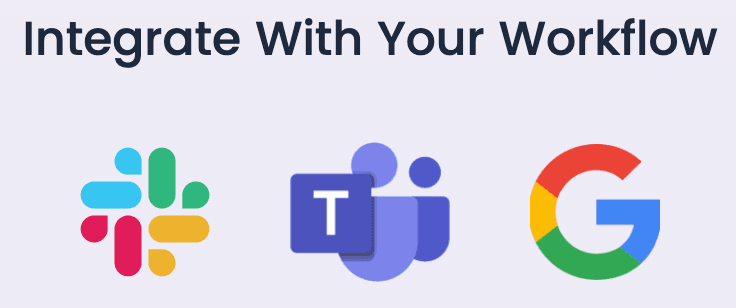
The setup connects directly to Slack, Microsoft Teams, Google Workspace, or mobile apps (iOS and Android). That multi-platform approach matters if your team doesn't live entirely in one communication tool.
The real differentiator is policy depth. Most leave trackers force you into their structure. We built ours to adapt to your existing policies instead of making you work around limitations. If you have distributed teams across cities or countries, you can set location-specific rules without manual workarounds.
Pause targets startups and small teams that only need Slack

Pause makes sense if your entire team operates in Slack and you don't need complex leave structures. Their marketing leans into being the fastest and most affordable option, and the pricing backs that up at $1 per user per month with no tiers.
For remote teams or startups that want to move fast without thinking too hard about PTO infrastructure, Pause removes friction. The 30-day free trial gives you a full month to test it before spending anything.
Where Vacation Tracker actually delivers value
The integration list goes beyond daily communication apps. We recently finished a Zapier integration, and our open API means you can connect this to your broader HR stack or payroll systems.
Setup is self-service if you want it, but we also offer onboarding calls where we help configure policies and import users. Some teams prefer to figure it out themselves. Others want someone to walk them through it. Both options exist.
The PTO policy options are extensive because we found that companies handle leave in wildly different ways. We've built custom leave types and a full list of pre-configured policies based on what users actually need. You won't hit a wall where the tool can't accommodate how your company operates.
The adoption piece matters more than people expect. When your leave tracker lives inside Slack, Teams, or Google Workspace, employees don't need to learn a new app or bug the operations person for their balance. They check it themselves, request time off, and the person who used to manage the spreadsheet gets their time back.
Pause's strengths are simplicity and price
Users consistently mention how fast Pause is to set up. One person called it a "no-brainer" after signing up. The entire experience is built around Slack - managing balances, sending requests, approving requests, getting notifications. It all happens inside the Slack mobile app or desktop.
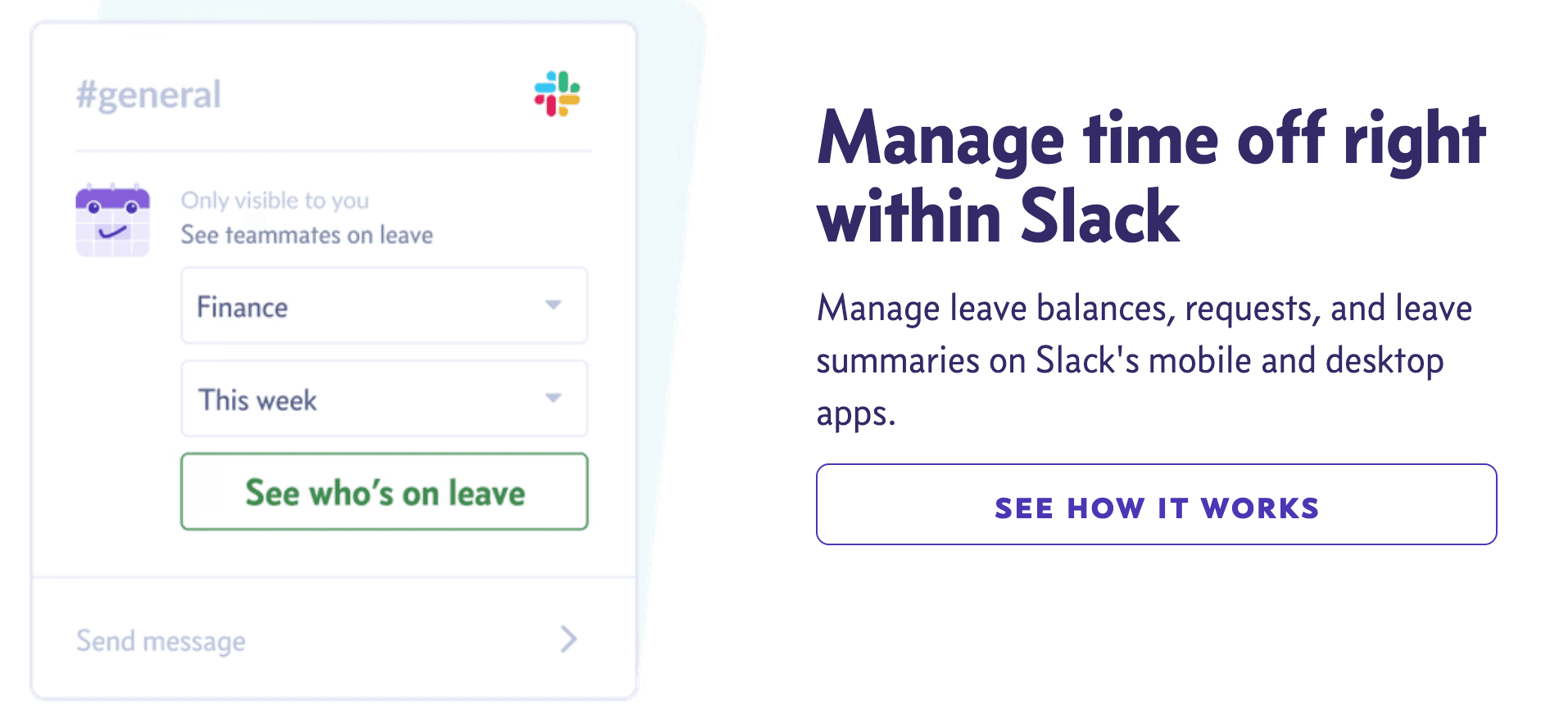
The Google Calendar integration prevents people from booking meetings with you while you're on leave, which is a small detail that removes a common friction point.
The $1 per user per month pricing with a 30-day free trial means the barrier to getting started is basically zero. If you're a small team that needs to move quickly and doesn't want to overthink this decision, Pause makes it easy.
Vacation Tracker's limitations are about scope, not execution
We only do PTO tracking. You won't get broader HR functions like document storage, applicant tracking, or other HR tasks. You can integrate with payroll through Zapier or our API, but we're not trying to be an all-in-one HR platform.
That focus is intentional. We're solving one problem well instead of trying to solve everything poorly.
Pause falls short when you need complexity or multi-platform access
If your team works anywhere outside Slack, you can't use Pause. That's the core limitation.
Based on my research, it also lacks multi-location management. If you have offices in different cities or countries with different leave policies, you'll run into problems. I couldn't find PTO accrual features either, which means if you only have basic PTO policies, this works fine. But as soon as you start expanding, you'll hit the ceiling of what Pause can handle.
Direct comparison: pricing, features, and implementation
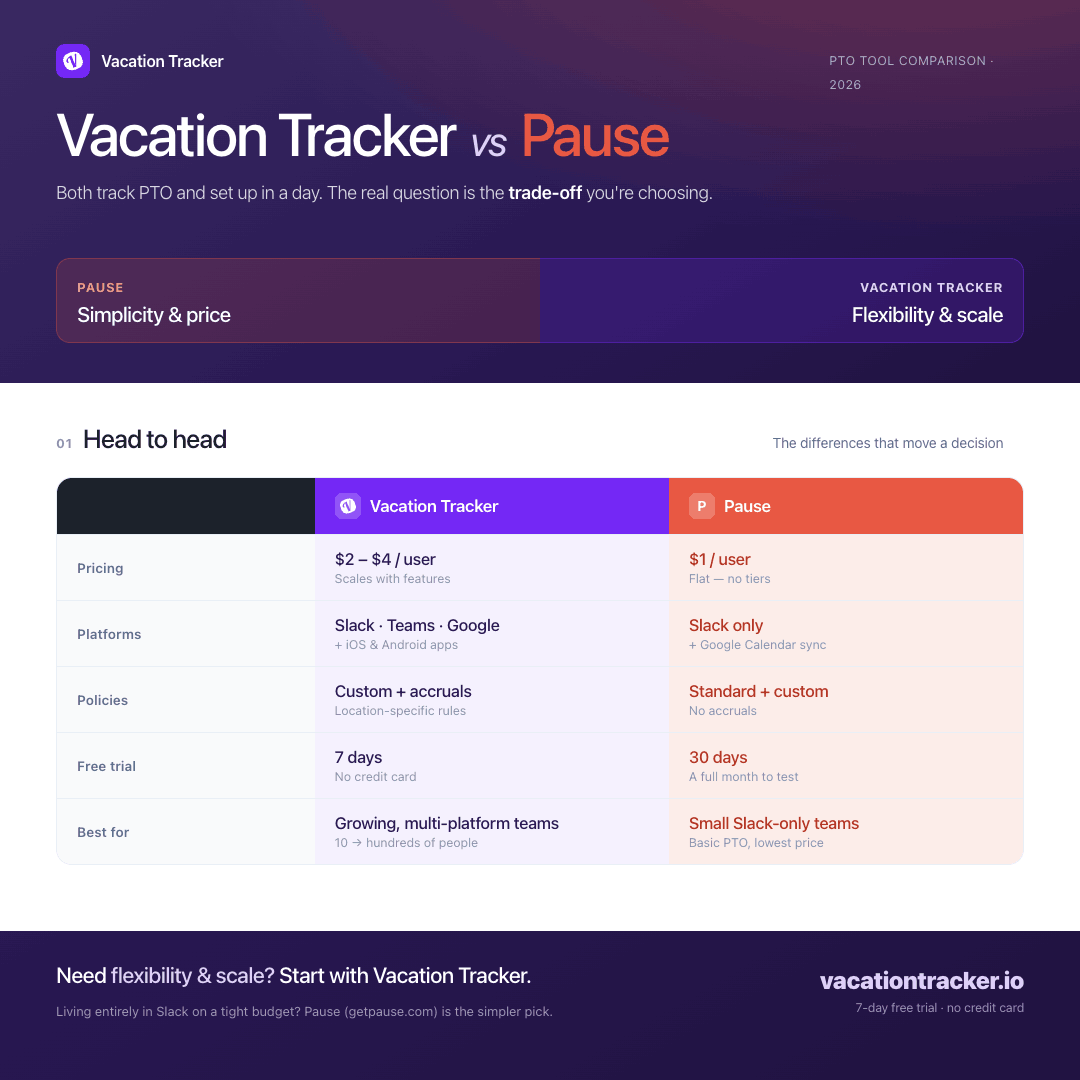
Vacation Tracker starts at $2 per user per month and scales to $4 per user per month depending on features. Pause is $1 per user per month with no tiers - you get everything they offer at that single price point.
Both have free trials, but Pause's 30-day trial gives you more time to test before committing. Implementation for both takes under a day.
On features, they both cover standard PTO policies and offer custom leave options. The difference shows up in complexity. Vacation Tracker has an open API, SOC 2 Type 2 certification, and GDPR compliance. I couldn't find clear information about Pause's API or security certifications on their website.
Both offer email and live chat support. We include guided onboarding at Vacation Tracker if you want it.
Which tool actually makes sense for your team
There's no universal "best" tool here. It depends on your specific constraints.
If price is your main concern and Slack is all you need, Pause makes sense. If you need more complexity in leave policies and your team works across multiple platforms, Vacation Tracker fits better.
Both have free trials and set up quickly, so you're not risking much by testing either one. The real question is whether you're optimizing for simplicity and cost, or flexibility and scale.
Try Vacation Tracker here: https://vacationtracker.io/
Try Pause here: https://www.getpause.com/

Nicholas Lydon
Nick is the Content Marketing Manager at Vacation Tracker, where he turns leave management, HR headaches, and the occasional oddly specific PTO question into content people can watch. He spends most of his time creating videos, articles, campaigns, and creative experiments that make HR a little less boring.

Pricing
Starts at $2 per user/month (Core) up to $4 per user/month (Complete). Includes a 14-day free trial and setup call.
$1 per user per month with no tiers — all features included at a single price point. Includes a 30-day free trial.
Platform Integrations
- Slack
- Microsoft Teams
- Google Workspace
- iOS and Android mobile apps
Slack only. Teams using other platforms cannot use Pause.
Multi-Location Management
Supports location-specific leave rules for distributed teams across cities or countries without manual workarounds.
No multi-location management. Teams with offices in different locations with different leave policies will hit limitations.
PTO Accruals
Supports PTO accrual policies that can be configured to match how your business actually operates.
No PTO accrual features found. Suitable only for teams with basic, flat PTO policies.
API & Integrations
- Open API available
- Zapier integration for connecting to payroll and HR systems
No clear information about an open API or third-party integrations found on their website.
Security Certifications
- SOC 2 Type 2 certified
- GDPR compliant
No clear information about security certifications or GDPR compliance found on their website.
Guided Onboarding
Offers optional onboarding calls to help configure policies and import users, alongside a self-service setup option.
Self-service setup only. No guided onboarding mentioned, though setup is described as fast and frictionless.