
Last updated on February 18, 2026
How Do I Change My Users Email Address? (Email Only Integration)
Have a new email address for one of your Users and want to update the old one in Vacation Tracker? If you're using the Email Only integration, you can change it directly inside the dashboard.
Steps
- Go to app.vacationtracker.io/signin.
- Log in with your credentials (Email).
- Select Users on the left-hand side of the screen.
- Find the User you're changing the email for and click on their name.
- On the user's profile page, click Edit on the right-hand side of the User Profile section.
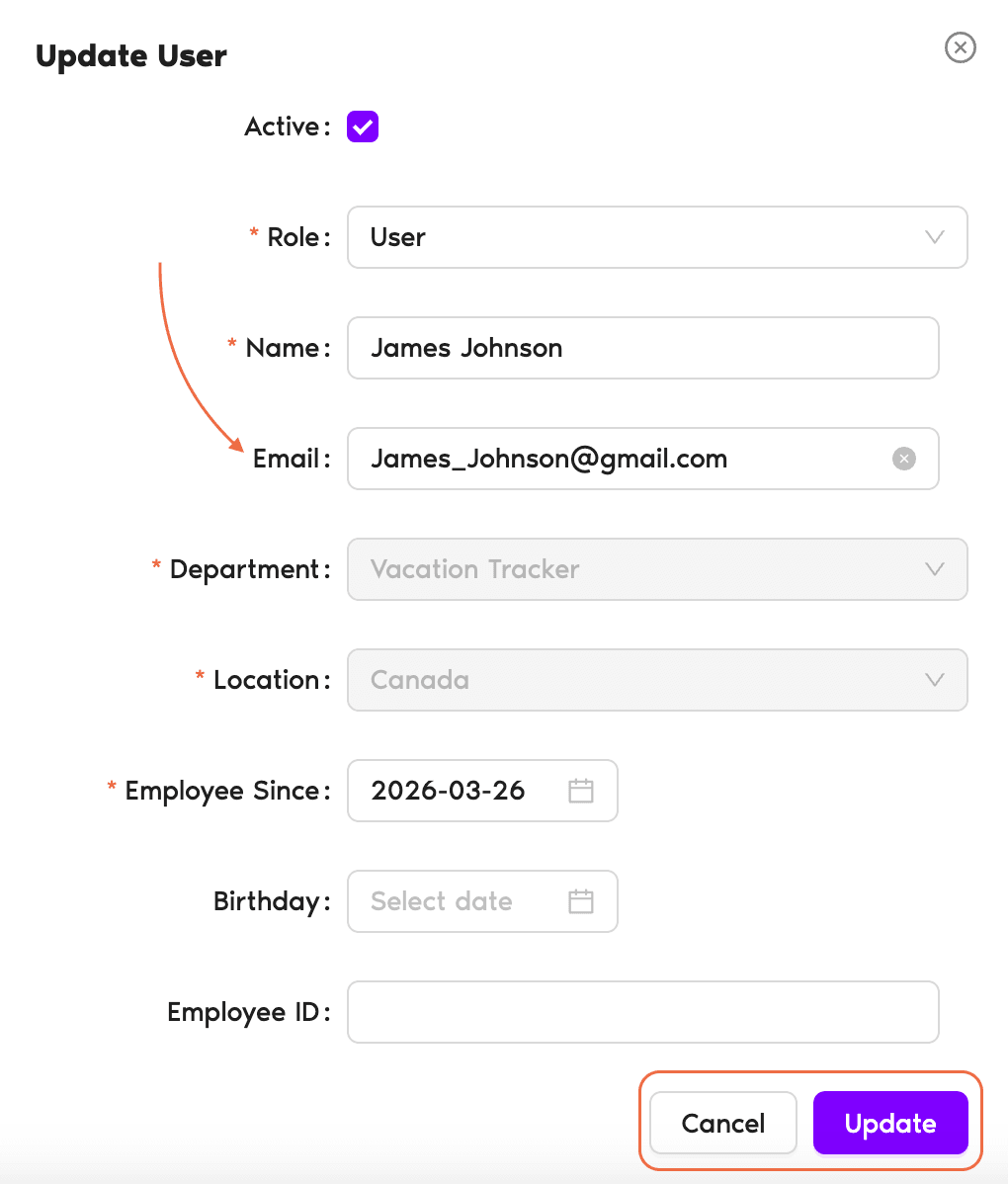
- An Update User pop-up will appear. Change the Email field to the new address.
- Click Update to save.
Email Only — other integrations differ
The Email Address can only be changed directly on Vacation Tracker with the Email Only integration. If you are using any other integration (Microsoft Teams, Slack or Google), you would have to make changes within your Workspace Directory.Other fields you can edit at the same time
The Update User pop-up also lets you change the user's Name, Role, Department, Location, Employee Since, Birthday, Employee ID, and the Active status — all in the same form. Book a Call