
Last updated on June 29, 2026
What If a Coupon/Discount Code Doesn't Work?
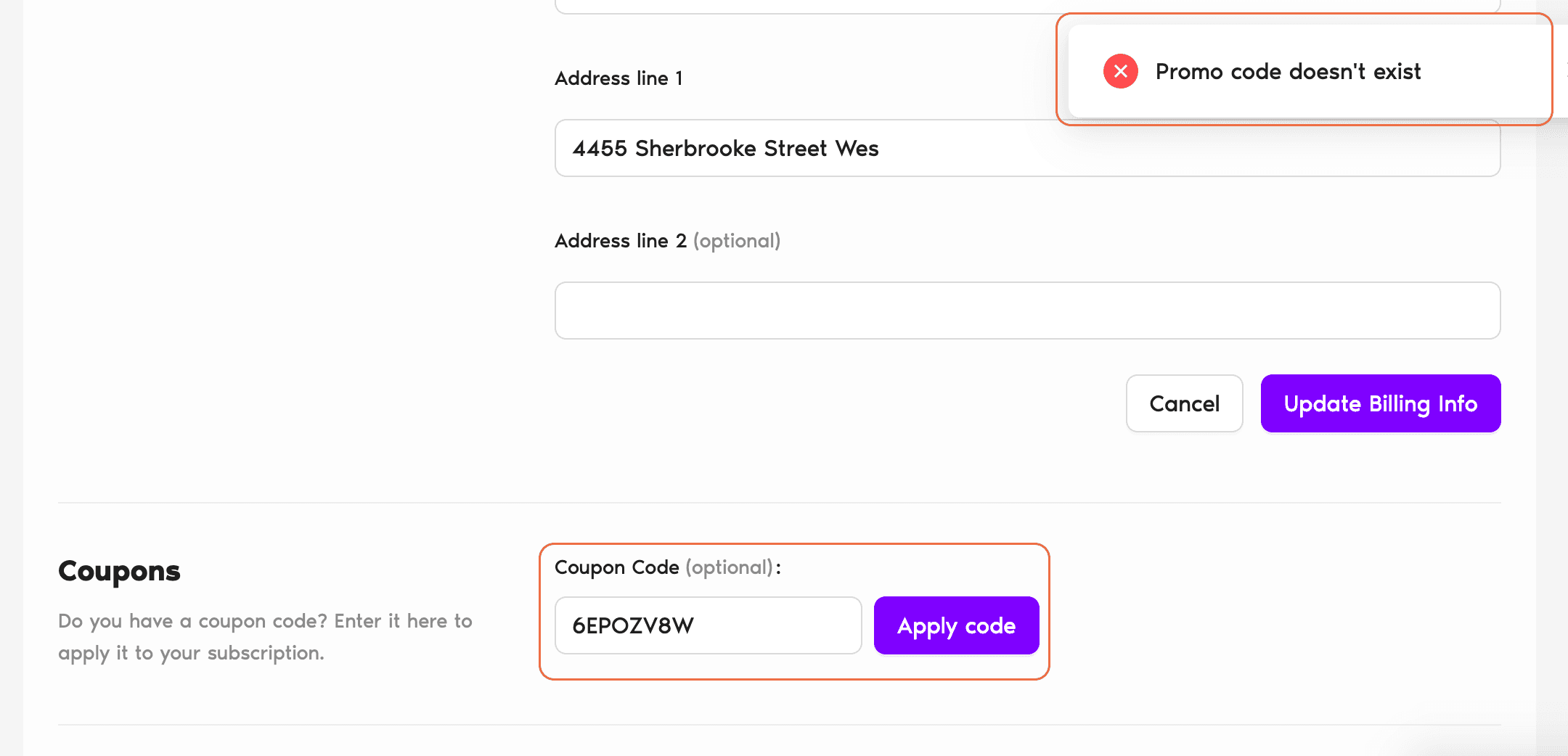
Applied a Vacation Tracker coupon and hit an error? Before you reach out to Support, there are a handful of common causes worth checking first — most of them you can fix in 30 seconds.
Before You Contact Support, Check These
- Spelling. It's easy to misread an O for a 0 or an I for a 1. Copy-paste the code straight from the source instead of typing it manually.
- Caps Lock. Coupon codes are case sensitive. If Caps Lock was on (or off) when you typed it, that alone can make the code fail.
- Expiration. Every coupon has a validity window. If the code has expired, it can't be reactivated — you'd need a fresh one.
- Usage limits. Some codes can only be used a set number of times. If a shared code has already been redeemed up to its cap, new uses will be rejected.
- Who issued it. Make sure the code was actually issued by Vacation Tracker. Codes from third-party partner newsletters or unofficial sources won't work on our billing page.
Tip
When pasting a code, select just the code itself — trailing spaces from a copy-paste can sometimes cause the system to read it as a different string. If in doubt, retype it manually with Caps Lock off.Still Not Working?
If everything above checks out and the code still fails, reach out and we'll sort it. Include the exact code you're trying, a screenshot of the error, and your account email — it helps us diagnose faster.
Contact Support
Email us at hello@vacationtracker.io, or start a live chat from the app. Our team is available Monday to Friday, 9:00 AM to 5:00 PM EST. Book a Call