
Last updated on June 10, 2025
How Can I Add Employee IDs Into Vacation Tracker?
Vacation Tracker Admins — looking for a way to update your employees' IDs into Vacation Tracker? You can do this quickly and easily for individual users. Adding Employee IDs helps keep Vacation Tracker consistent with your external payroll system.
Who can see it
The Employee ID field will be visible to your users as well as their Approvers.Steps
- Log in to your online dashboard at app.vacationtracker.io/signin.
- On the left-hand side, select the Users tab.
- Select the user you'd like to update.
- Click the Edit option on the User Profile section.
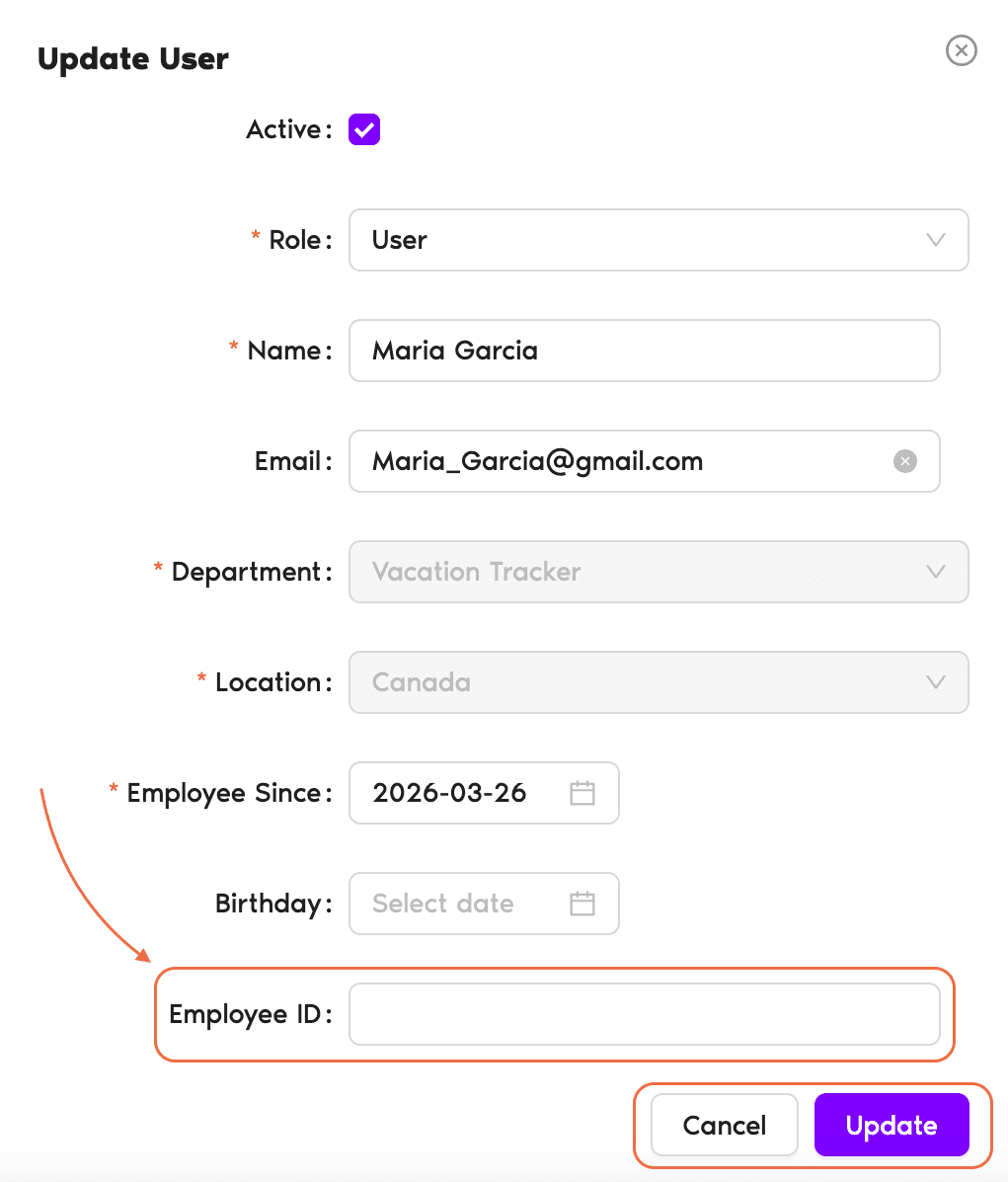
- Manually enter the ID in the Employee ID field.
- Click Update to save the changes.
Reports too
Employee IDs also populate on the Leave Request Report when you export it from Reports.Another way to categorize Users
If you'd like another way to categorize your users, try the Labels feature. See How Can I Categorize Users (Adding Labels)? Book a Call