
Last updated on February 18, 2026
How to Adjust a User's Workday Length
Customize the length of an employee's workday — set per-user, from the user's profile (not from the Location). Useful when a particular employee works shorter or longer days than the rest of their Location.
Complete plan onlyComplete
This feature is only available on our Complete plan.Steps
- Log in to your Vacation Tracker account from app.vacationtracker.io/signin.
- Go to the Users section in the left-hand menu, then use the search bar to find the user whose workday length you'd like to adjust.
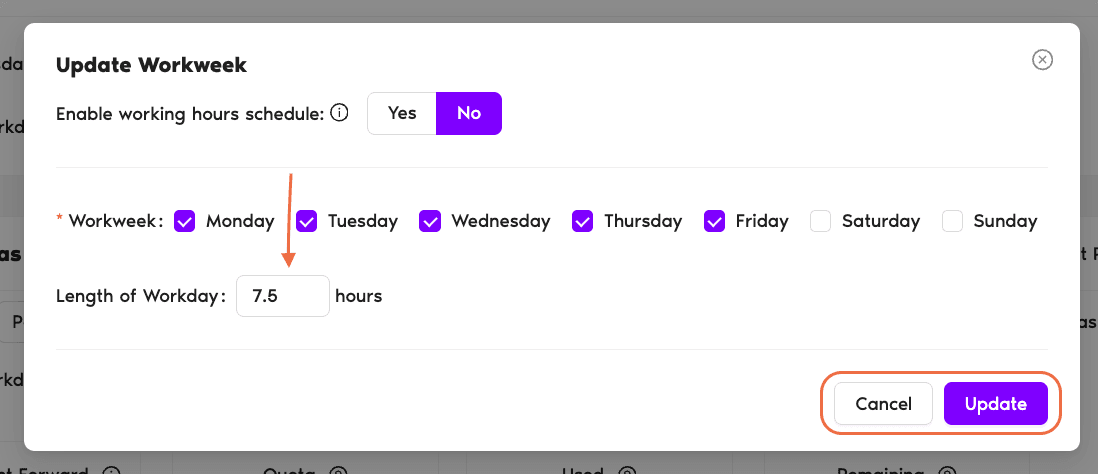
- Scroll to Working Days under the profile and click Edit. A small screen will pop up where you can adjust the Length of Workdays. In the example, we chose 7.5h instead of 8h (the default Length of Workday at Vacation Tracker).
- Click Update.
Half-day leaves currently 8h-only
At the moment, only Users with an 8h Length of Workday will be able to request half-day leaves. This feature will be improved soon. Book a Call